> ## Documentation Index
> Fetch the complete documentation index at: https://docs.frankieone.com/llms.txt
> Use this file to discover all available pages before exploring further.
# Custom views
The FrankieOne Portal provides you with an option to create custom views based on Entities table filters to tailor the data display to specific criteria that are relevant to your tasks or analysis.
### Video Guide
## Features
The FrankieOne Portal custom views let you:
* Create up to five (5) custom views using the Entities table filters to tailor data display to the criteria relevant to your tasks or analysis.
* View all custom views in the menu sidebar.
* Edit custom views to refine results and ensure relevance.
* Delete unused custom views to keep your navigation organized.
 ## Create a new custom view
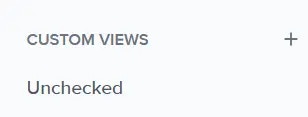
You can see the list of custom views and create new ones from the menu sidebar.
To create a new view, select the plus \[+] icon beside the Custom Views list on the sidebar.
## Create a new custom view
You can see the list of custom views and create new ones from the menu sidebar.
To create a new view, select the plus \[+] icon beside the Custom Views list on the sidebar.
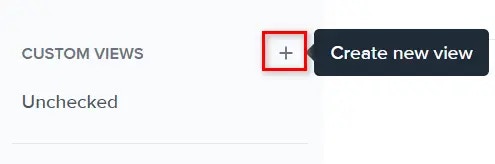 The **Select filters to create a new custom view** appears. From here you can select the filters to apply to the custom view.
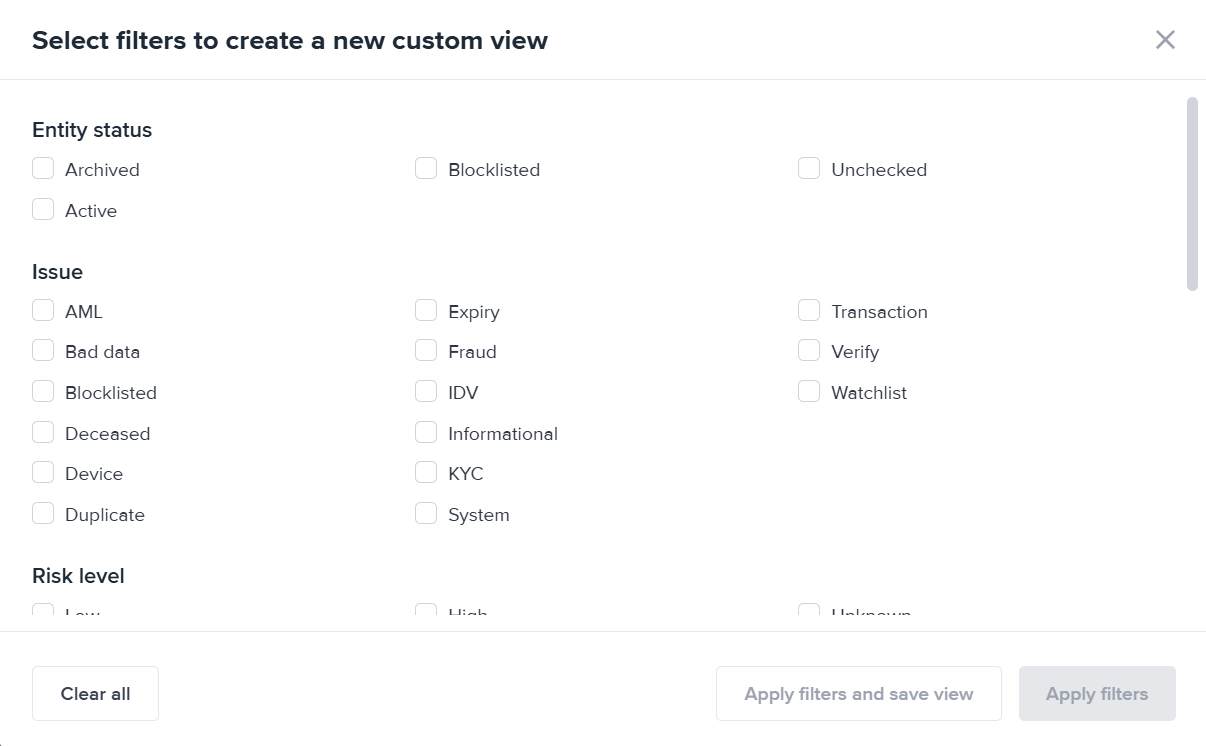 Select the filters you prefer and click **Apply filters**. This will apply the selected filters and display the results. This won't save the custom view.
To save this set of filters and display the results after, select **Apply filters and save view**.
If you selected to apply the filters without saving it first, the results will be displayed in the Entities table.
You can further refine your view by choosing the appropriate filters from the **Filters** menu.
## Save a custom view
Once you're satisfied with the filter combinations, select the **Save view** button on the right-side of the Entities page. The **Save view** modal will open.
Enter the name of the custom view. Please note that there is a 24-character limit to the names.
Select the filters you prefer and click **Apply filters**. This will apply the selected filters and display the results. This won't save the custom view.
To save this set of filters and display the results after, select **Apply filters and save view**.
If you selected to apply the filters without saving it first, the results will be displayed in the Entities table.
You can further refine your view by choosing the appropriate filters from the **Filters** menu.
## Save a custom view
Once you're satisfied with the filter combinations, select the **Save view** button on the right-side of the Entities page. The **Save view** modal will open.
Enter the name of the custom view. Please note that there is a 24-character limit to the names.
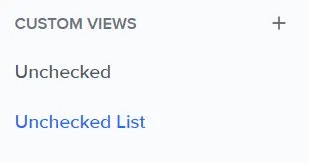
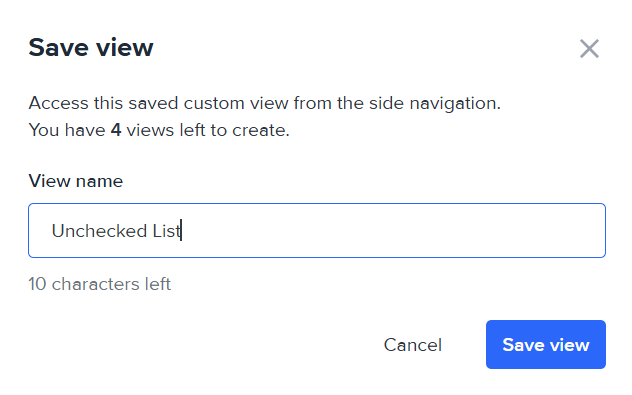 The new custom view will be added to the sidebar.
 ## Edit a custom view
You can still refine a custom view.
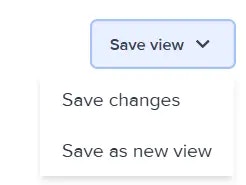
Select it from the sidebar and edit the filters. Once you're satisfied, select the **Save view** menu. From there, select to either **save the changes**, or **save the refine filter selection as a new view**.
## Edit a custom view
You can still refine a custom view.
Select it from the sidebar and edit the filters. Once you're satisfied, select the **Save view** menu. From there, select to either **save the changes**, or **save the refine filter selection as a new view**.
 ## Delete a custom view
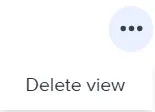
To delete a custom view, select it from the sidebar. Then, select **Delete view** from the 3-dot menu on the right-side of the view.
## Delete a custom view
To delete a custom view, select it from the sidebar. Then, select **Delete view** from the 3-dot menu on the right-side of the view.
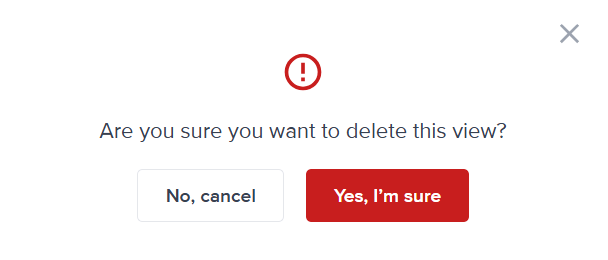
 Select the **Yes, I'm sure** button if you're certain about deleting the view. Otherwise, select **No, cancel**.