> ## Documentation Index
> Fetch the complete documentation index at: https://docs.frankieone.com/llms.txt
> Use this file to discover all available pages before exploring further.
# Start
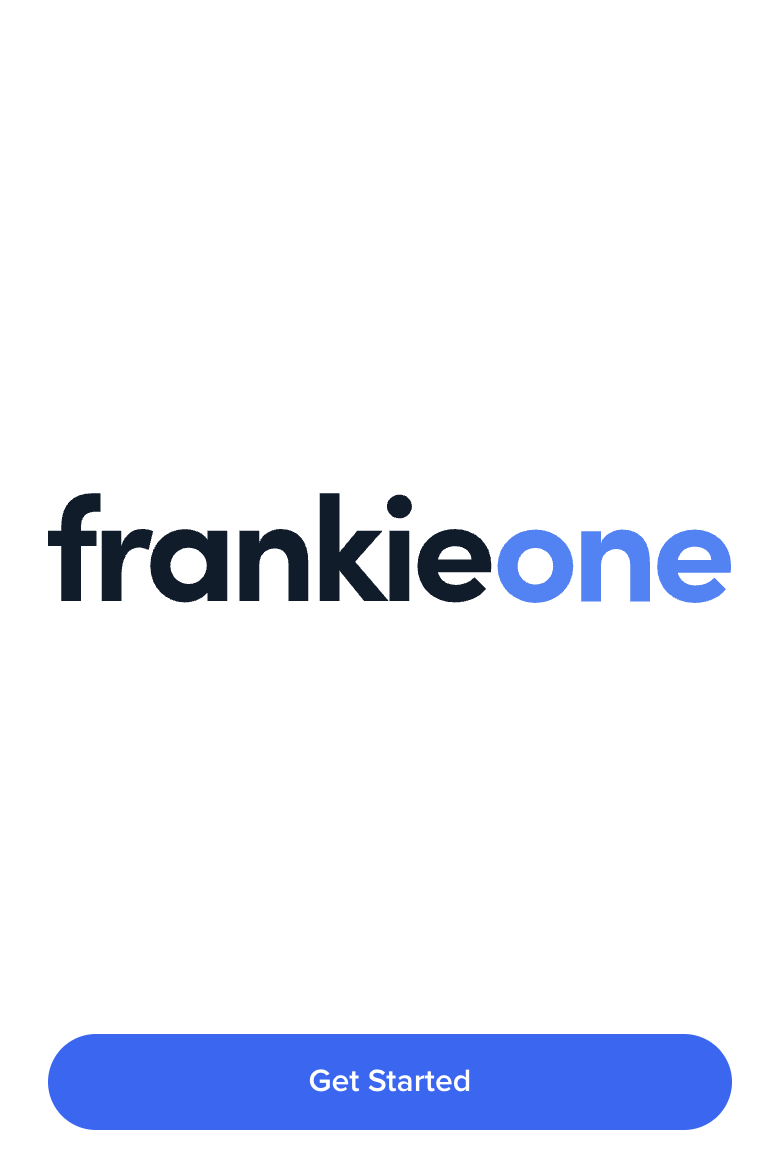
> The Start screen shows the logo of your organization.
 ## Quick Implementation
```html title="index.html" theme={null}
```
```javascript title="start.js" theme={null}
const start = oneSdk.component("form", {
name: "START",
type: "manual",
});
start.mount("#form");
```
## Event Handling
| Event Name | Triggered When |
| ------------------- | ------------------------------ |
| `form:start:loaded` | Screen is successfully mounted |
| `form:start:ready` | User clicks the start button |
| `form:start:failed` | Screen encounters an error |
```javascript theme={null}
// Listen for successful screen mount
start.on('form:start:loaded', () => {
console.log('Start screen ready');
});
// Handle user clicking start
start.on('form:start:ready', () => {
// Load the next screen (e.g., consent form)
consent.mount("#form");
});
// Handle errors
start.on('form:start:failed', (error) => {
console.error('Start screen error:', error);
});
```
## Screen Customization
```javascript theme={null}
const start = oneSdk.component('form', {
name: "START", // Set the screen name identifier
type: "manual", // Set form type to manual input
logo: { // Configure the title section
src: "./assets/logo.png"
},
});
```
## Customization Options
```javascript theme={null}
cta: {
label: 'Continue',
style: {
'ff-button': {
backgroundColor: '#2563eb',
color: '#ffffff',
borderRadius: '4px',
padding: '12px 24px'
}
}
}
```
```javascript theme={null}
logo: {
src: './assets/logo.png'
},
style: {
'ff-logo': {
'width': '50px'
}
}
```
## Quick Implementation
```html title="index.html" theme={null}
```
```javascript title="start.js" theme={null}
const start = oneSdk.component("form", {
name: "START",
type: "manual",
});
start.mount("#form");
```
## Event Handling
| Event Name | Triggered When |
| ------------------- | ------------------------------ |
| `form:start:loaded` | Screen is successfully mounted |
| `form:start:ready` | User clicks the start button |
| `form:start:failed` | Screen encounters an error |
```javascript theme={null}
// Listen for successful screen mount
start.on('form:start:loaded', () => {
console.log('Start screen ready');
});
// Handle user clicking start
start.on('form:start:ready', () => {
// Load the next screen (e.g., consent form)
consent.mount("#form");
});
// Handle errors
start.on('form:start:failed', (error) => {
console.error('Start screen error:', error);
});
```
## Screen Customization
```javascript theme={null}
const start = oneSdk.component('form', {
name: "START", // Set the screen name identifier
type: "manual", // Set form type to manual input
logo: { // Configure the title section
src: "./assets/logo.png"
},
});
```
## Customization Options
```javascript theme={null}
cta: {
label: 'Continue',
style: {
'ff-button': {
backgroundColor: '#2563eb',
color: '#ffffff',
borderRadius: '4px',
padding: '12px 24px'
}
}
}
```
```javascript theme={null}
logo: {
src: './assets/logo.png'
},
style: {
'ff-logo': {
'width': '50px'
}
}
```