> ## Documentation Index
> Fetch the complete documentation index at: https://docs.frankieone.com/llms.txt
> Use this file to discover all available pages before exploring further.
# AI Insights - Issue Summary (BETA)
> Automatically generate summaries that highlight key reasons an entity has been flagged, providing operators with a clear understanding of the situation.
## Video Guide
## Introduction
AI Insights - Issue Summary (BETA) explains why an entity has been flagged and suggests what actions you should take next.
It generates a concise summary of the main risk factors and recommended steps, helping you to resolve alerts quickly, maintain compliance, and reduce manual reviews. This AI-powered feature **analyses** an entity’s audit events to give you a clear, easy-to-understand explanation of why it has failed or requires attention. You can quickly grasp complex issues without reviewing lengthy audit logs
## Key Features
Receive a plain-language summary highlighting critical risk signals and reasons for failure.
Get recommended next steps, such as requesting new documents or contacting the customer.
Each summary trigger is recorded in FrankieOne Audit Logs for a complete compliance trail.
Download the summary as a PDF to share with regulators or internal teams.
## User Interface
 ### Accessing the Feature
When enabled, the **Issue Summary** section appears in the Overview tab of an entity, showing a clear summary of flagged issues.
A **Generate summary** button is available. Select it to create the Issue Summary.
If this feature is disabled for your account, the section will not be visible.
##### Reminders
* If a summary was previously generated and no new events or actions have occurred, the summary will be generated quickly.
* If there are new changes to the entity, the system will re-generate the summary based on the latest information.
### Generating a Summary
Select the **Generate summary** button to start. The screen will show a loading state while the system analyzes audit events and creates the summary.
### Accessing the Feature
When enabled, the **Issue Summary** section appears in the Overview tab of an entity, showing a clear summary of flagged issues.
A **Generate summary** button is available. Select it to create the Issue Summary.
If this feature is disabled for your account, the section will not be visible.
##### Reminders
* If a summary was previously generated and no new events or actions have occurred, the summary will be generated quickly.
* If there are new changes to the entity, the system will re-generate the summary based on the latest information.
### Generating a Summary
Select the **Generate summary** button to start. The screen will show a loading state while the system analyzes audit events and creates the summary.
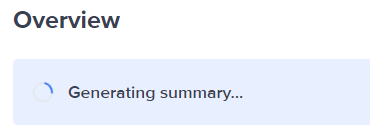
A notification will appear when the summary is ready.

##### Disclaimer
This AI-generated summary is based solely on audit log data and does not include any personally identifiable information (PII). It is designed to highlight relevant information quickly, but it is not a recommendation or risk decision. Accuracy may vary. All final decisions remain your responsibility — please review the full entity details before taking action.
This feature is experimental, and will not use your data to train AI models. To opt out, please contact support.
### Understanding the Summary
**Last update** : Located at the top-right corner of the issue summary section, this shows when the summary was last generated.
 **Summary content** : Provides a clear explanation of entity issues
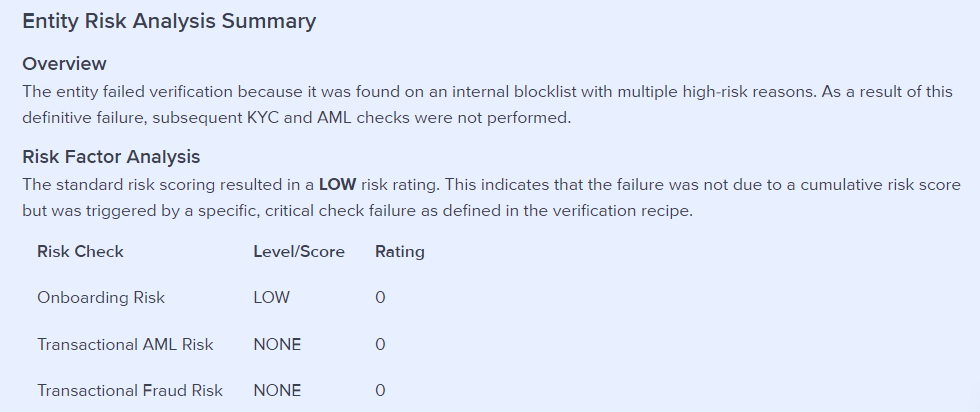 The summary includes:
* **Overview** : A brief one or two line summary of the failure.
* **Risk Factor Analysis** : Provides context on key risk factors that contributed to the failure.
* **Reasons for Failure** : Detailed explanations of specific audit events that led to the entity being flagged.
* **Recommendations** : Suggested next steps to resolve the issues, such as requesting new documents or contacting the customer.
### Helpful Actions
**Learn more**
Need more help? Select “**Learn more** ” for additional information about this feature.
The summary includes:
* **Overview** : A brief one or two line summary of the failure.
* **Risk Factor Analysis** : Provides context on key risk factors that contributed to the failure.
* **Reasons for Failure** : Detailed explanations of specific audit events that led to the entity being flagged.
* **Recommendations** : Suggested next steps to resolve the issues, such as requesting new documents or contacting the customer.
### Helpful Actions
**Learn more**
Need more help? Select “**Learn more** ” for additional information about this feature.
 **Download Report**
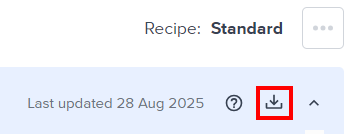
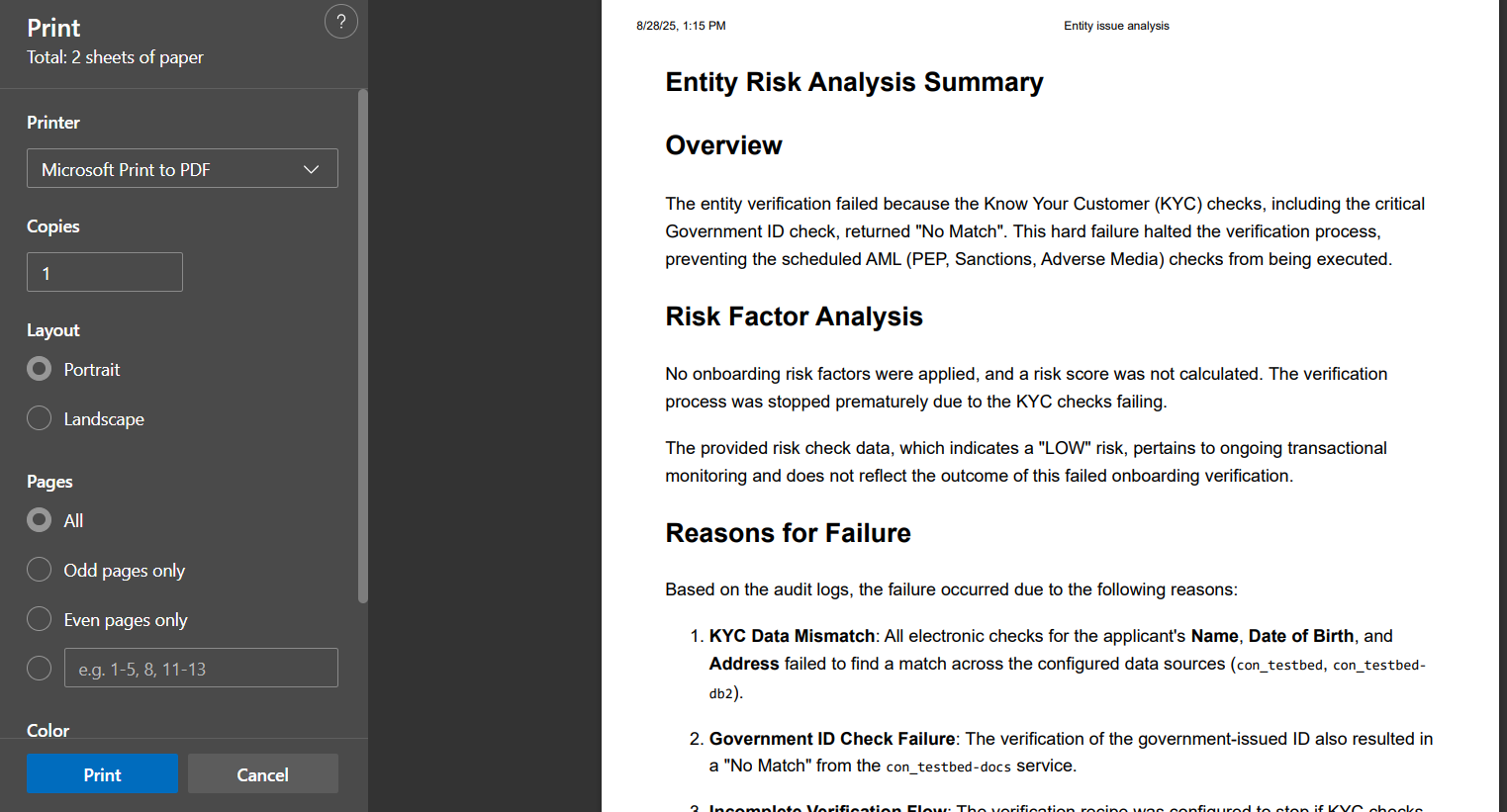
Located at the top-right corner of the issue summary section, Select the Download report button to save the Issue Summary as a PDF for your records or sharing.
**Download Report**
Located at the top-right corner of the issue summary section, Select the Download report button to save the Issue Summary as a PDF for your records or sharing.
 **Expand/Collapse**
Located at the top-right corner of the issue summary section, use the expand/collapse controls to manage how much of the summary is displayed on your screen.
### Give Us Your Feedback
Your input helps us improve! At the bottom of each summary:
* Select 👍 if the summary was helpful.
* Select 👎 if the summary wasn’t helpful.
* Select **Give feedback** via a survey to provide more detailed comments.
**Expand/Collapse**
Located at the top-right corner of the issue summary section, use the expand/collapse controls to manage how much of the summary is displayed on your screen.
### Give Us Your Feedback
Your input helps us improve! At the bottom of each summary:
* Select 👍 if the summary was helpful.
* Select 👎 if the summary wasn’t helpful.
* Select **Give feedback** via a survey to provide more detailed comments.

### Audit report
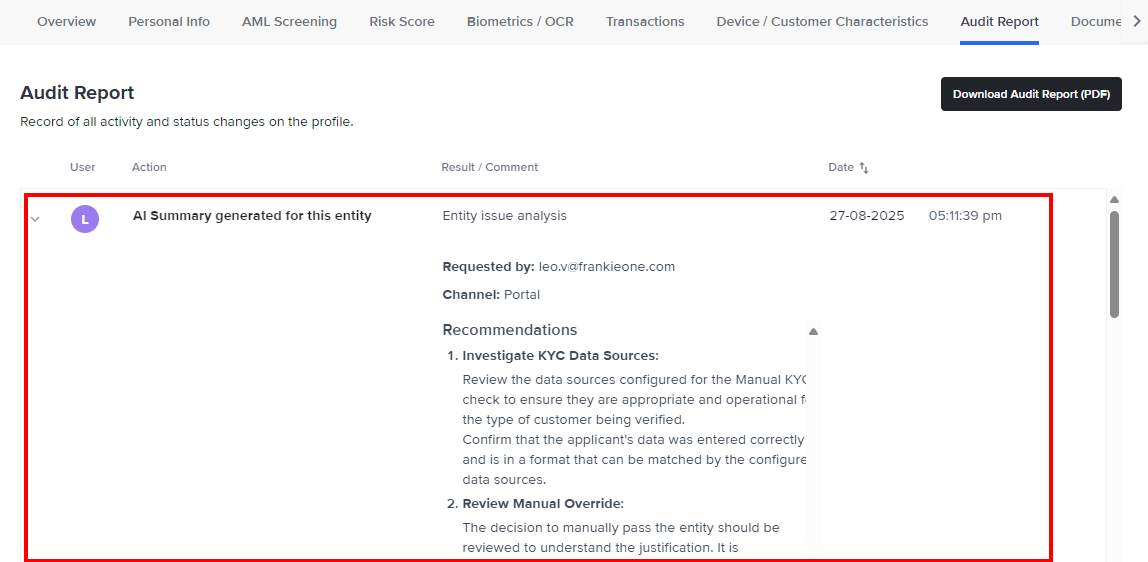
The audit report will indicate any requests to generate the issue summary as well as if it’s successfully generated or not.
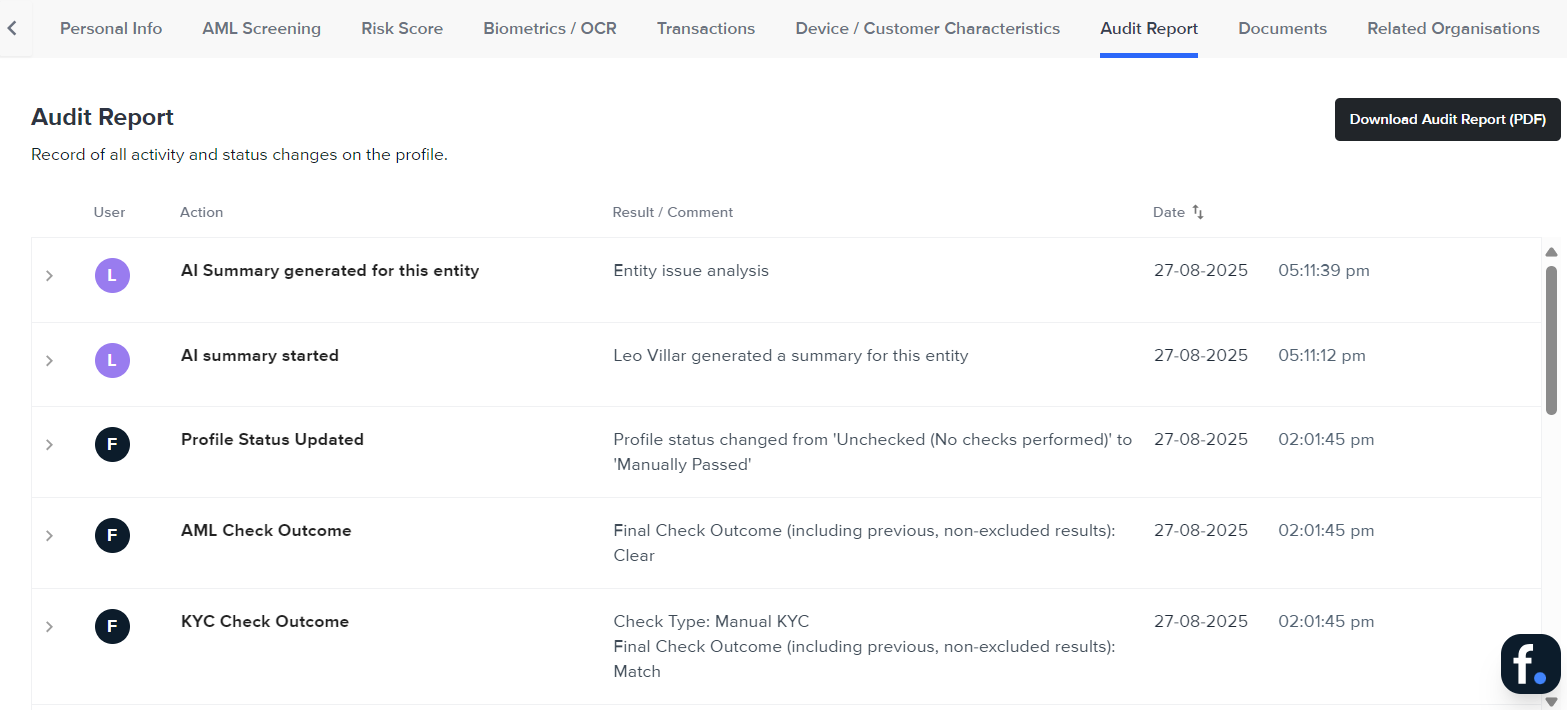 To see the generated summary, select the “AI Summary generated for this entity” row. It will expand and display the summary.