> ## Documentation Index
> Fetch the complete documentation index at: https://docs.frankieone.com/llms.txt
> Use this file to discover all available pages before exploring further.
# Risk Assessment
The FrankieOne Risk Assessment considers a set of criteria **(Risk Factors)** and uses a weighted scoring mechanism to determine the customer’s **Risk Level**.
A **Risk Assessment** is performed on every new customer profile and also at multiple stages throughout the check process. The **Risk Assessment** is updated as further information becomes available based on the result of each check.
A customer’s *Risk Level* can also determine what checks are required. Ie. A high-risk customer may require more checks to be completed than a low-risk customer.
The below table shows a basic example of the **Risk Level** changing based on the result of each check:
| **Check** | **Check Result** | **Resulting Risk Level** |
| ----------------------- | ---------------------------- | ------------------------ |
| Initial Risk Assessment | N/A | Low |
| Blocklist Check | No Matches Found | Low |
| KYC Check | Pass | Low |
| Pep/Sanctions Check | Fail - Potential Match Found | High |
## Risk Score and Risk Levels
The customer is assigned a **Risk Score** and a **Risk Level** based on the score.\
**Risk Scoring** is configured in your FrankieOne account and **Risk Levels** will be assigned based on that configuration.
The following table outlines the Risk Levels
| | |
| ------------ | ---------------------------------------------------------------------------------------------------------- |
| Low | Minimum level of checks required |
| Medium | Further checks may be required |
| High | Further checks may be required |
| Unacceptable | An unacceptable risk level will push the customer profile into a ‘Failed’ state with the ‘Score’ issue tag |
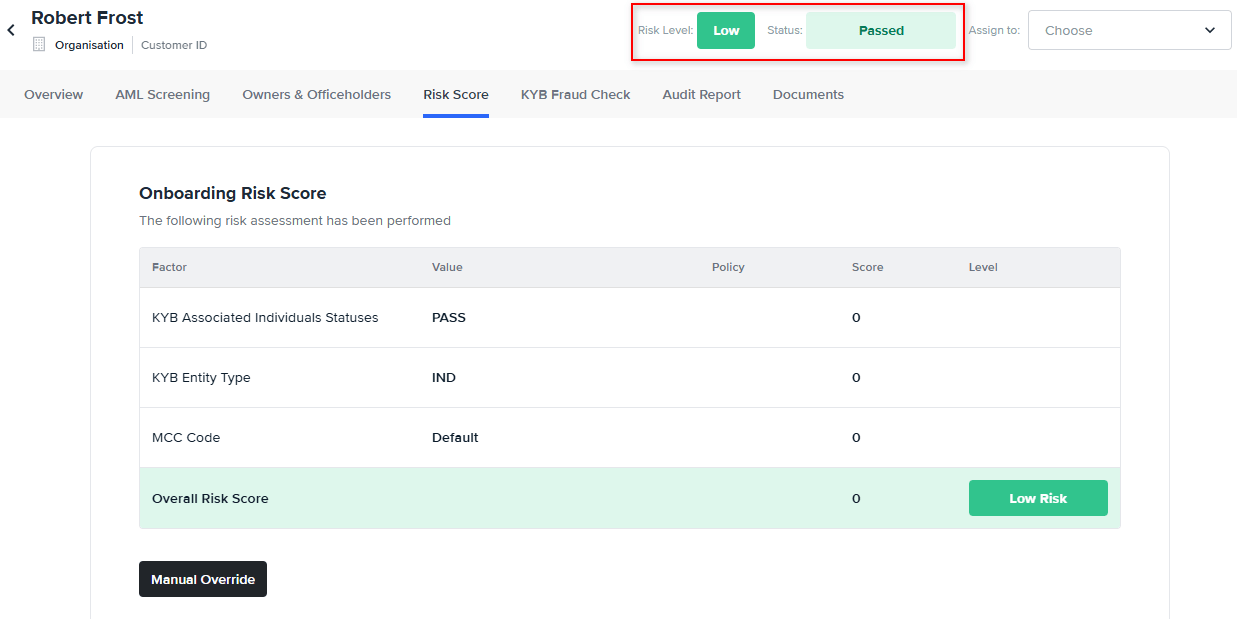
The customer’s overall **Risk Level** is found at the top of their profile:
 ## Risk Factors/Risk Scorecard
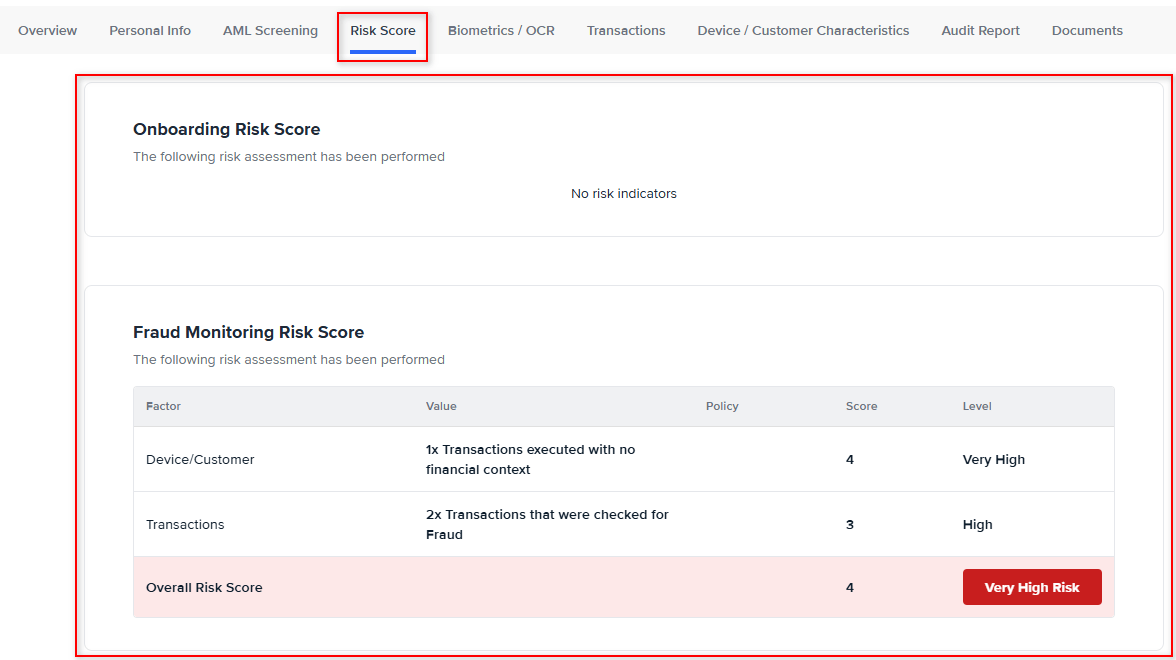
**Risk Factors** are the criteria through which **Risk Score** is determined.\
View the **Risk Factors** applied to a customer profile in the **Customer Score** tab.\
**Risk Factors** are configured in your FrankieOne account. If you’d like more information on how your **Risk Scorecard** is configured, speak to your account manager.
## Risk Factors/Risk Scorecard
**Risk Factors** are the criteria through which **Risk Score** is determined.\
View the **Risk Factors** applied to a customer profile in the **Customer Score** tab.\
**Risk Factors** are configured in your FrankieOne account. If you’d like more information on how your **Risk Scorecard** is configured, speak to your account manager.