

Subscription Required
Hosted OneSDK is available through a monthly subscription. Contact your customer success manager to get started. Our team will handle the setup process for you.Overview

Automatic Updates
Stay current with automatic security and compliance updates
Low-Code Solution
Minimize engineering effort and accelerate deployment
Multi-Platform
Single API for both web and mobile applications
Managed Service
FrankieOne handles hosting and maintenance
Key Benefits
Technical Benefits
Technical Benefits
- Unified API integration for web and mobile
- Managed hosting and maintenance
- Automatic feature updates
- Flexible deployment options (iFrame/WebView)
Business Benefits
Business Benefits
- Faster time to market
- Reduced development costs
- Enhanced security compliance
- Improved user onboarding experience
Implementation Guide
1
Generate Onboarding URL
Use the Hosted Onboarding API to create your URL.
Available Flow Types
Available Flow Types
- New Customer
- Existing Entity
SMS Delivery
Enable automatic SMS delivery by settingsendSMS: true and providing a
phoneNumber. Contact Technical Support to customize SMS content and URL
expiry.2
Configure Entity Profile (Optional)
Update the entity profile to specify verification requirements:
3
Implement URL Handling
- Android (Java)
- React Native
Portal Integration
The Portal provides additional capabilities for managing onboarding URLs and
document collection.
Sending Onboarding URLs
1
Access Entity Profile
Navigate to the entity profile page or create a new profile
2
Generate QR Code
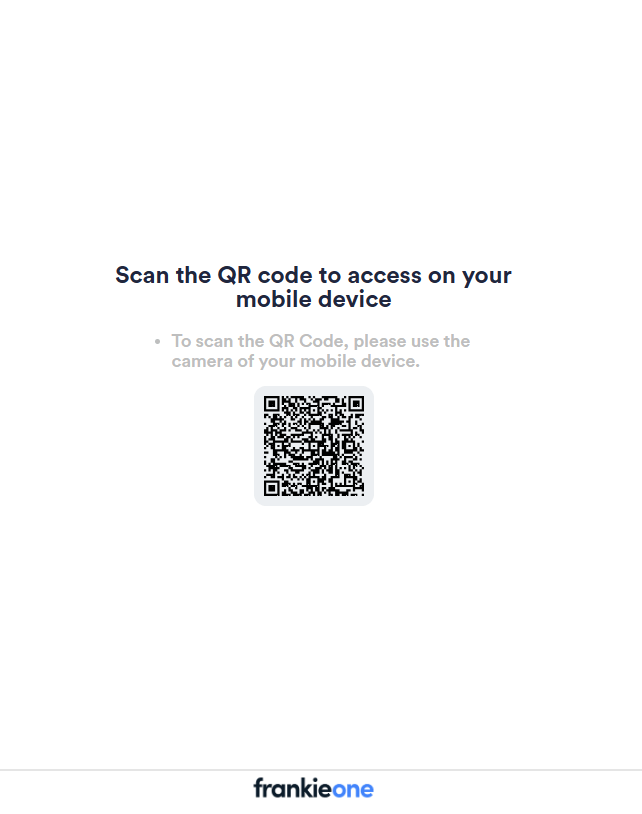
Mobile Access QR Code
3
Track Progress
Monitor profile updates as users complete onboarding
Document Collection
API Configuration
API Configuration
Production Endpoint:UAT Endpoint:Headers:
Document Request for Individual Entities
Document Request for Individual Entities
Individual Document Upload flow has 3 different document types:
- Required documents
requestedDocuments - Partial documents
partialDocuments, which can consists of multiple groups with configurable title and minimum required document per groups - Optional documents
optionalDocuments
Document Request for Business Entities
Document Request for Business Entities
Documents will appear in the “Supporting Documents” tab of the business
entity’s Portal profile once uploaded.