The FrankieOne Portal is your single point of truth for all individual and business identity verification, AML, and Fraud checks. Use the Portal to manage your onboarding and compliance operations, investigate fraud and risky behaviour, and convert high quality users. Once you implement FrankieOne, at the end of your customer’s onboarding or ongoing activity, your customer’s personal information will be sent to FrankieOne for us to assess their level of risk and perform a predefined sequence of checks (known as a “Recipe”) to return an overall status for that customer. You can use the FrankieOne Portal as a tool to check the status of customer’s checks, manually review high-risk or unclear customer profiles, or audit previous customer checks.

Logging in to the Portal

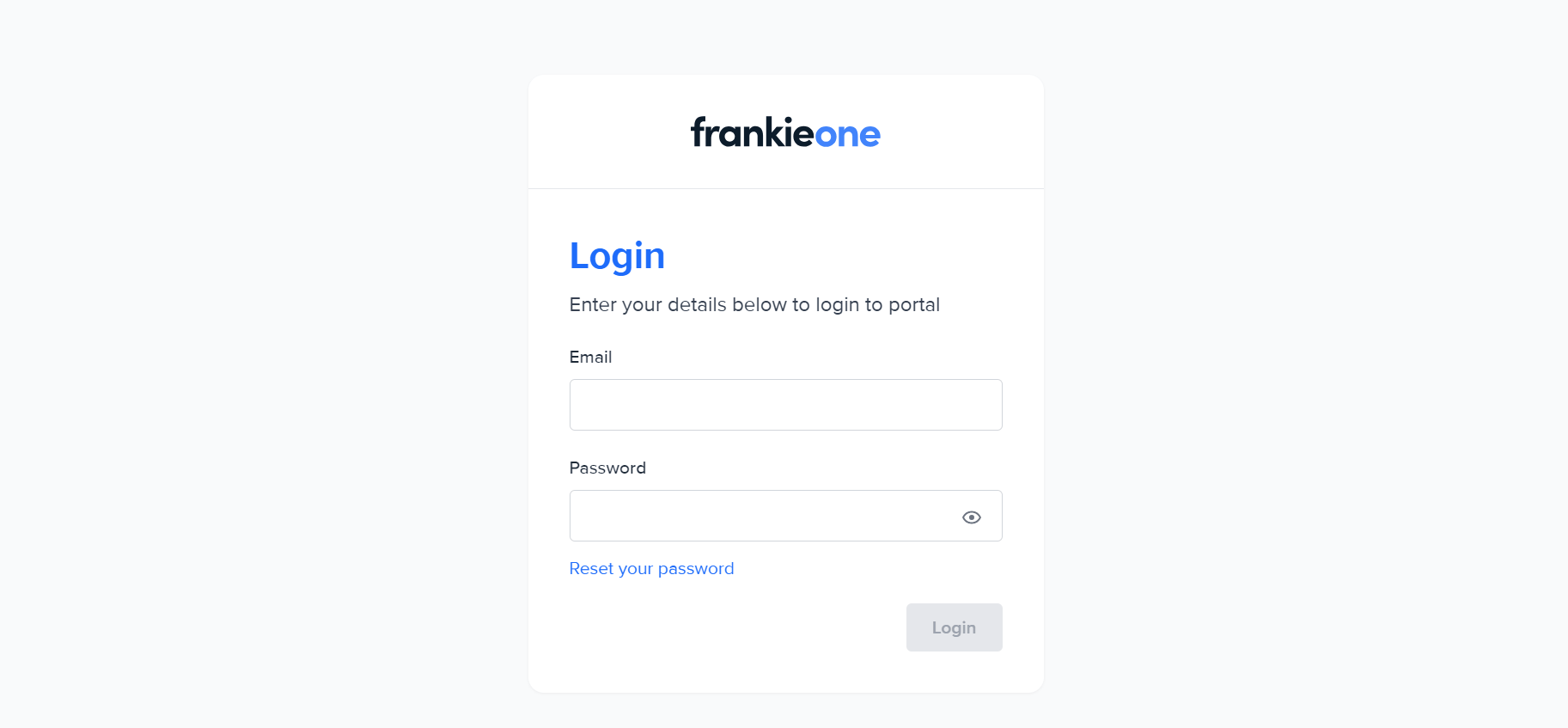
To log in to the FrankieOne Portal, please visit <https://portal.kycaml.frankiefinancial.io/login>. Enter your login credentials.
FrankieOne Portal login page.

Changing passwords

To change your password, go to your profile options and select Change Password.
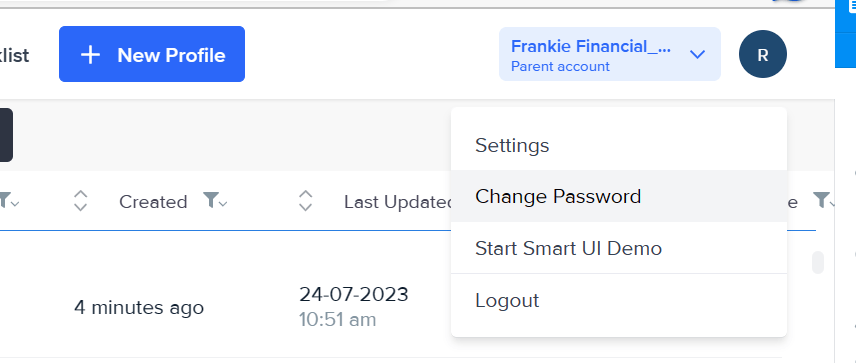
Admin profile options.
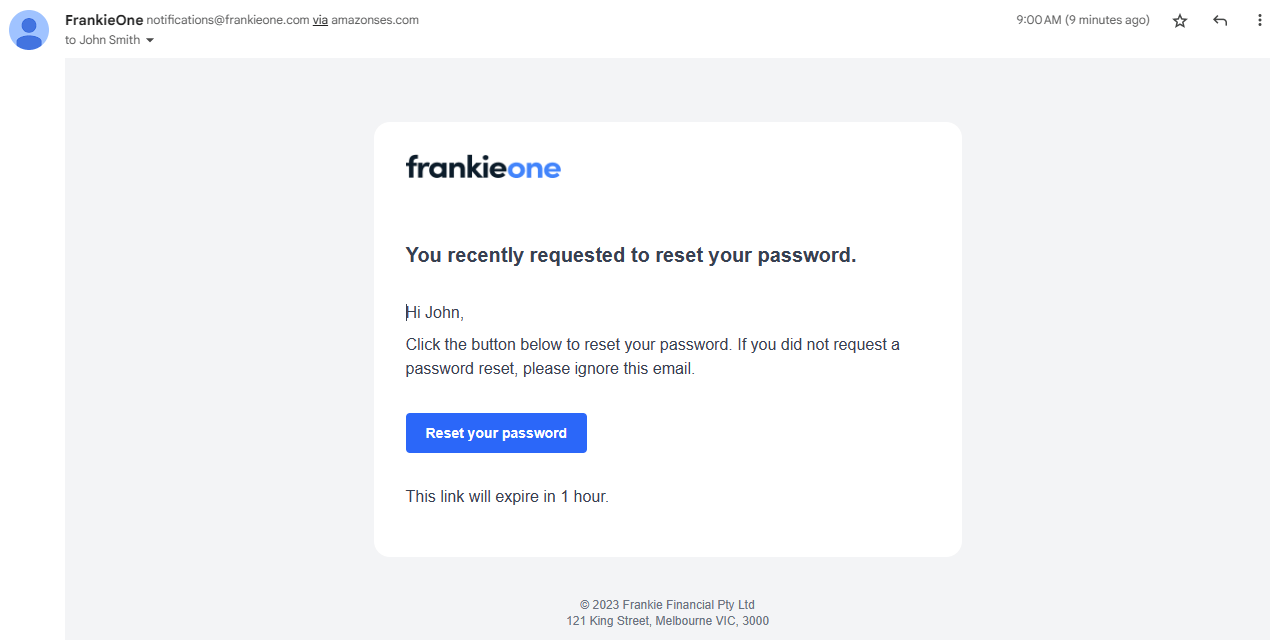
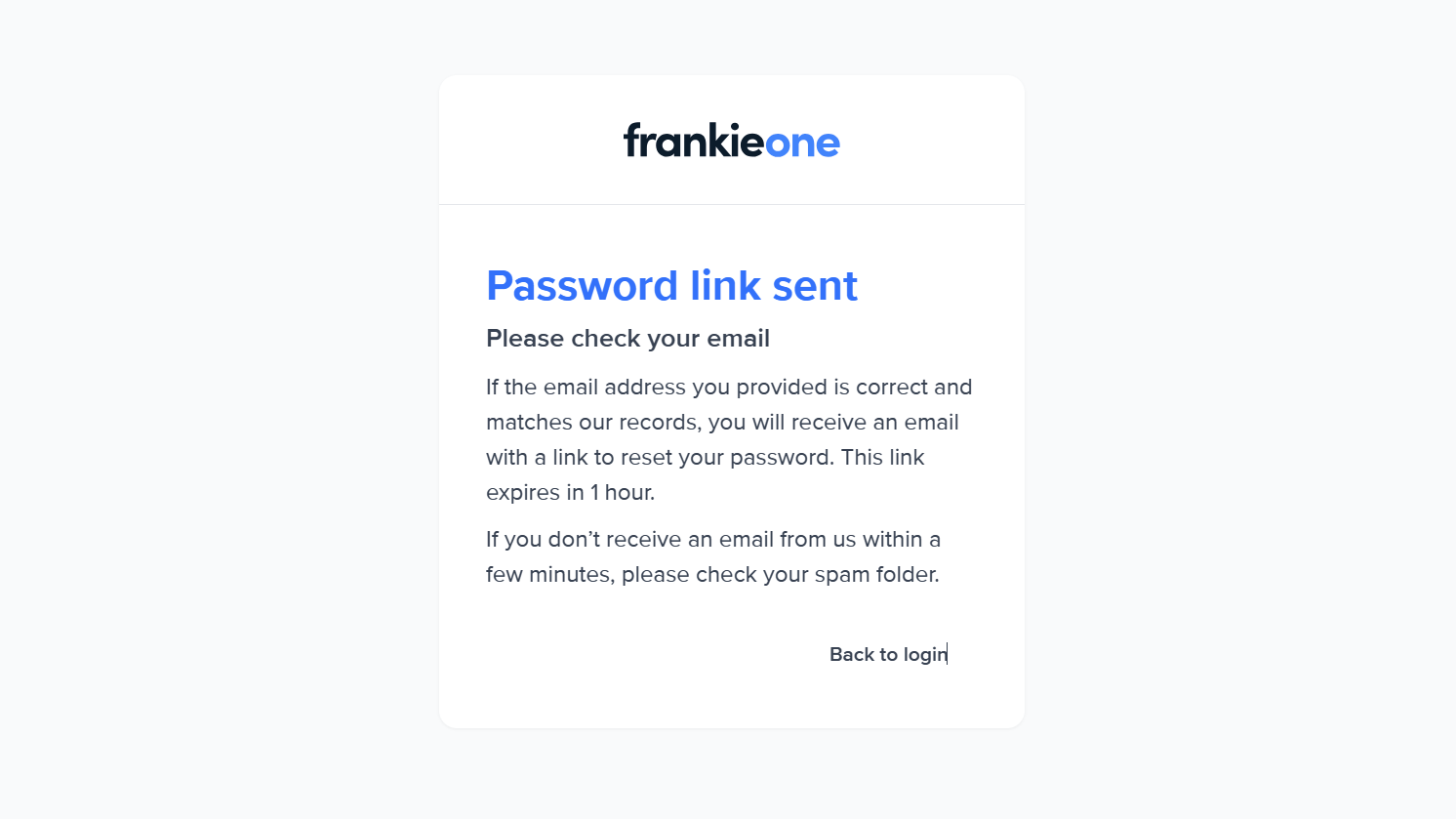
An email with the password reset link will be sent to your registered email address. The link will be valid for one (1) hour.
Password reset link sent confirmation.
If you don’t see it in inbox, please check your spam folder. If it still hasn’t arrived 10 minutes after you requested to change password, please try again.
Password reset link email.
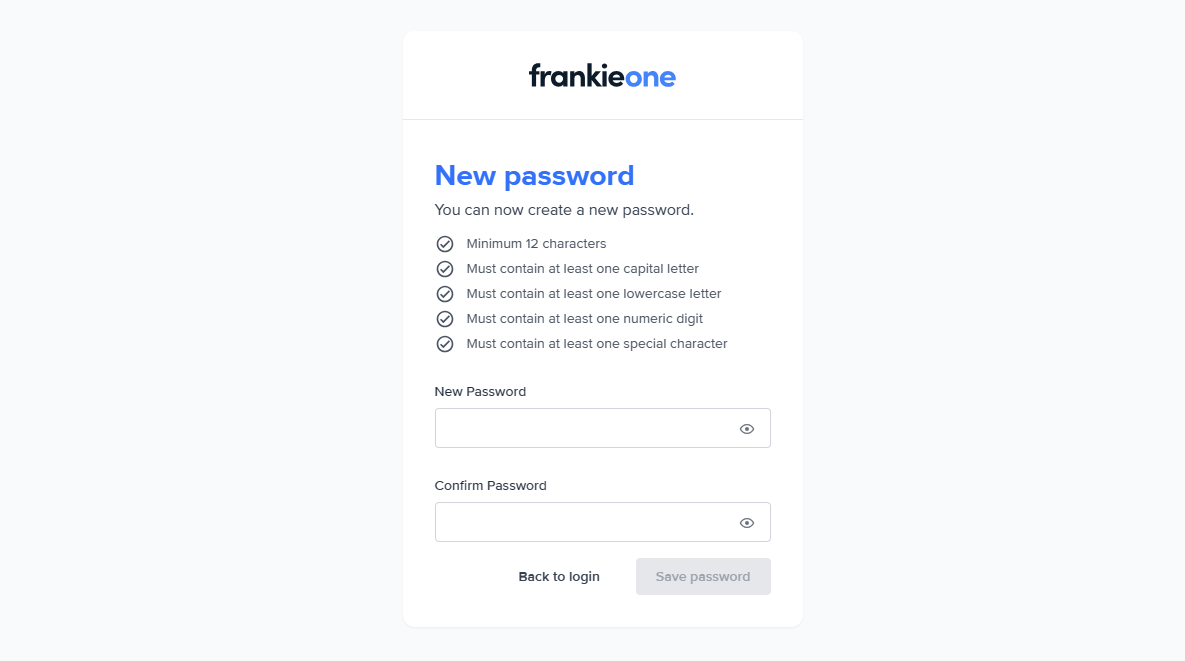
Visit the link provided and enter your new password.
New password entry page.
Make sure to meet all the password requirements listed on the page, otherwise you won’t be able to create a new password.
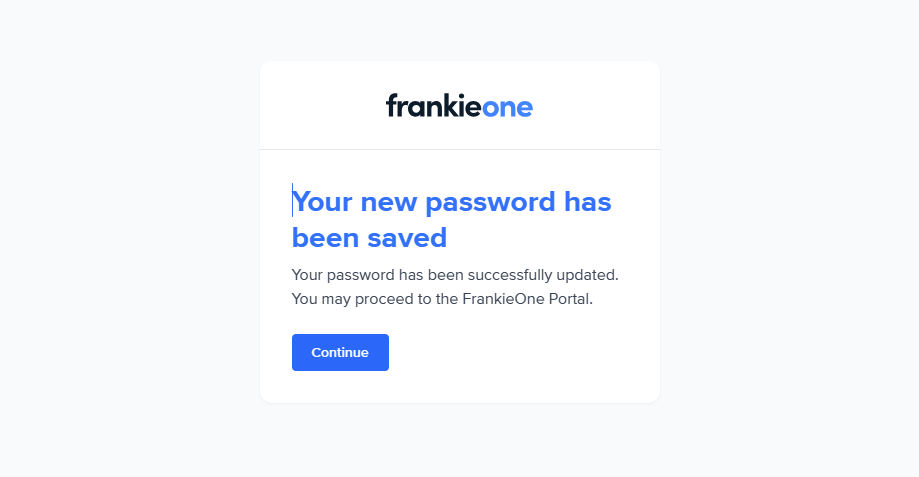
New password set confirmation.
A confirmation page will appear. Select Continue to login using your new password.

Resetting passwords

If you encounter any issue with logging into your account using your current password, you can reset it.
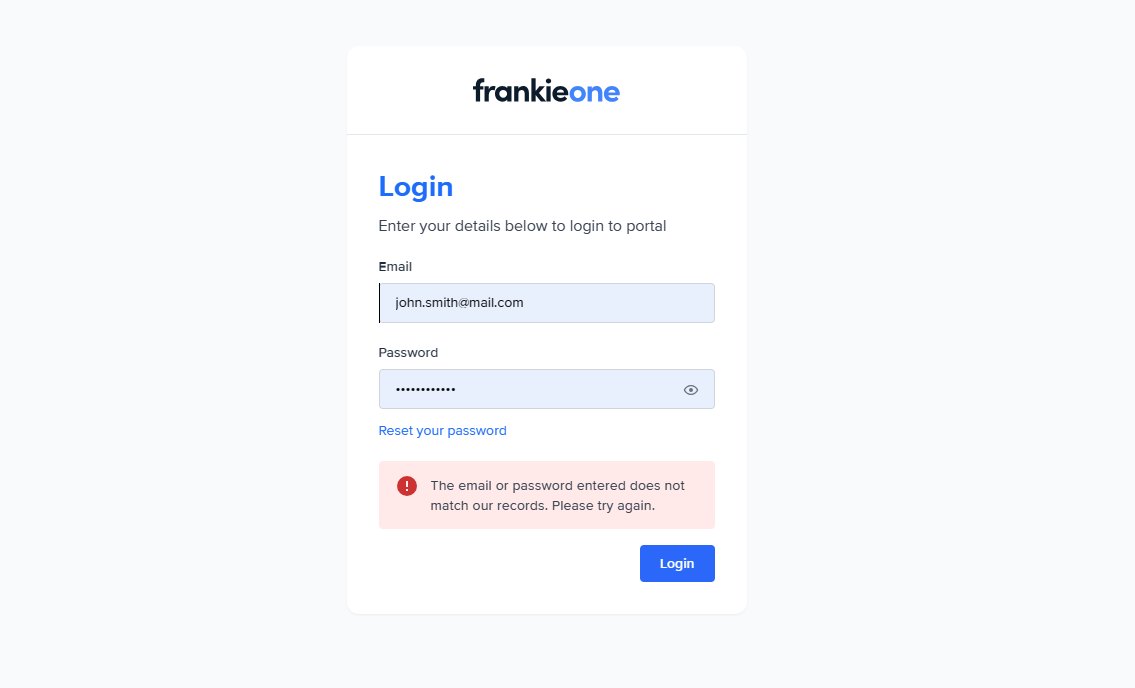
Reset password option on login page.
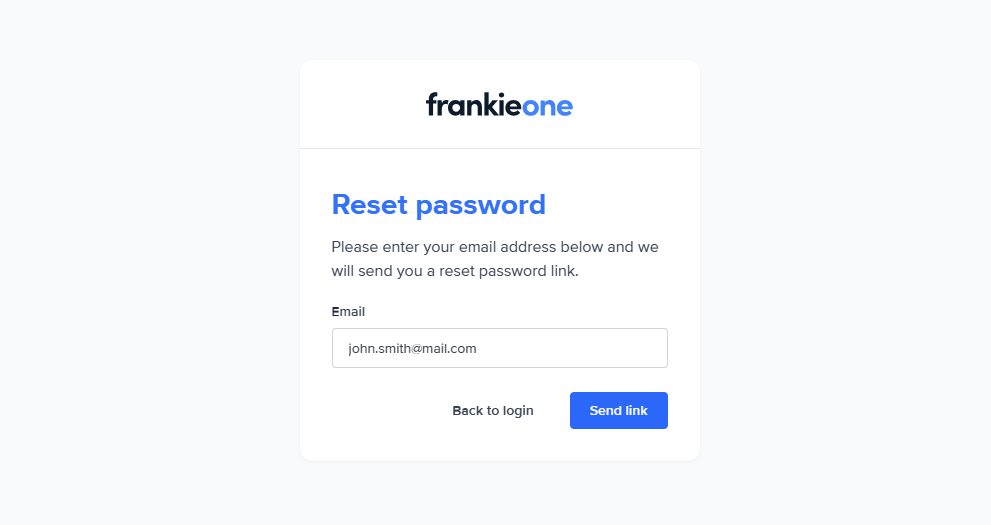
Select Reset your password to open the Reset password page. Enter your email address, if it’s not already filled in, then select Send link.
Reset password page.
Check your email inbox for the password reset link and complete the process of resetting and changing your password.

Unlocking accounts

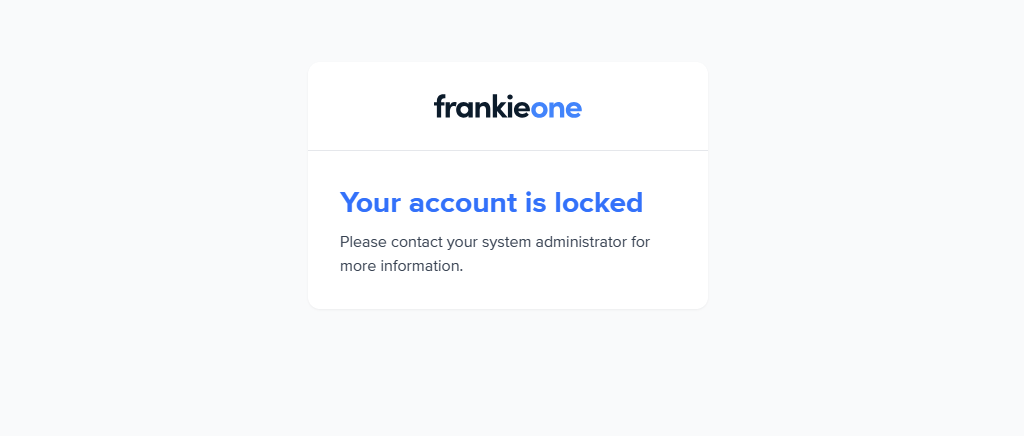
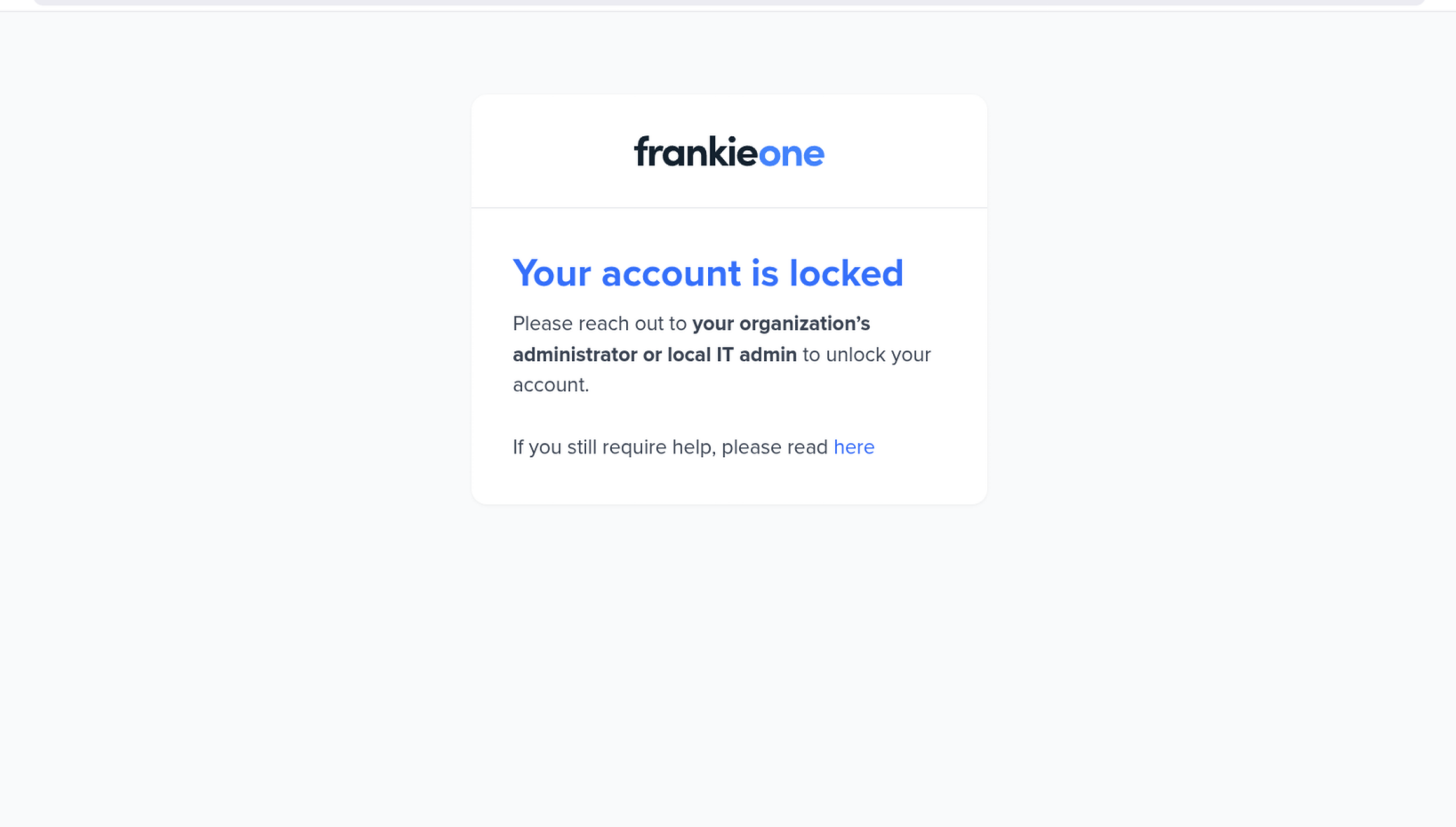
When you try to logging in unsuccessfully for five (5) consecutive times, your account will be locked out. When this happens, please contact your system administrator for more information.
Account lockout page.
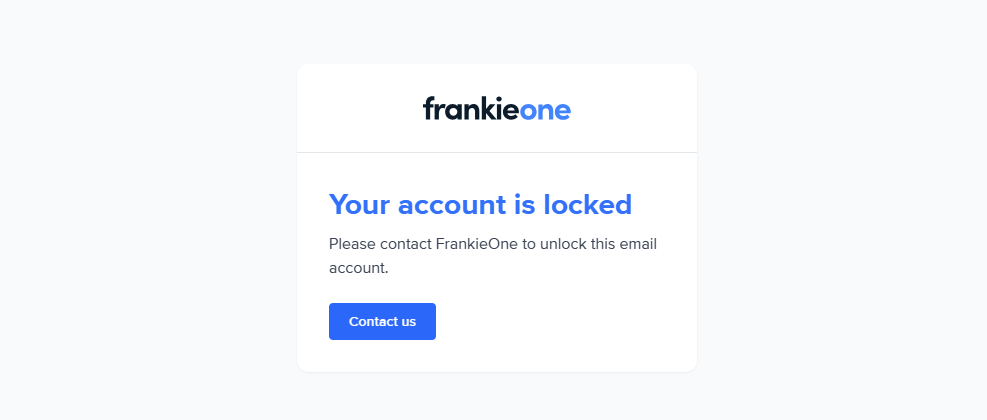
For system administrators who need assistance, please contact us.
Account lockout page for administrators.