Video Guide
Issue Types
If a new customer has a potential AML match, it will show as AML in the Entities list.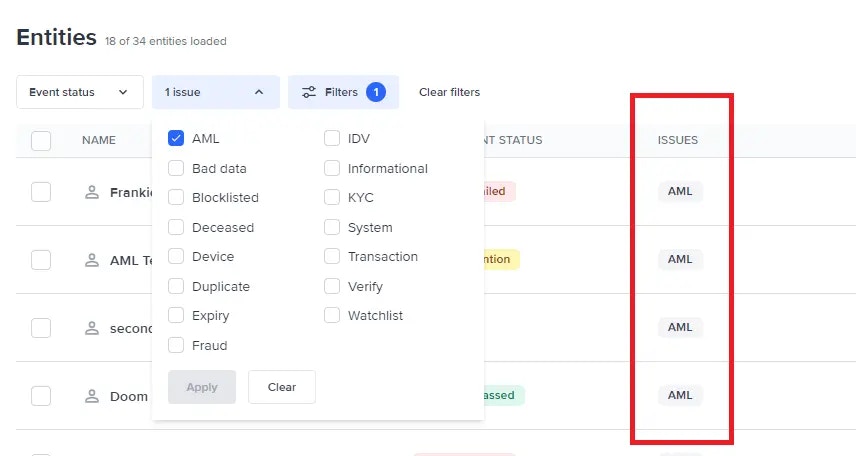
View potential AML matches
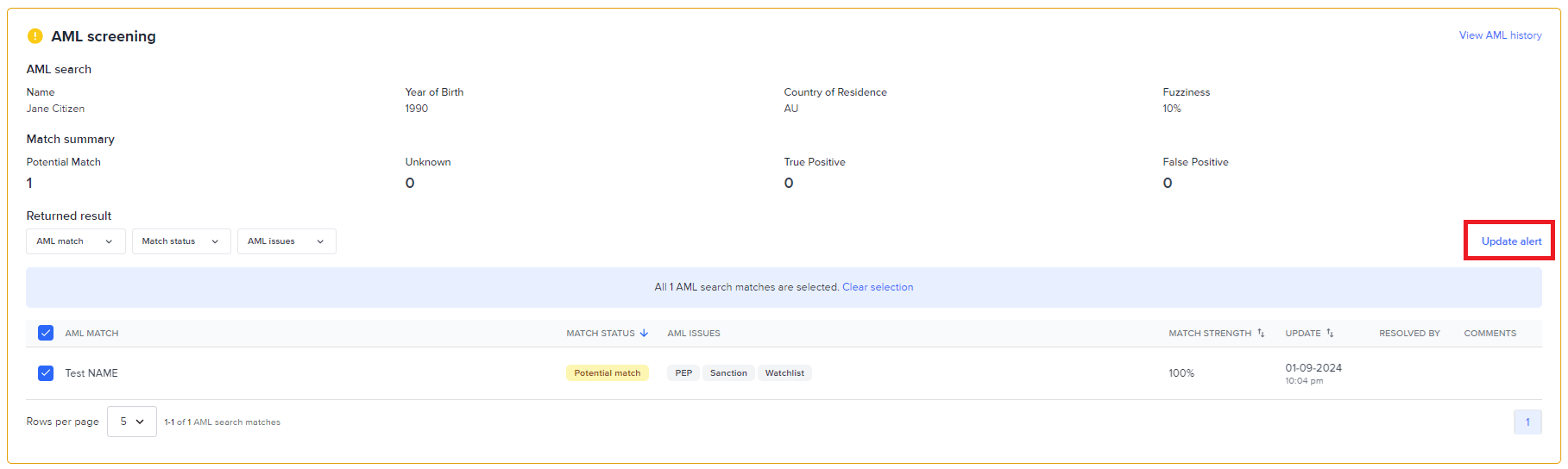
Navigate to the AML screening section within the Workflow events in the entity view by clicking the AML screening from the workflow summary. The entity’s overall workflow status will be Needs attention as there are potential AML matches found.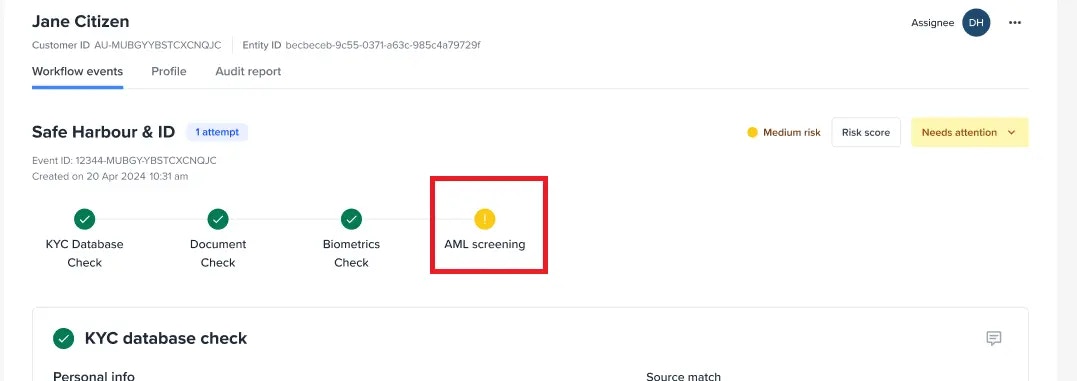
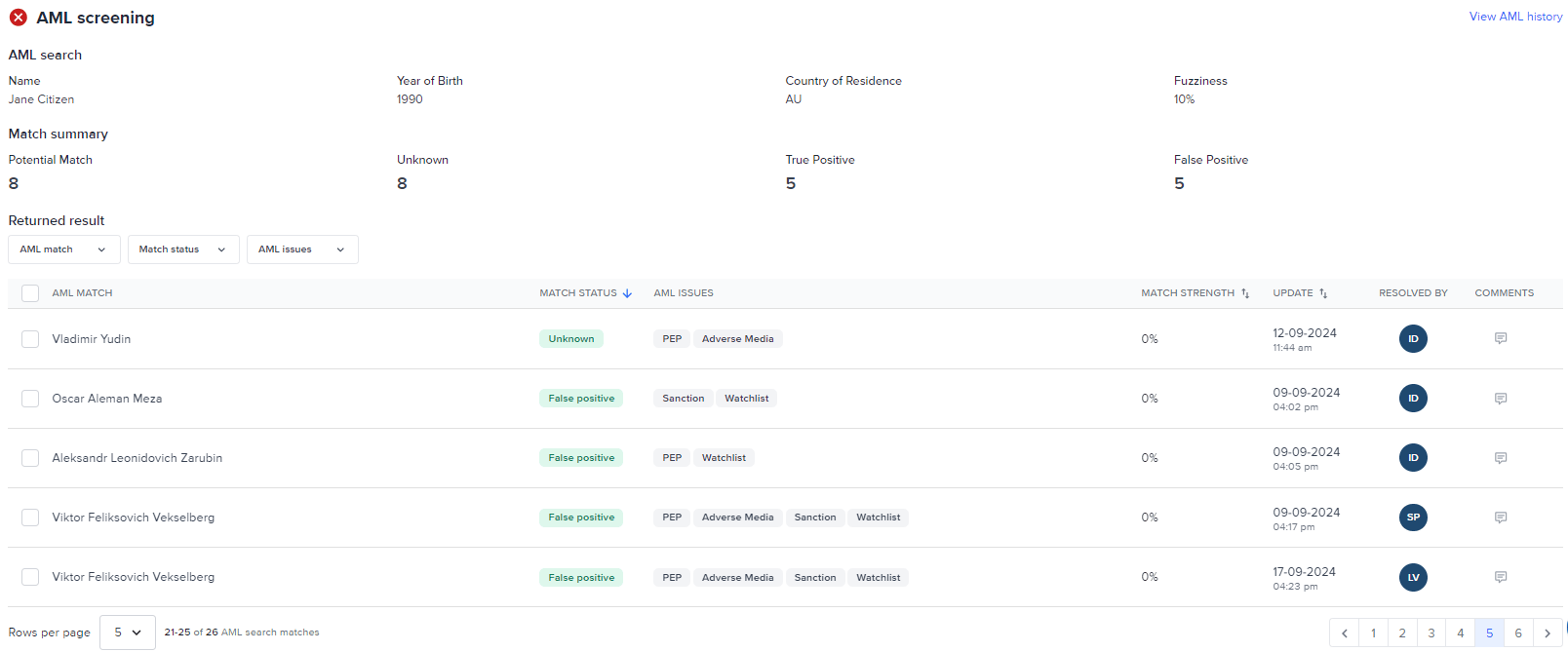
- AML search - contains the parameters used in getting the AML matches
- Match summary - shows the total of AML alerts for each of the statuses (Potential Match, Unknown, True Positive, False Positive)
- Returned results - Filters
- Filter by AML match - filters the result based on the criteria selected against the AML search values
- Filter by Match status - filters the result based on the AML alert status selected
- Filter by AML issues - filters the result based on the Issues selected
- Returned results - All AML alerts will be listed in the Returned results table with the following columns:
- AML Match - the Name, Year of birth, and Country for the AML alert
- Match Status - current AML alert status
- AML Issues - identified issue types for the AML match
- Match Strength - likelihood that the individual or entity flagged in the AML check
- Update - the date and time a user updated the alert status
- Resolved by - the user that updated the alert status
- Comments - note left by the user that updated the alert status
Reviewing AML screening results
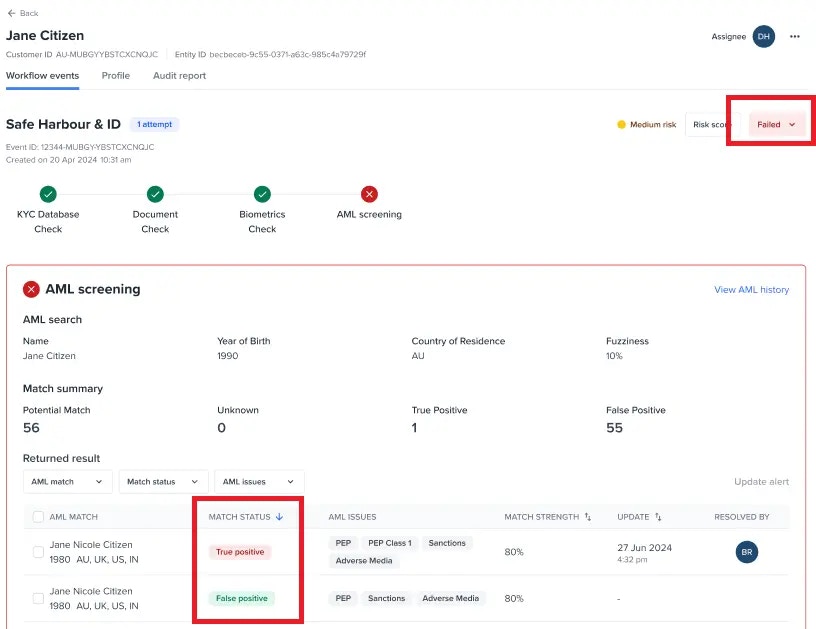
The AML screening is designed to help operators by providing an icon and a border that will change based of the AML alert review| Icon | Description |
|---|---|
 | This status indicates a serious concern. It means that there is either an unknown reject or a true positive reject. It’s crucial for ensuring compliance and security. |
 | This status highlights that there is at least one unresolved issue, such as a potential match. It’s a call for careful review to ensure nothing is overlooked. |
 | This status is given when all issues are resolved as false positives, or when true positives and unknowns are accepted. It signifies that everything have been resolved or risks have been accepted. |
Change the AML alert status
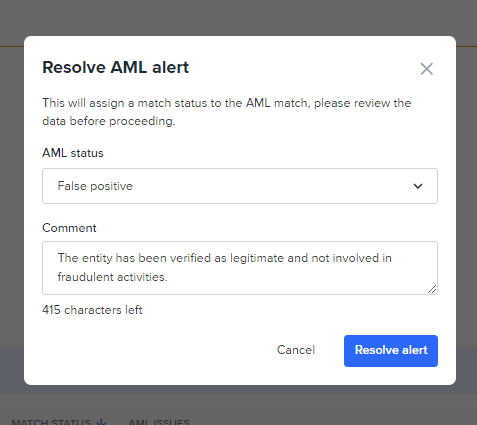
An AML alert by default has status of Potential match and in some cases Unknown or True positive.| Status | Description |
|---|---|
 | A system assigned status when there is a potential AML match. |
| Status | Description |
|---|---|
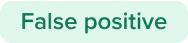 | False positive - indicates that a manual review has been carried out and the potential match Frankie has identified isn’t the customer. |
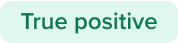 | True Positive, Accept- indicates that a manual review has been carried out and the true positive match has been acknowledged, however, the risk is deemed to be acceptable and want to continue doing business with the user. |
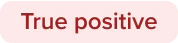 | True Positive, Reject- indicates that a manual review has been carried out and the true positive match has been acknowledged, and, the risk is deemed to be unacceptable. |
 | Unknown, Accept - indicates that a manual review has been carried out however, the risk is deemed to be acceptable and want to continue doing business with the user. |
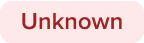 | Unknown, Reject - indicates that a manual review has been carried out and the true positive match has been acknowledged, and, the risk is deemed to be unacceptable. |
Review Details of a single AML alert
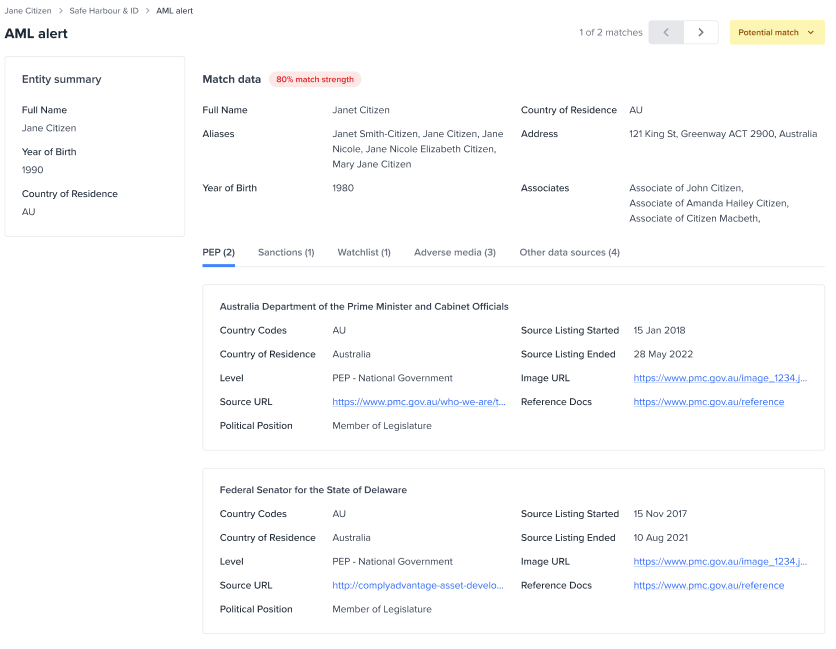
Click an AML alert to open and view the details to manually review and make a decision if this is a True positive, Unknown, or a False positive. From here, you can see all the AML data such as PEP, Sanction, Watchlist, Adverse media, and other data sources of the AML alert.