

Note on supported document types
The current document types we support using the Onfido OCR verification are Passport and Driver’s Licence.idScanVerification parameter in Configuration.
You will also need to activate access to this service by contacting your developer support as well.
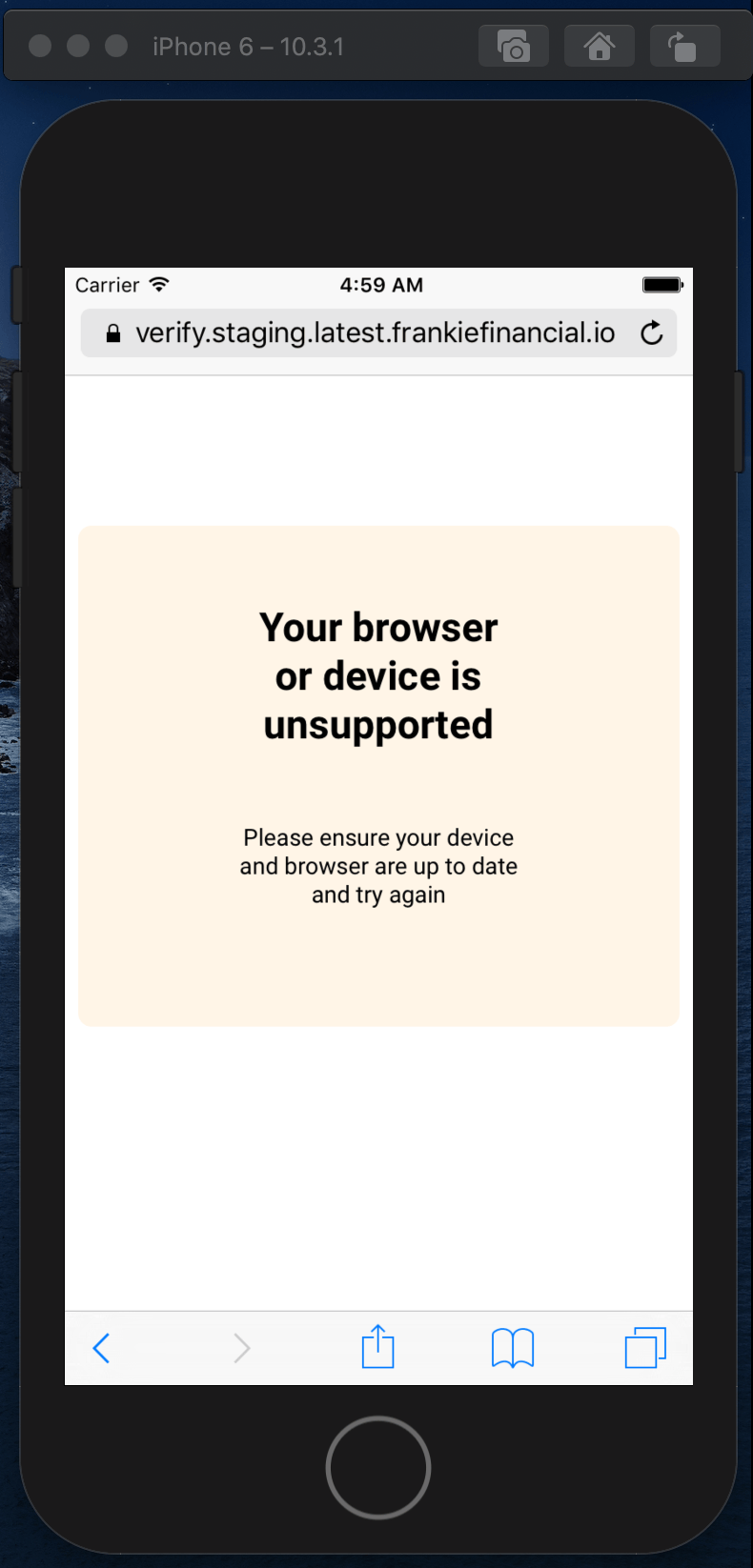
Not all mobile devices are supported by Onfido and we’re still in the process of confirming which devices aren’t. The identified non-supported devices will display a screen like below. All latest devices should go through without any issues and, at the moment, the known unsupported devices are:
- iOS: under version 13.
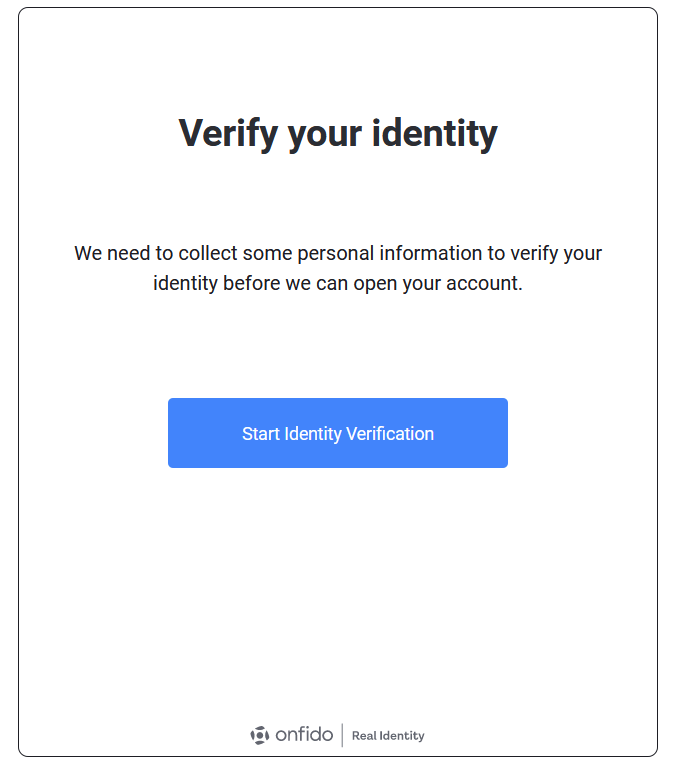
Working with Onfido Results
The Smart UI provides window events that you can use to plug into your own flow. You can find more about this in the Events section. If your API needs to receive notifications about the Onfido results, we provide webhook notifications which you can find in Notifications - Webhooks.Troubleshooting the SDK
In order to ensure that the Onfido SDK works well with your web application, please check that if you are using a Content Security Policy (CSP), the policy is configured to whitelist assets from the Onfido domain. You can read more about it here . If your website has an HTTP Referer-Policy as no-referrer then it causes the Onfido SDK API to fail. So please make sure to set an appropriate referrer-policy as per https://developer.mozilla.org/en-US/docs/Web/HTTP/Headers/Referrer-Policy .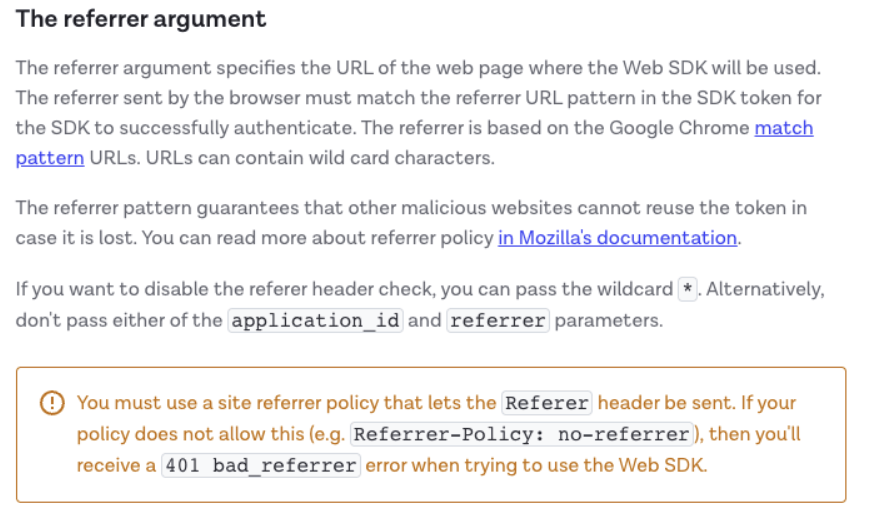
Sample Document Images
While testing out Onfido, you can use the image below as the image of the photo id. While this won’t work in production it’s sufficient to be able to test the Onfido integration.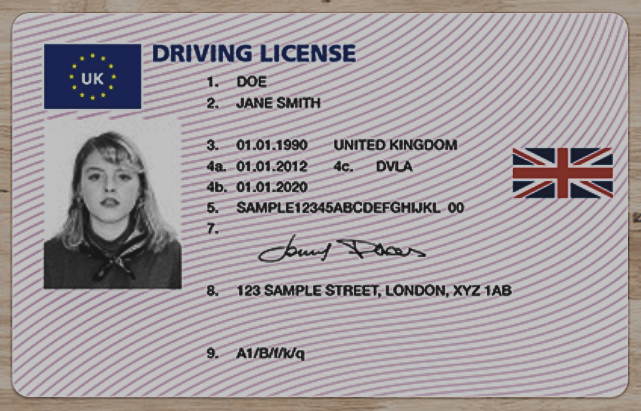
Sample UK Licence
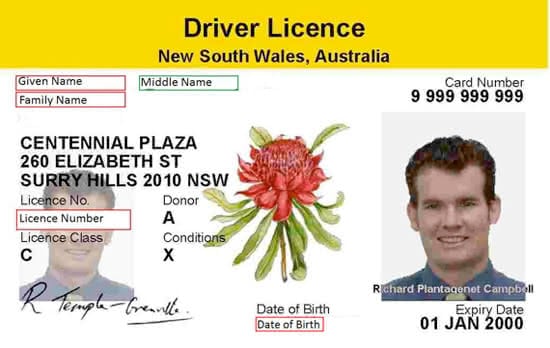
Sample Australian Licence