

How it works
- Generate a hosted URL using your
flowId. - Redirect the applicant’s browser to the returned URL.
- The applicant completes the onboarding pages and submits.
- Verification URL for identified owners can be sent from the flow.
- Redirect after completion can be configured (CTA target on the End page).
Generate a hosted URL
Use the Hosted URL endpoint to create a URL for a new onboarding session.HTTP
Headers
api_key: Your FrankieOne API keyX-Frankie-CustomerID: Your Customer IDX-Frankie-CustomerChildID: Child tenant identifier
Request body
JSON
Sample request (UAT)
Sample response
JSON
Pages in the flow
Below are the standard pages included in the hosted flow. Availability and fields depend on your configuredflowId and the selected organisation type.
-
Start page
Intro screen to begin a new application.
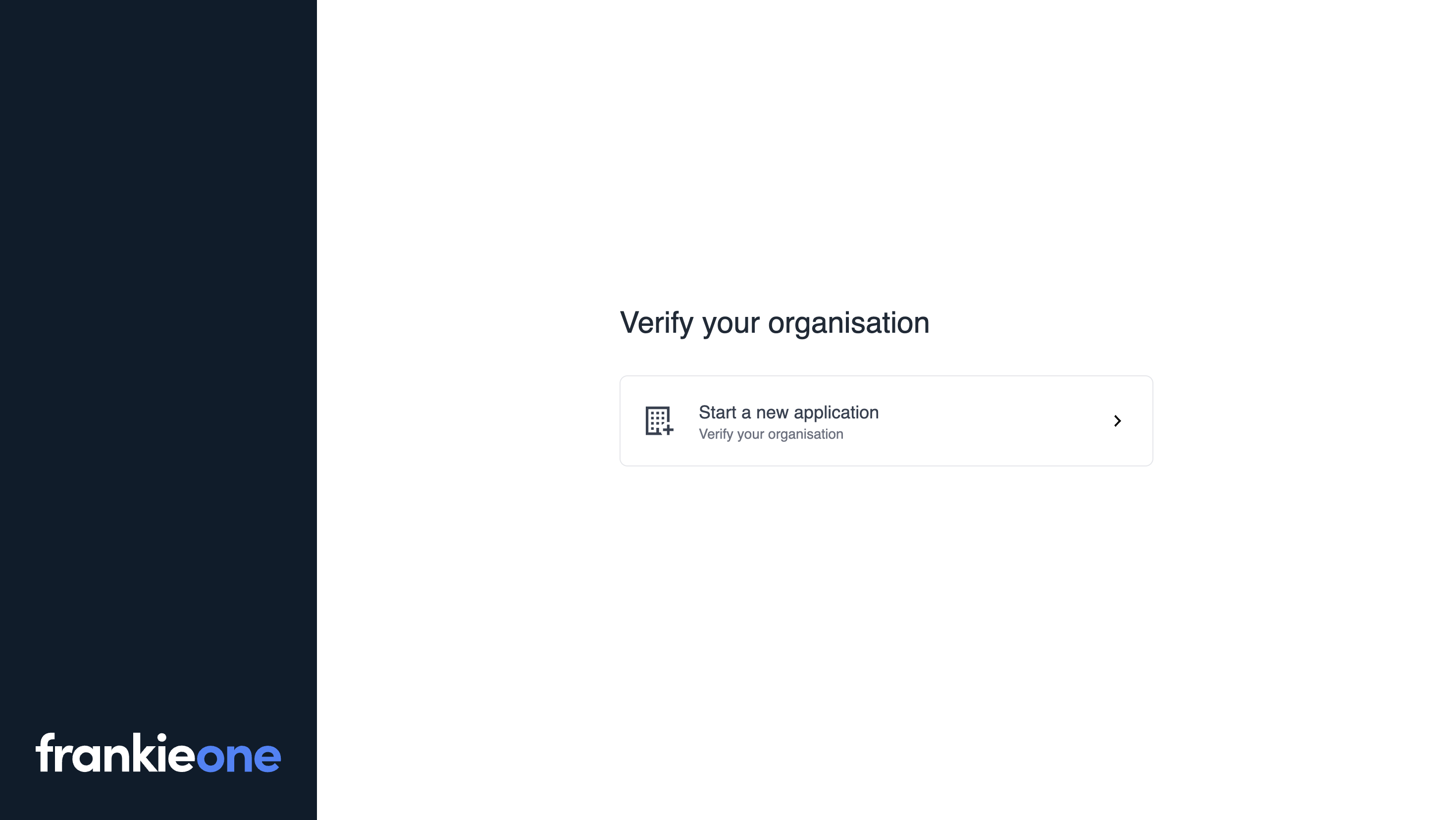
Start page
-
Applicant details
Captures the applicant’s name, role, contact details, and consent. The Terms & Conditions checkbox message can be customised.
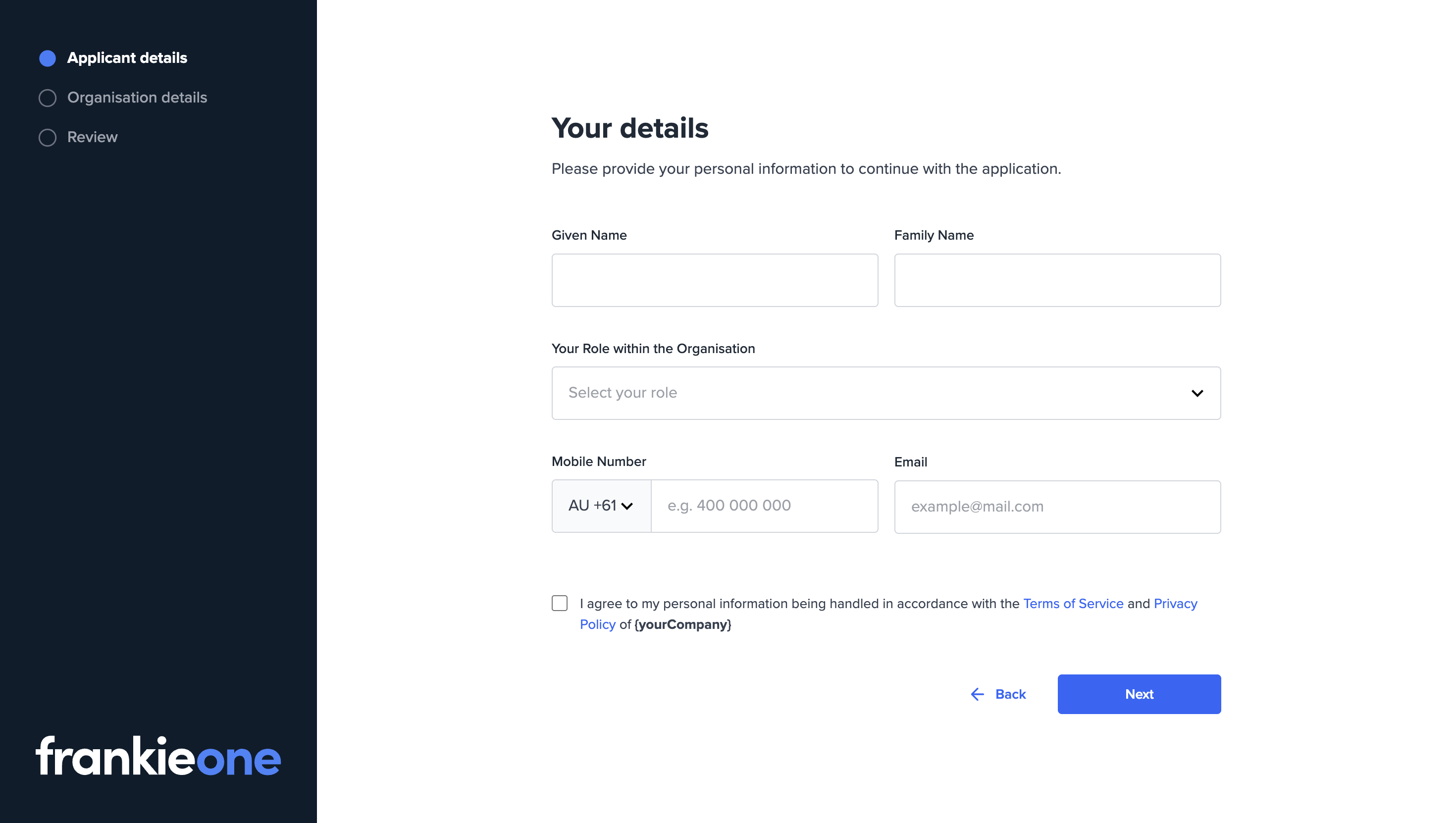
Applicant details
-
Lookup
Search by organisation name, ABN or ACN. On submission, the flow runs an Ownership query on the selected organisation to determine structure and required next steps.
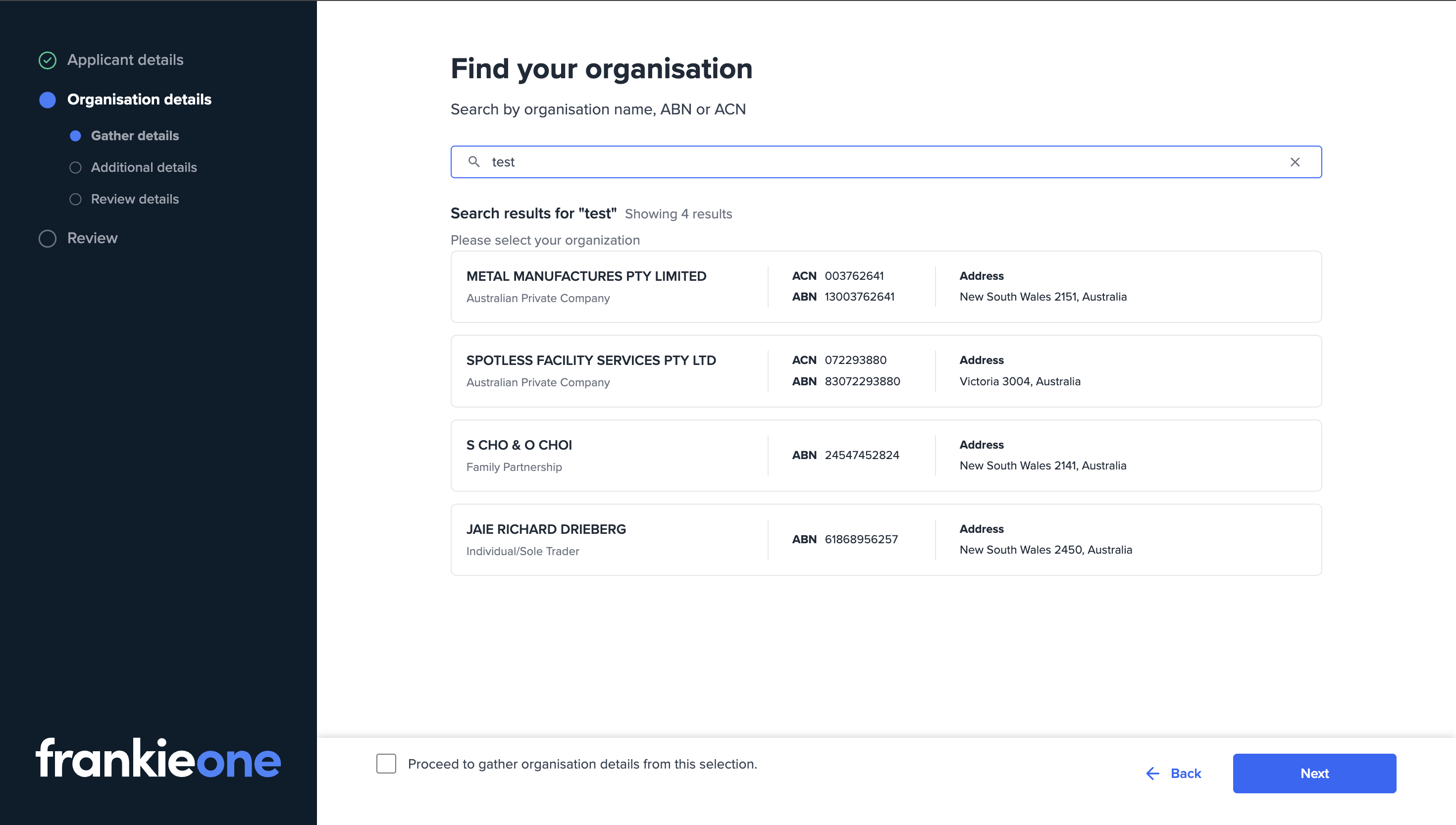
Lookup
-
Additional details
Fully customisable fields (labels, required/optional) for business context, e.g. source of wealth/capital, industry, purpose, contact details.
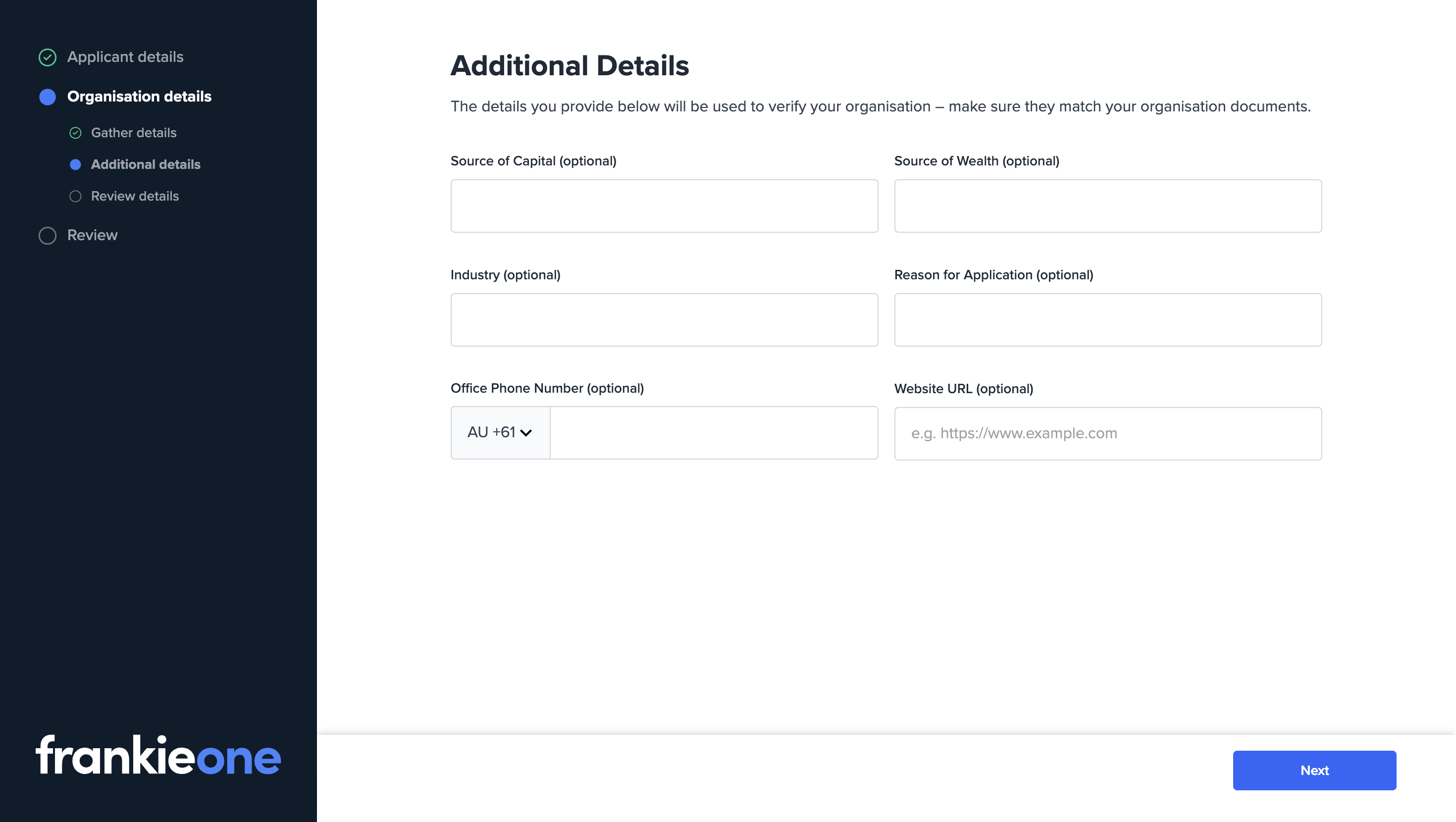
Additional details
-
Organisation details
Prefilled from registry/profile data where available. Address fields may require confirmation/editing depending on data availability.
Applicable to: sole trader, company, and trust organisations.
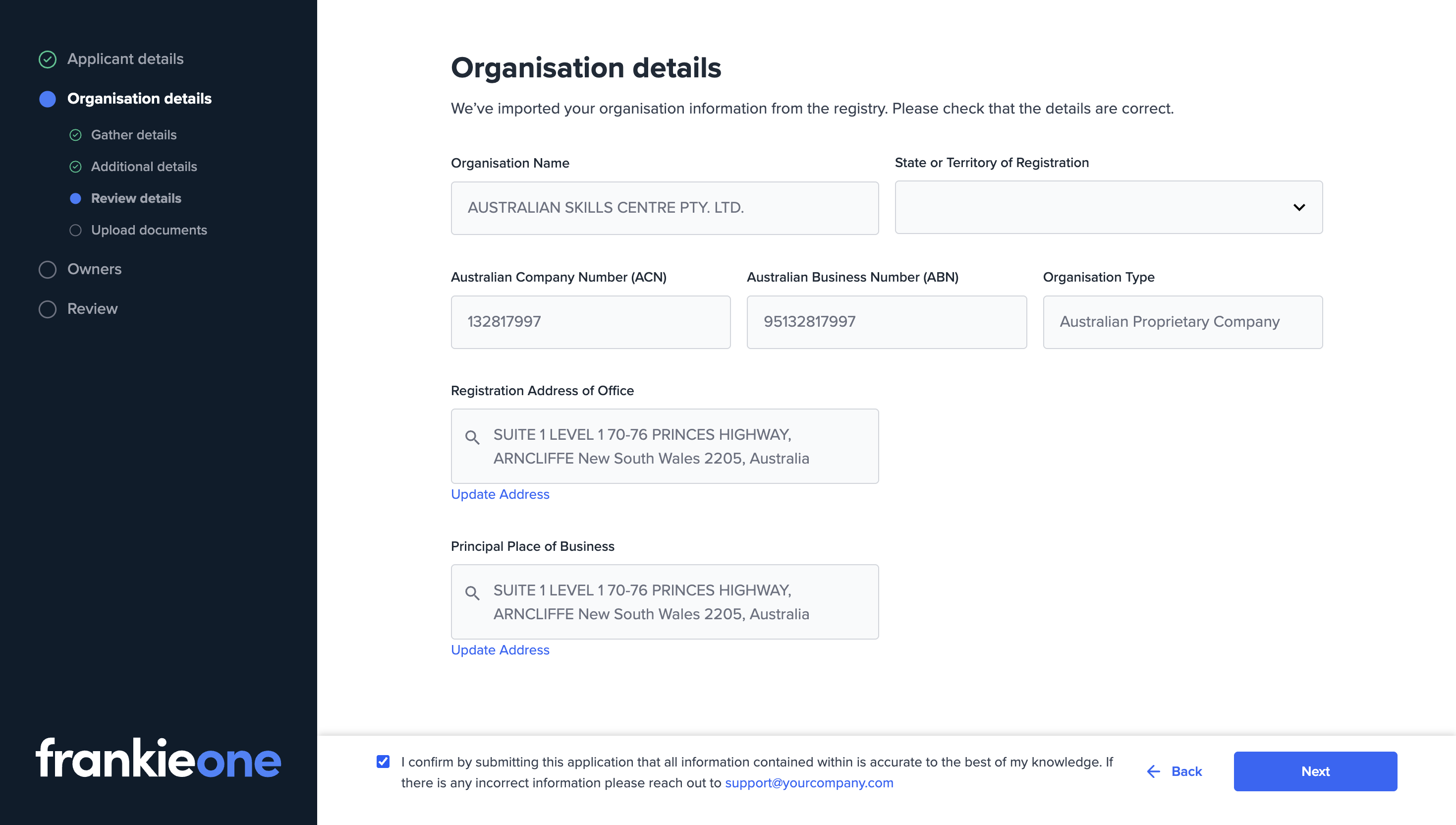
Organisation details
-
Document upload
Fully customisable document groups and requirements. For trust organisations, the flow adds defaults for Trust Deed, Deeds of Variation, and Register of Unit Holders.
Applicable to: company and trust organisations. Sole trader does not include this step.
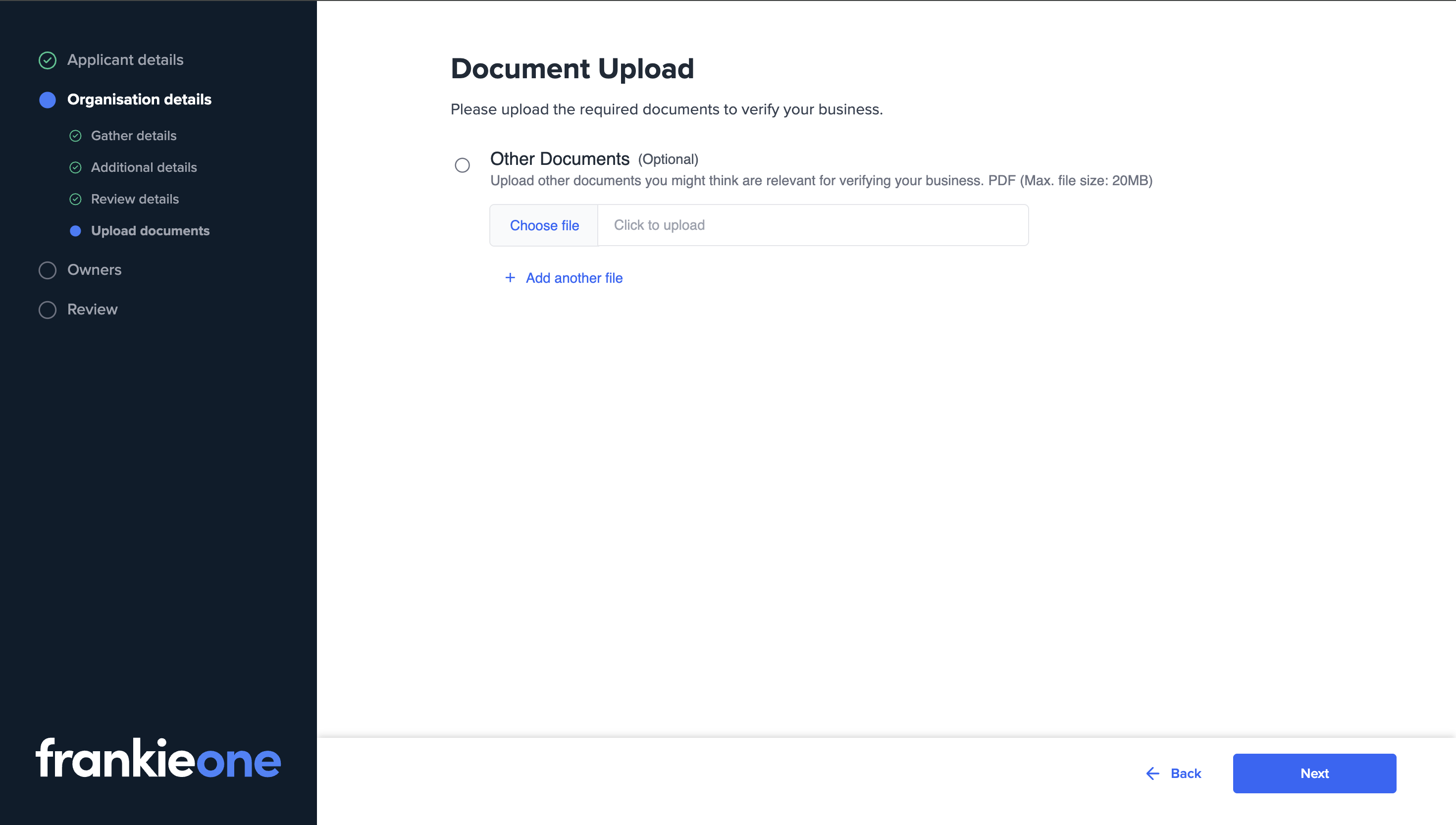
Document upload
-
Owners
Displays identified significant owners and directors for confirmation and contact details capture.
Applicable to: sole trader and company.
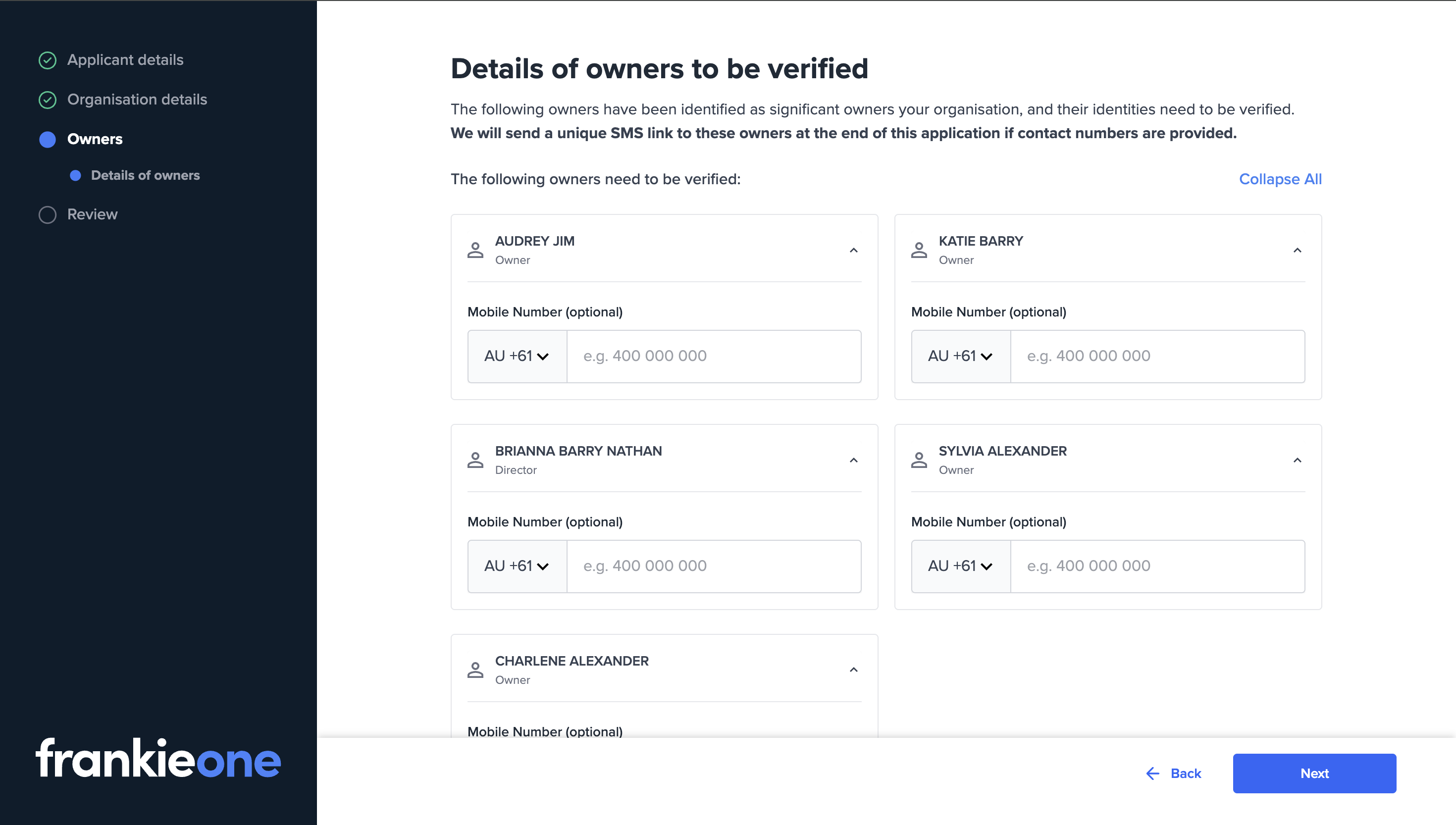
Owners
-
Review
Summary of all captured details and documents prior to submission.
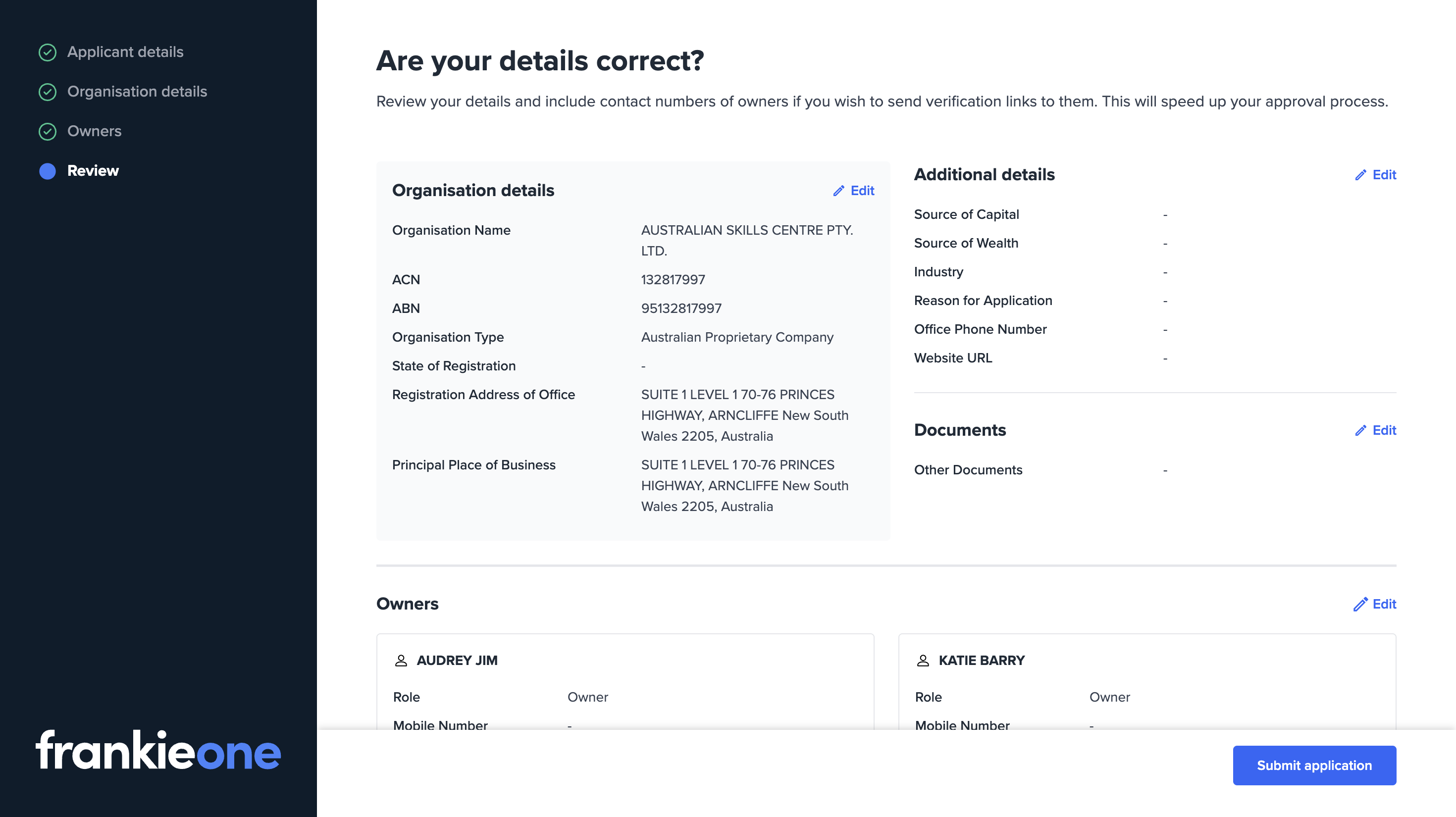
Review
-
End page
Confirmation page. The primary CTA can redirect to a configurable URL (e.g. return to your product).
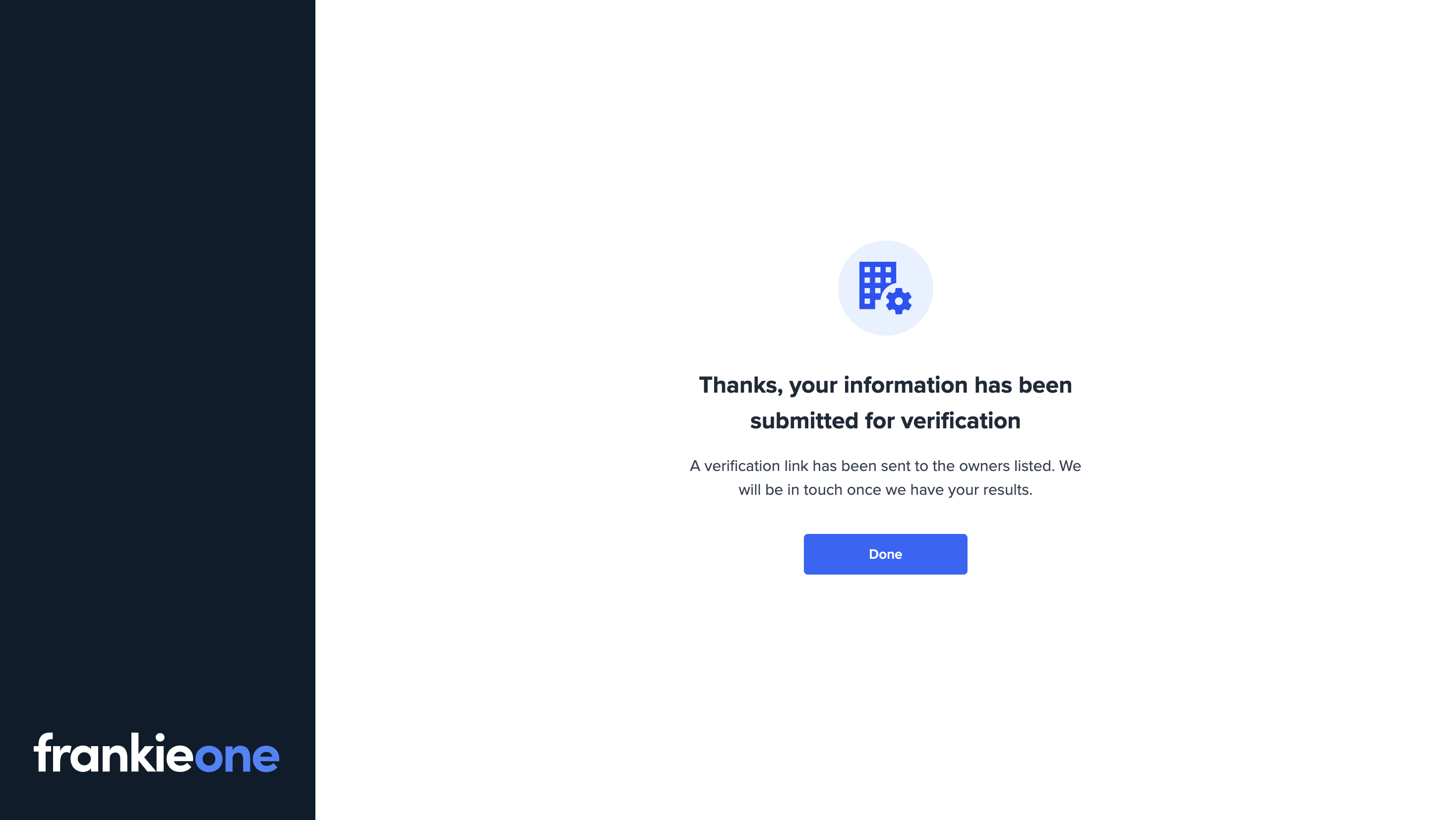
End page
Branding and UI customisation
- Logo: Replace with your brand logo.
- Buttons: Configure colour and border radius.
- Copy: Customise explanatory text and T&C/consent copy.
- Fields: Add, remove, or reorder fields on Additional Details and Document Upload pages, including validations and optionality.
- Redirects: Configure the destination for the End page CTA.