Video Guide
Features
The FrankieOne Portal custom views let you:- Create up to five (5) custom views using the Entities table filters to tailor data display to the criteria relevant to your tasks or analysis.
- View all custom views in the menu sidebar.
- Edit custom views to refine results and ensure relevance.
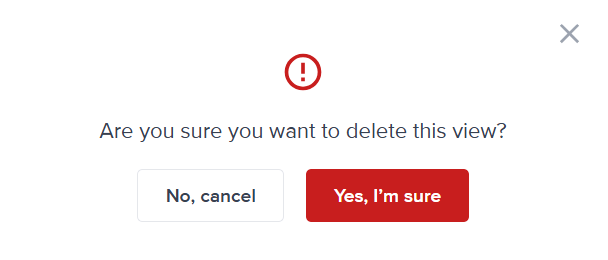
- Delete unused custom views to keep your navigation organized.
Create a new custom view
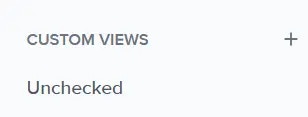
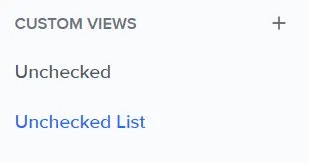
You can see the list of custom views and create new ones from the menu sidebar. To create a new view, select the plus [+] icon beside the Custom Views list on the sidebar.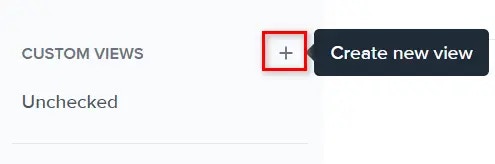
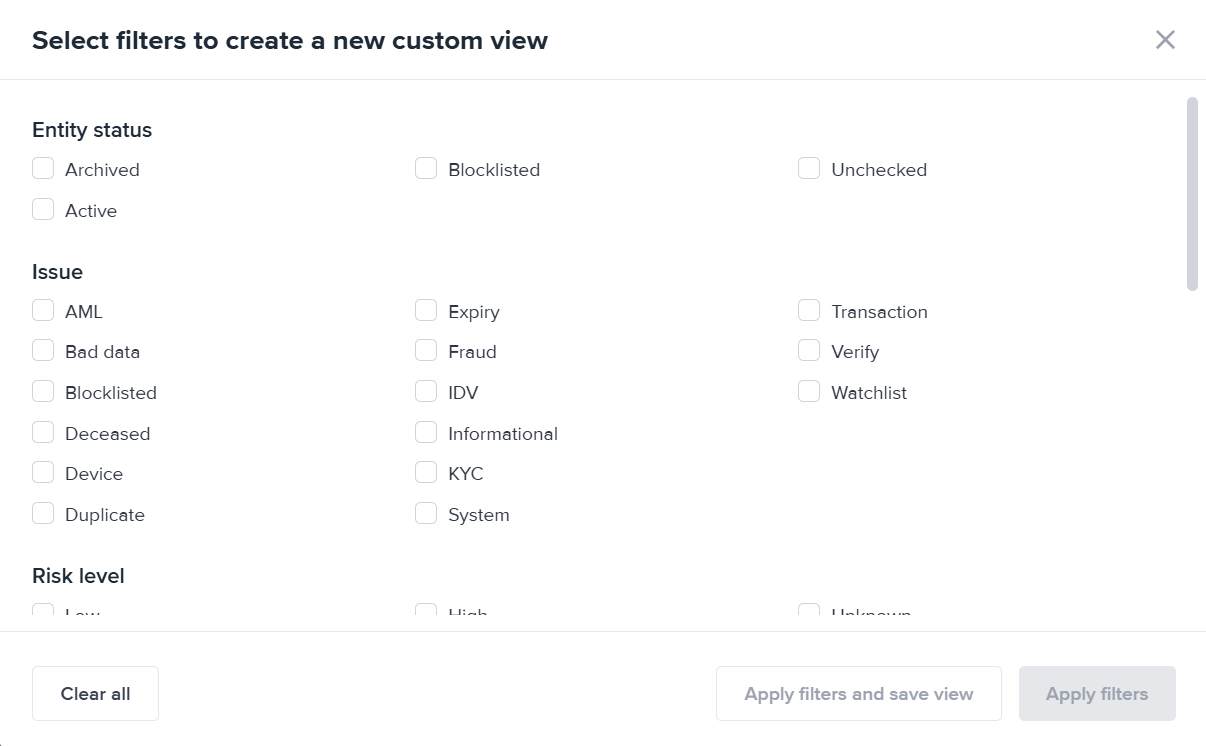
Save a custom view
Once you’re satisfied with the filter combinations, select the Save view button on the right-side of the Entities page. The Save view modal will open. Enter the name of the custom view. Please note that there is a 24-character limit to the names.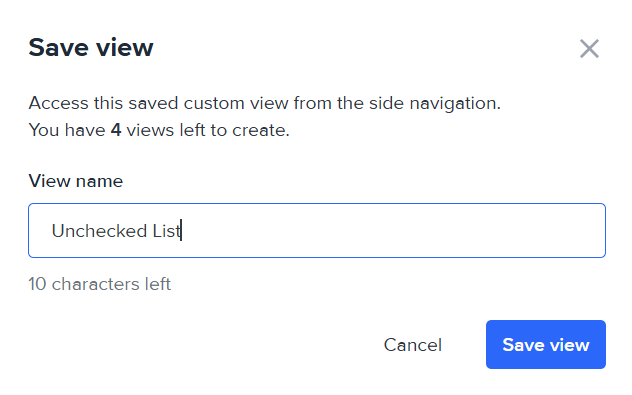
Edit a custom view
You can still refine a custom view. Select it from the sidebar and edit the filters. Once you’re satisfied, select the Save view menu. From there, select to either save the changes, or save the refine filter selection as a new view.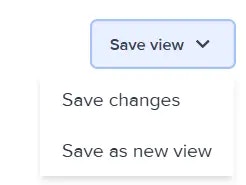
Delete a custom view
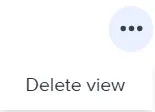
To delete a custom view, select it from the sidebar. Then, select Delete view from the 3-dot menu on the right-side of the view.