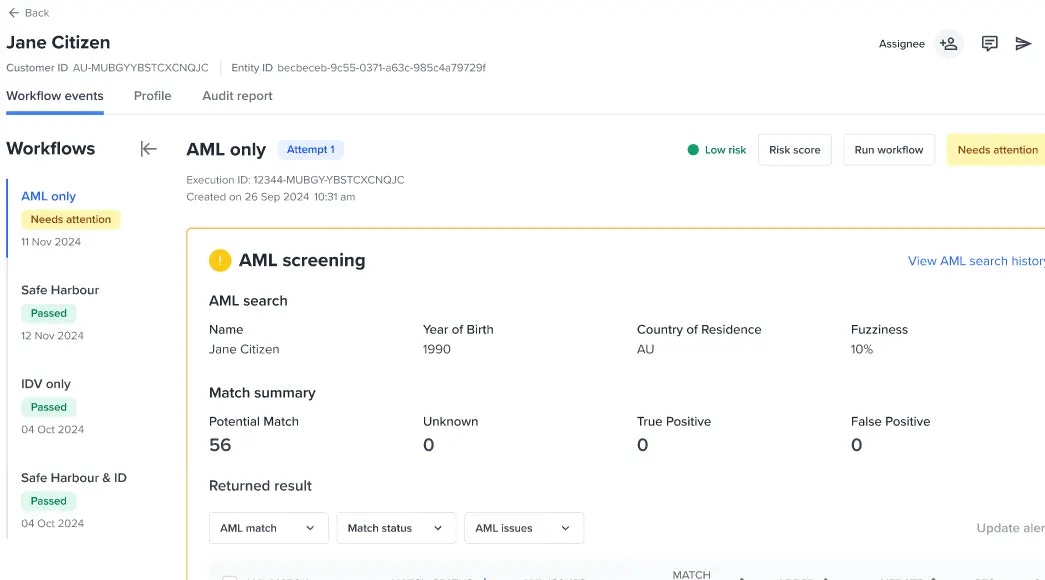
What is monitoring?
This capability allows you to continuously check an entity’s profile or activity. Monitoring is allowed for AML checks.Enabling monitoring to an entity
Who can toggle and resolve monitoring (Permissions)?
Operators and Administrators have permission to “Modify entity monitoring.” If you need access, please contact your administrator.Understanding Monitoring checks
Entity view
From the entity view, workflow events will show all the workflows executed in the Workflow navigation including the Monitoring workflow. If your account has the monitoring feature enabled and has the monitoring workflows completely setup, you will be to see a similar screen below.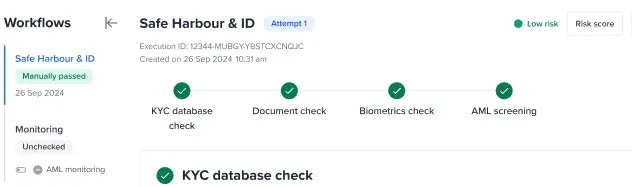
AML monitoring
This only applies to onboarding workflows with AML step/checks configured. By default, when an onboarding workflow has passed the Monitoring workflow’s AML monitoring will be automatically enabled. Reach out Frankie support for any customisation.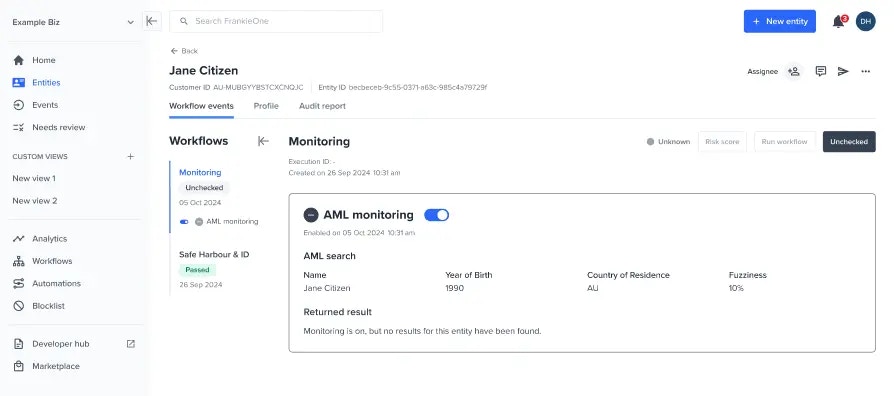
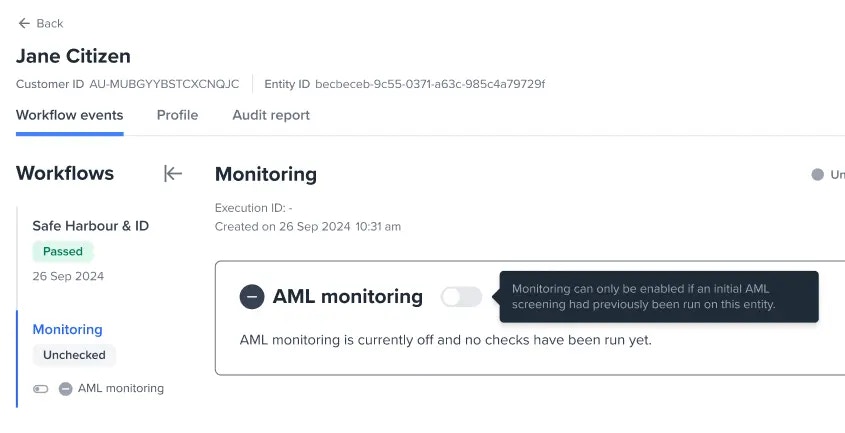
Manually toggle monitoring
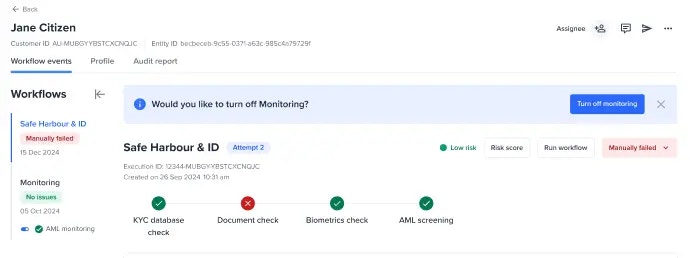
When the system detected that an onboarding workflow has been manually passed or failed, a banner suggesting to toggle on or off the monitoring will be displayed.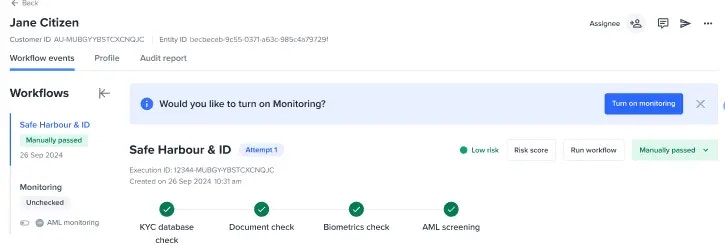
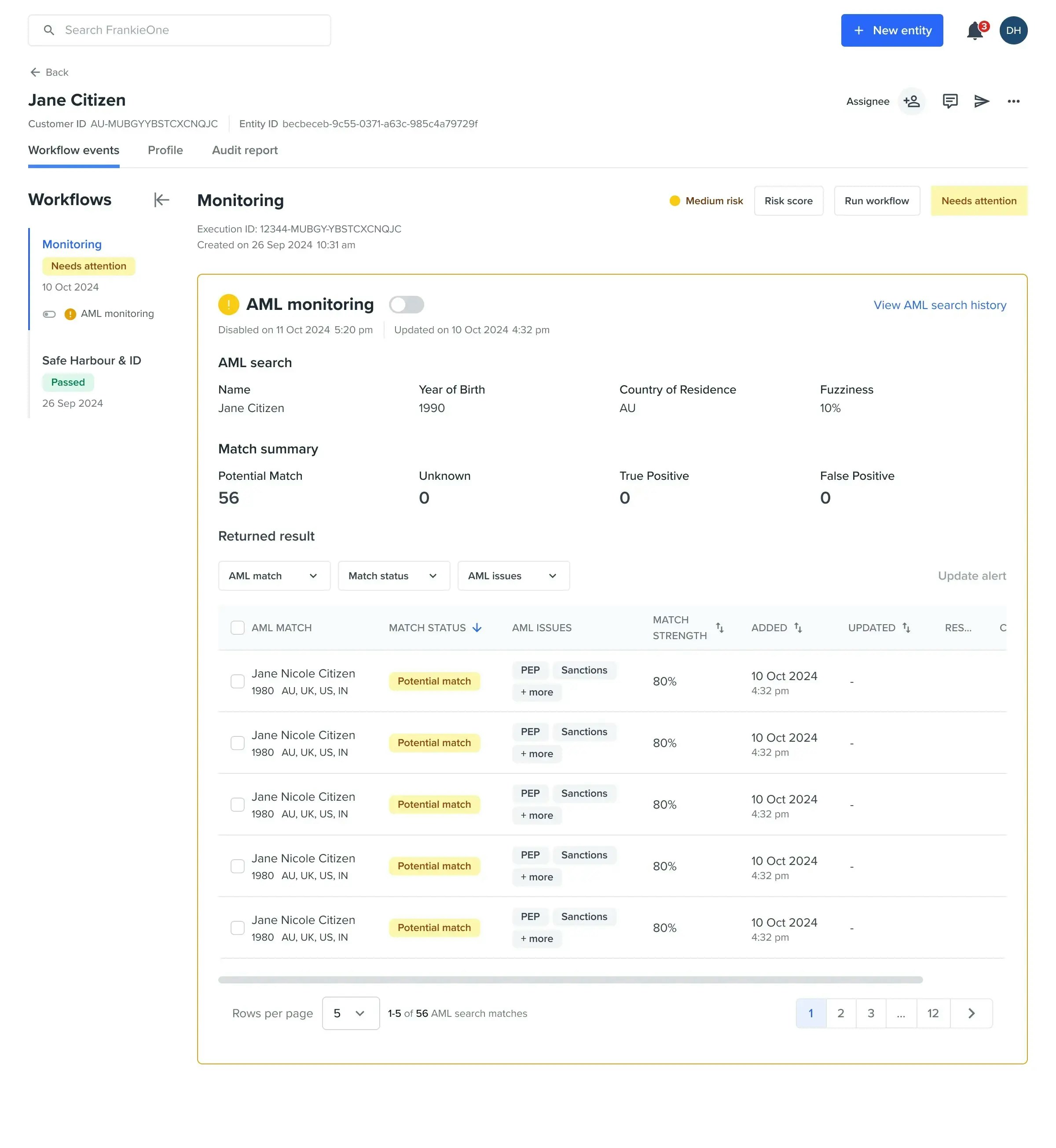
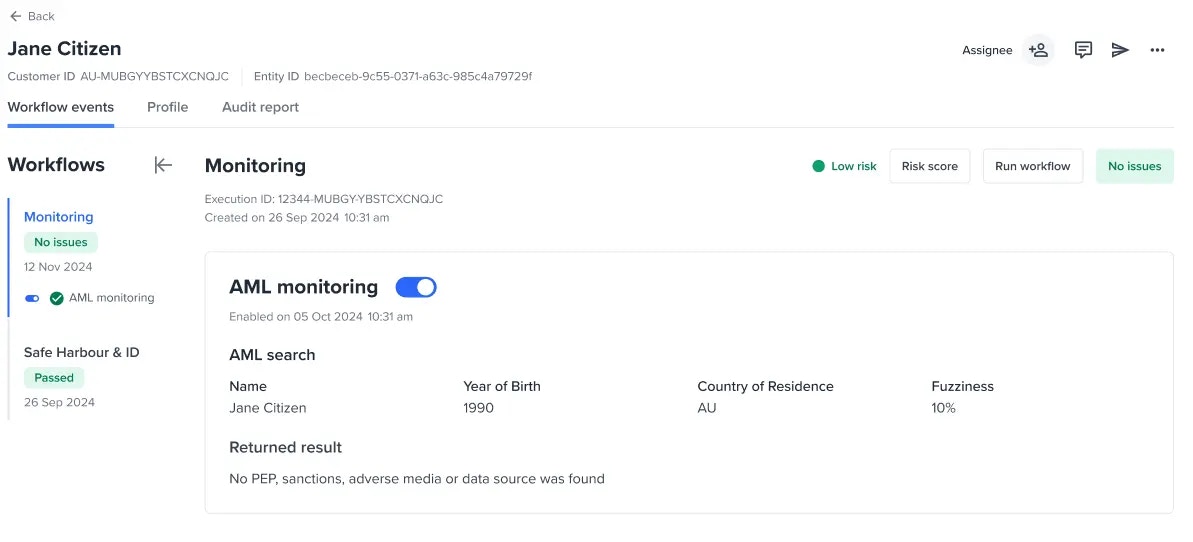
Reviewing each monitoring check
When all of the monitoring checks have no outstanding issues or have been resolved, “No issues” will be displayed as an event status.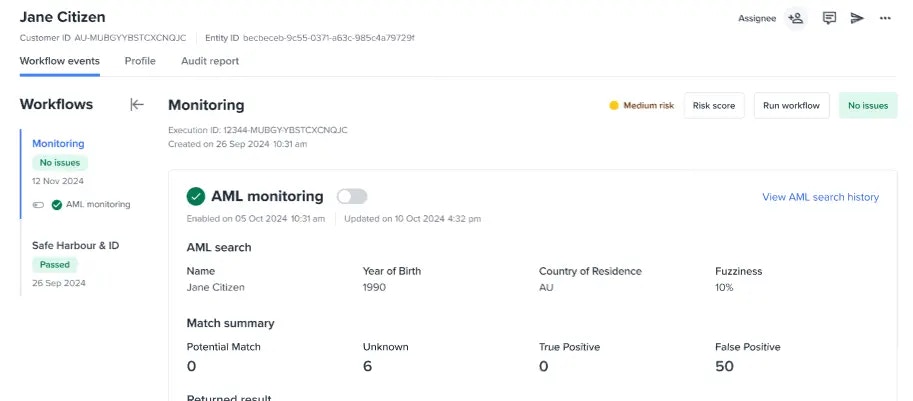
Unauthorised users
A user without monitoring privileges will be unable to manage monitoring.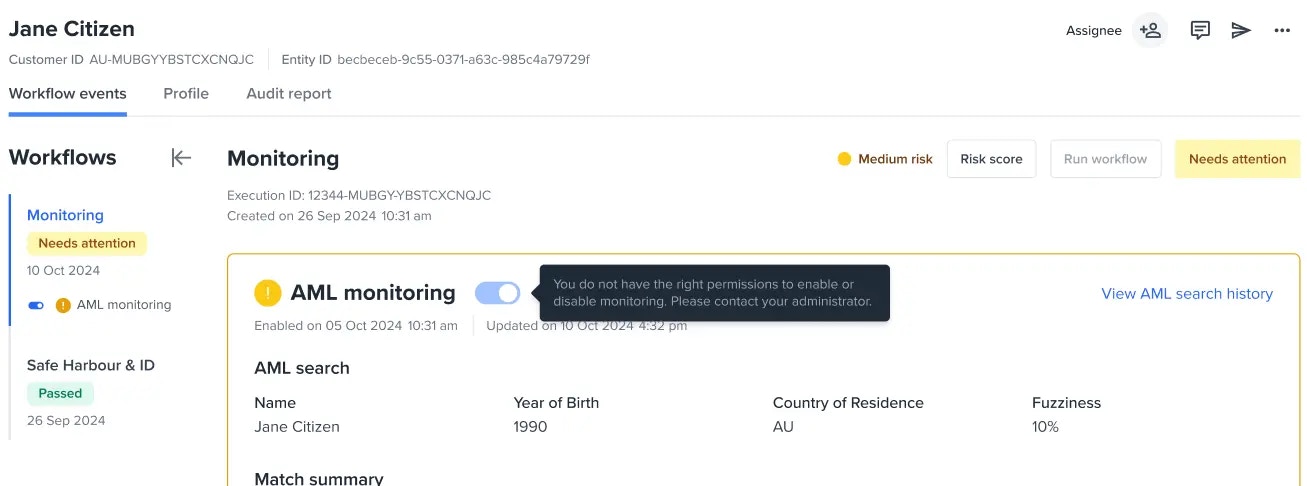
Other states
Unchecked entity
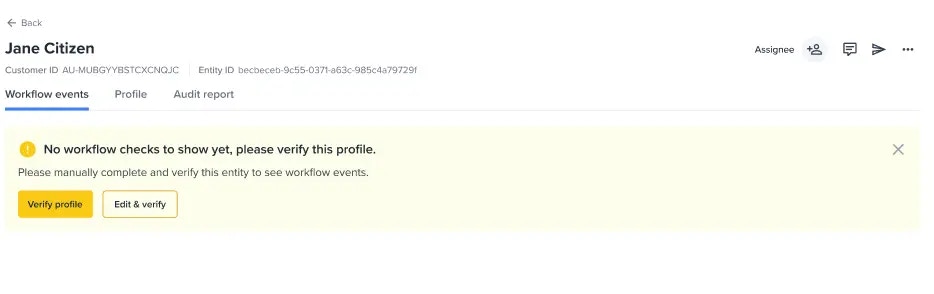
Customer account without monitoring workflows