Video Guide
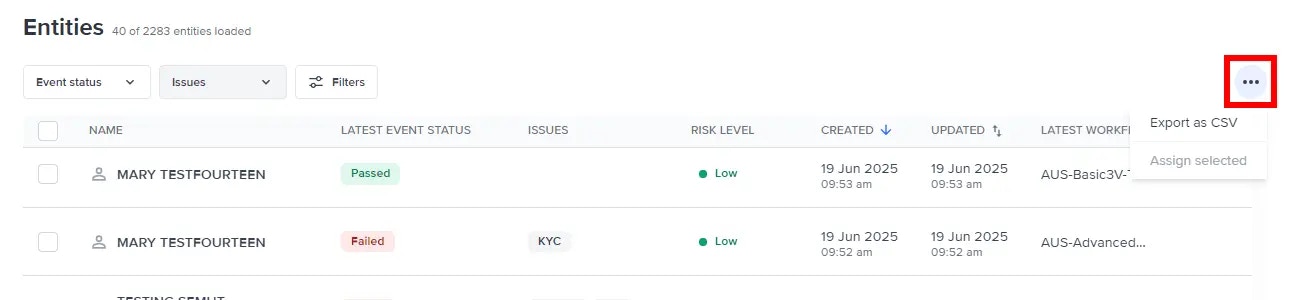
Selecting entities allows you to perform bulk actions. Select ”…” to see the actions allowed.
Bulk actions
Bulk actions are limited to 100 entities at a time.Assignment
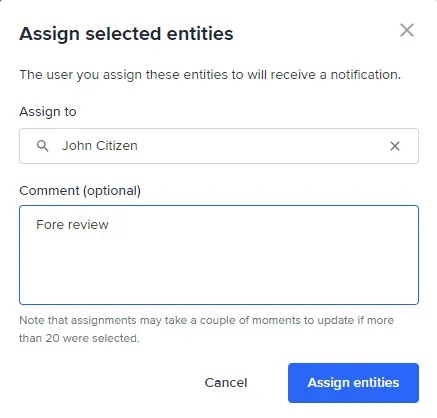
Easily identify and manage unallocated resources or tasks by bulk assigning entities. Select Assign selected from the actions dropdown to open the Assign selected entities menu. From this menu, select the user you want to assign your selected entities.