

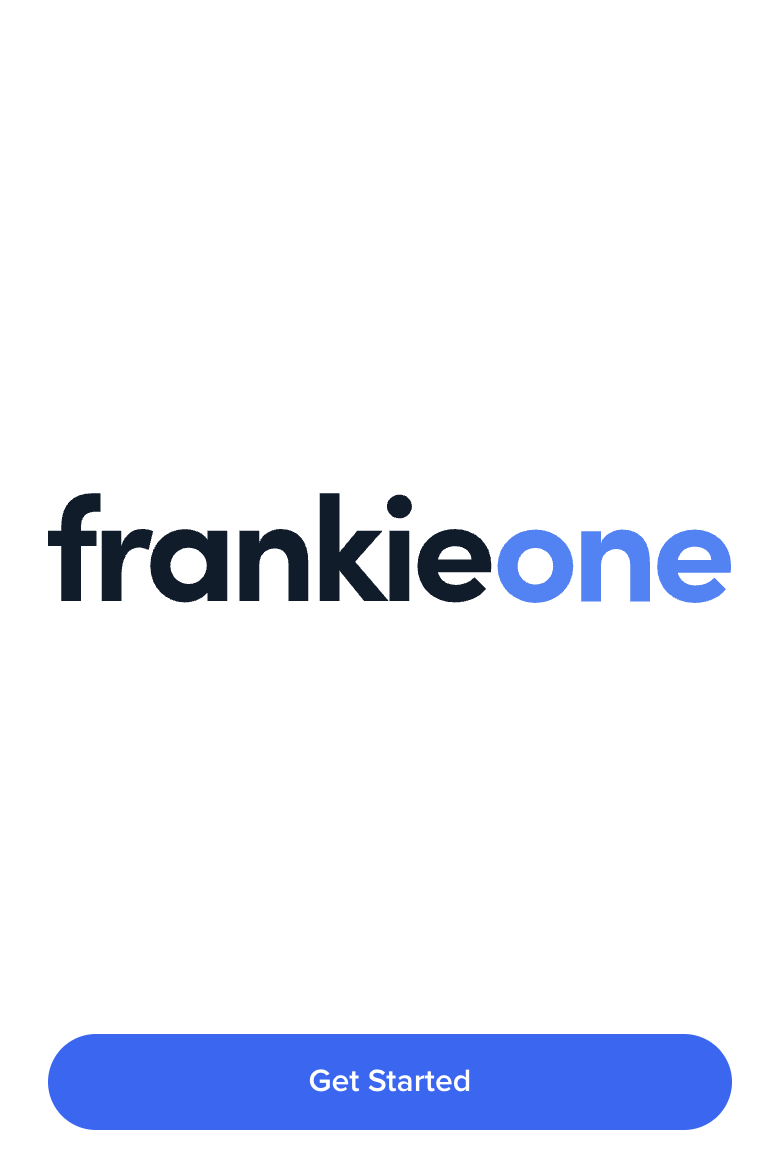
Quick Implementation
<body>
  <div id="form"></div>
</body>
const start = oneSdk.component("form", {
  name: "START",
  type: "manual",
});

start.mount("#form");
Event Handling
Available Events
Available Events
| Event Name | Triggered When |
|---|---|
form:start:loaded | Screen is successfully mounted |
form:start:ready | User clicks the start button |
form:start:failed | Screen encounters an error |
Event Usage Example
Event Usage Example
// Listen for successful screen mount
start.on('form:start:loaded', () => {
  console.log('Start screen ready');
});

// Handle user clicking start
start.on('form:start:ready', () => {
  // Load the next screen (e.g., consent form)
  consent.mount("#form");
});

// Handle errors
start.on('form:start:failed', (error) => {
  console.error('Start screen error:', error);
});
Screen Customization
const start = oneSdk.component('form', {
  name: "START", // Set the screen name identifier
  type: "manual",  // Set form type to manual input
  logo: { // Configure the title section
    src: "./assets/logo.png"
  },
});
Customization Options
Button (CTA)
Button (CTA)
cta: {
  label: 'Continue',
  style: {
    'ff-button': {
      backgroundColor: '#2563eb',
      color: '#ffffff',
      borderRadius: '4px',
      padding: '12px 24px'
    }
  }
}
Logo
Logo
logo: {
  src: './assets/logo.png'
},
style: {
  'ff-logo': {
    'width': '50px'
  }
}