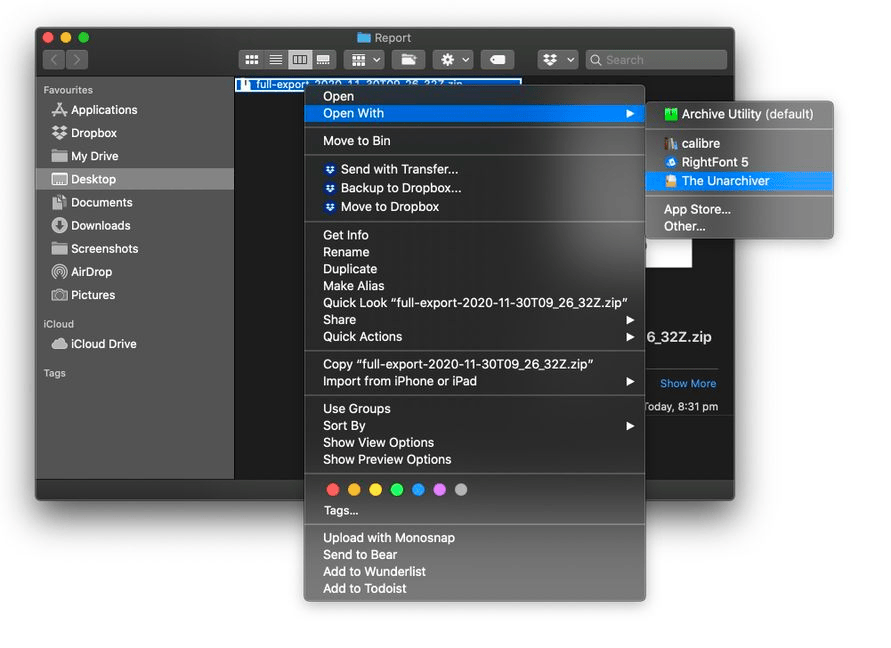
For Mac OS
The Unarchiver- Install your selected program from above
- Right-click the zip file and choose Open With
- Select The Unarchiver from the list.
- Enter the password that you nominated when requesting the report.
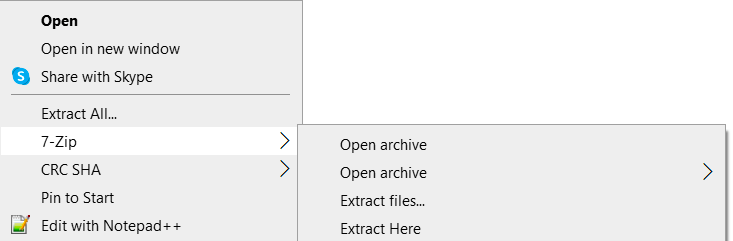
For Windows
WinZip WinRAR 7Zip- Install your selected program as listed above.
- Right-click your zip file and navigate to your selected program.
- Select Extract Files.
- Enter the password that you nominated when requesting the report.