

Needs review
The Needs review list contains all profiles that require manual review.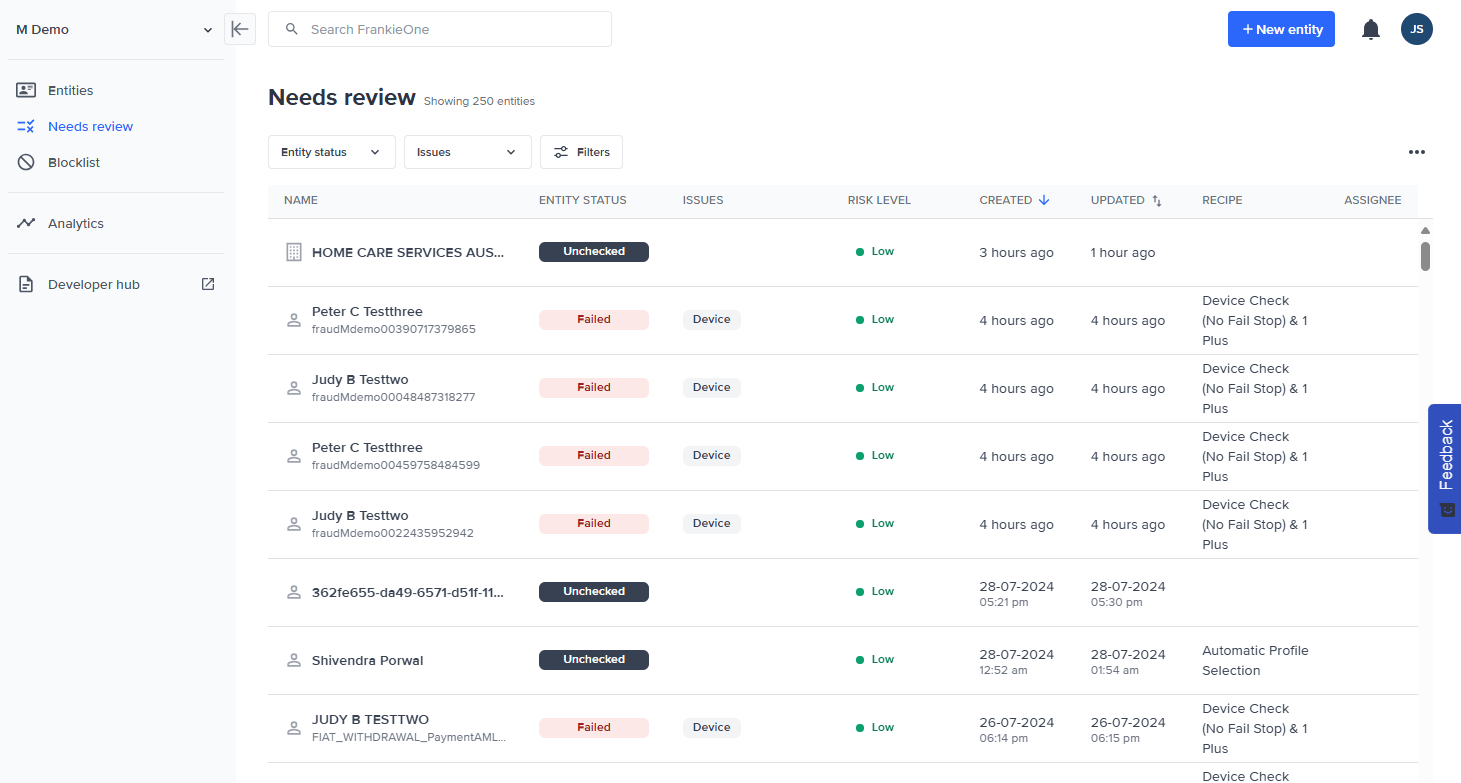
List Filtering & Sorting
You can also filter the entities displayed in the entities table using the filtering options available under the search bar.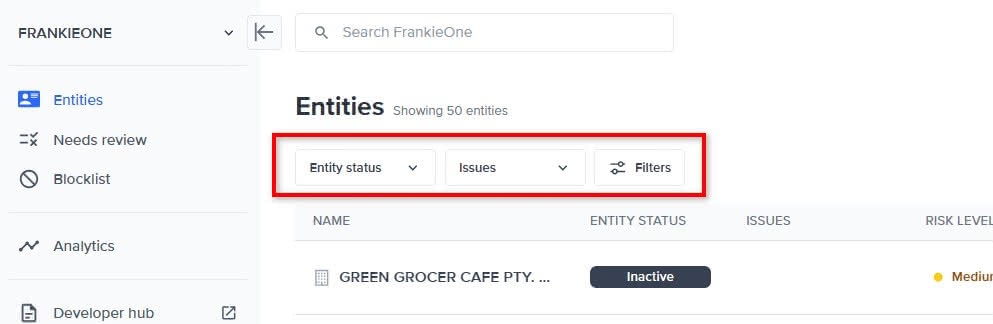
Filtering options for entities.
Filter by entity status
Use the Entity status dropdown menu to select the status types of the entities to display.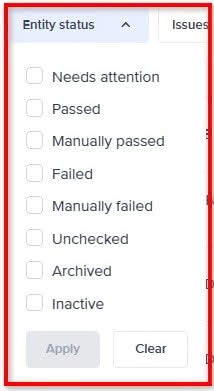
Entity status dropdown menu.
Filter by issue type
Use the Issues dropdown menu to select the issue types of the entities to display.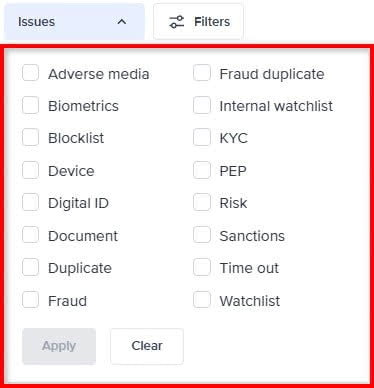
Issues status dropdown menu.
Filters overview modal
Select the Filters button to open the Filters modal. Using the Filters modal, you can view all the possible filters that can be applied to the entities displayed in the entities table.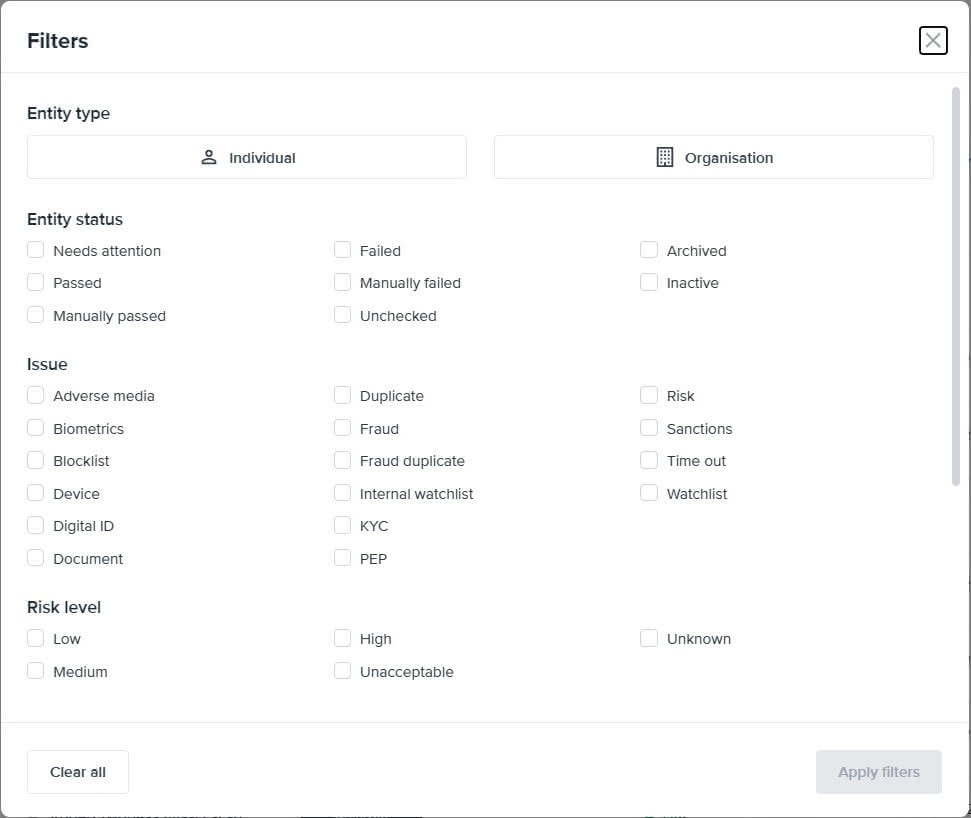
- Entity type
- Entity status
- Issue
- Risk level
- Created date
- Recipe
- Assignee
Sorting entities
Select the sorting icons (up and down arrows) beside the CREATED and UPDATED column headers to sort the entities in the table. A single blue arrow highlights the current sort direction (ascending or descending):- Single blue up arrow means the entities are displayed in ascending order.
- Single blue down arrow means the entities are displayed in descending order.
DVS Expanded Response
Expanded responses are a DVS initiative to provide more information about an individual’s document verification outcome. An expanded response is a brief explanation provided by the document issuer, on why the individual’s information didn’t match the document being verified. From the Portal, on the Audit Report of the particular entity, example below: