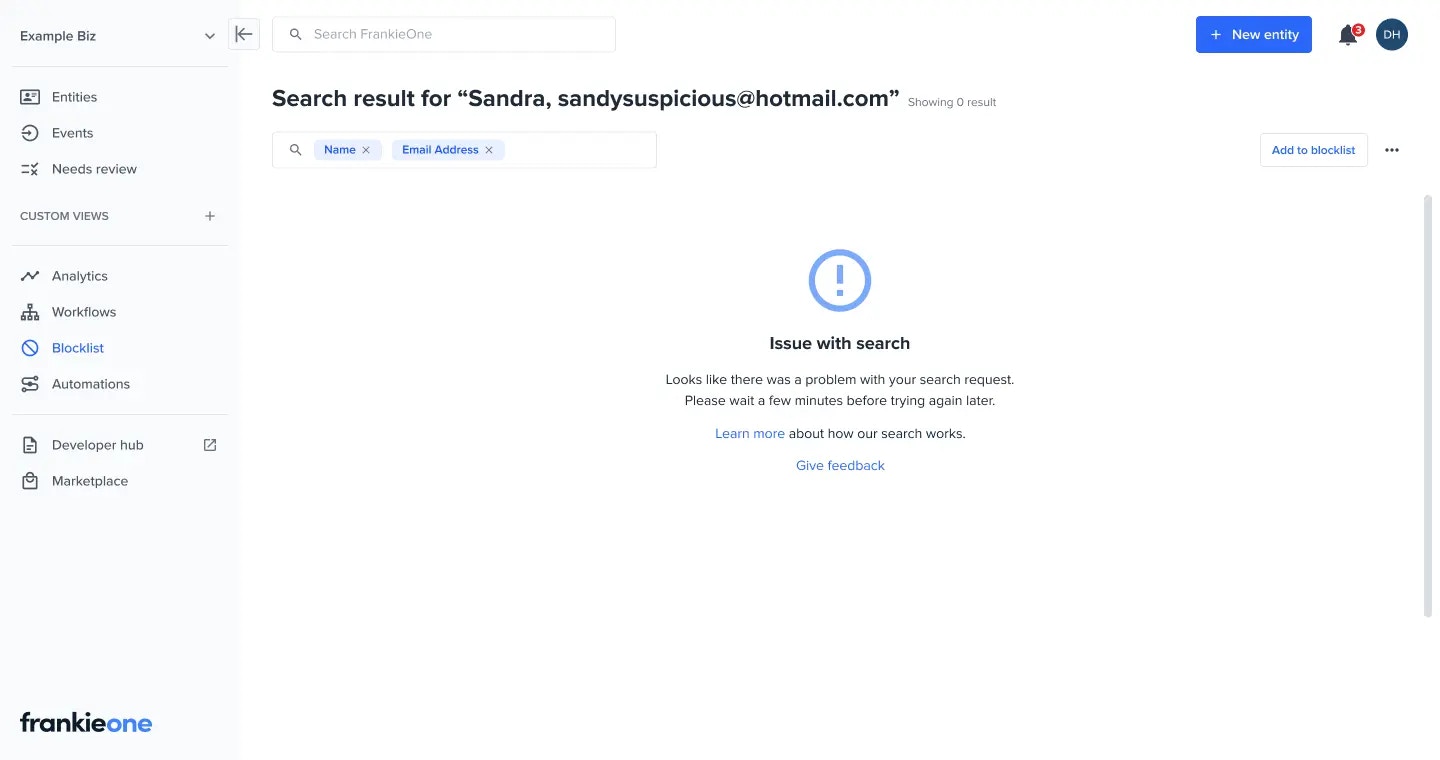
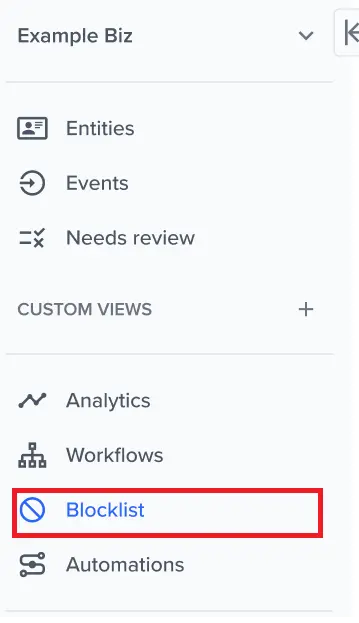
Key capabilities
- List and Search
- Add to blocklist
- Remove from blocklist
- View a blocklist entry
- Update a blocklist entry

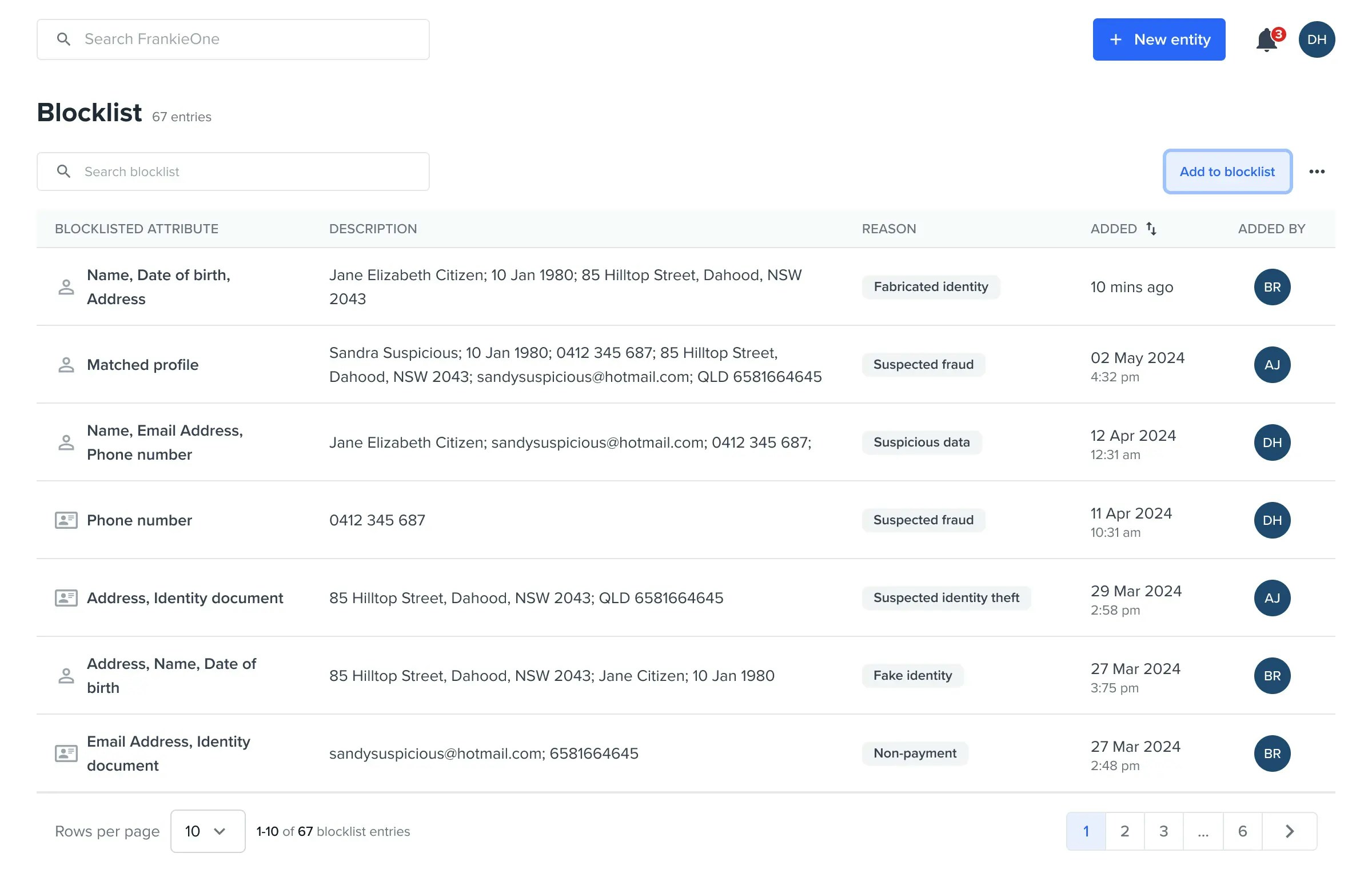
Blocklisted attribute
- Attributes – These are entries created so that Frankie system will match against it
- Matched profile – These are entries created by manually “Add to blocklist” an EXISTING entity
Add to blocklist - trigger
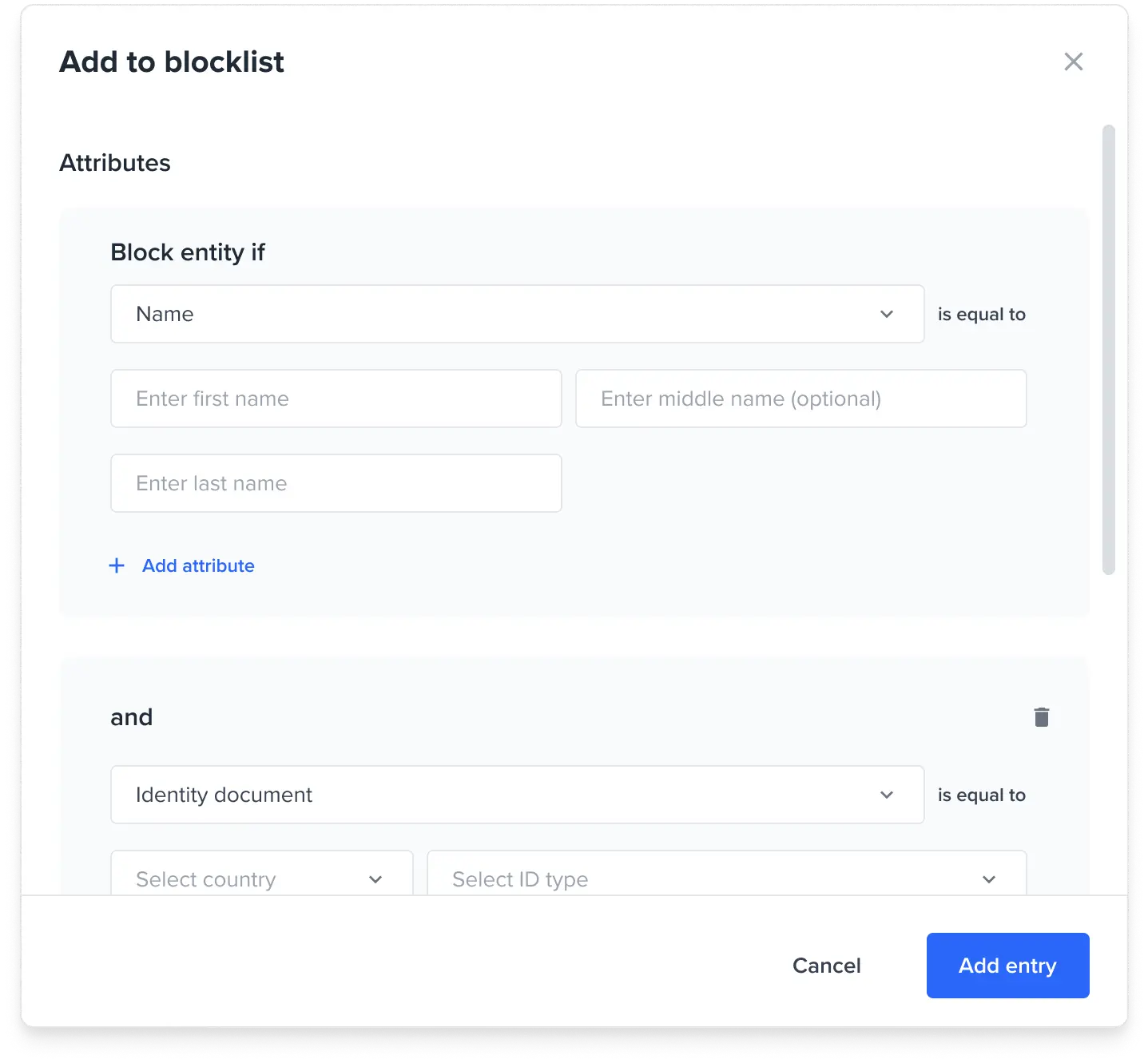
Add to blocklist - modal
Users can add a blocklist entry by selecting the attributes that suits their need. Attributes available are Name, DoB, Phone Number, Email, Full Address, Identity Docs. Users can optionally add a Blocklist reason (configured per customer) and a comment. Users can select multiple reasons.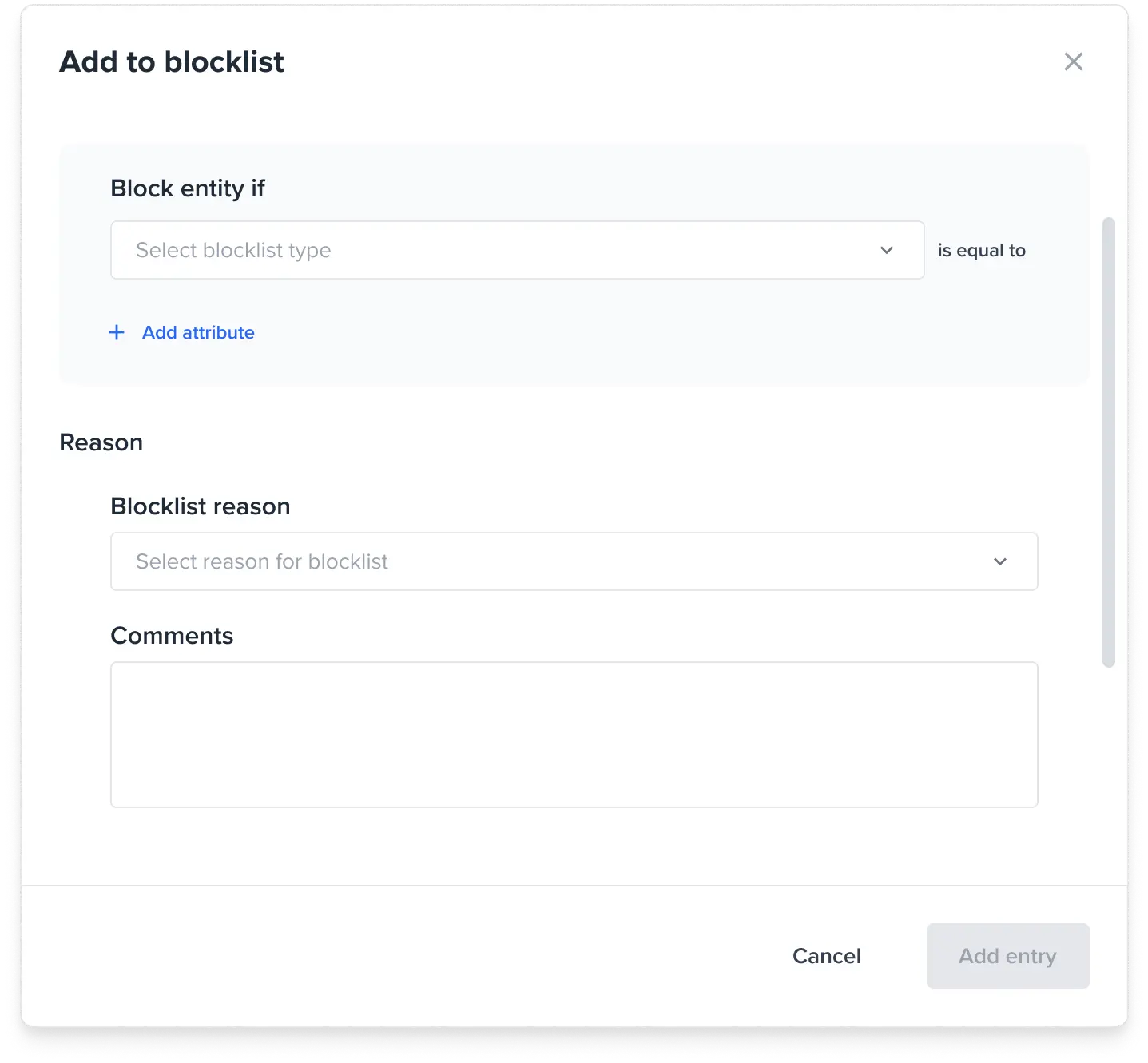
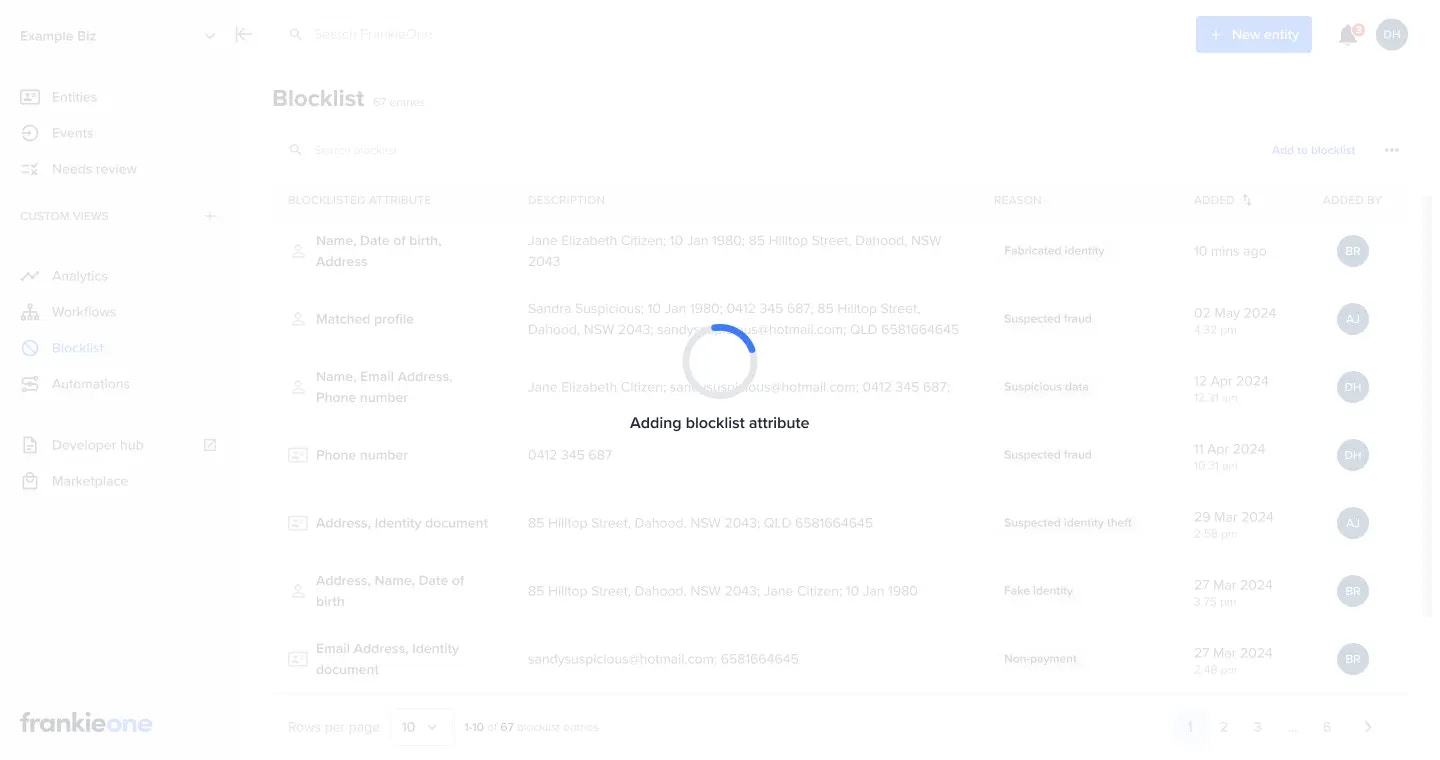
Add to blocklist - loading state
Various toast messages
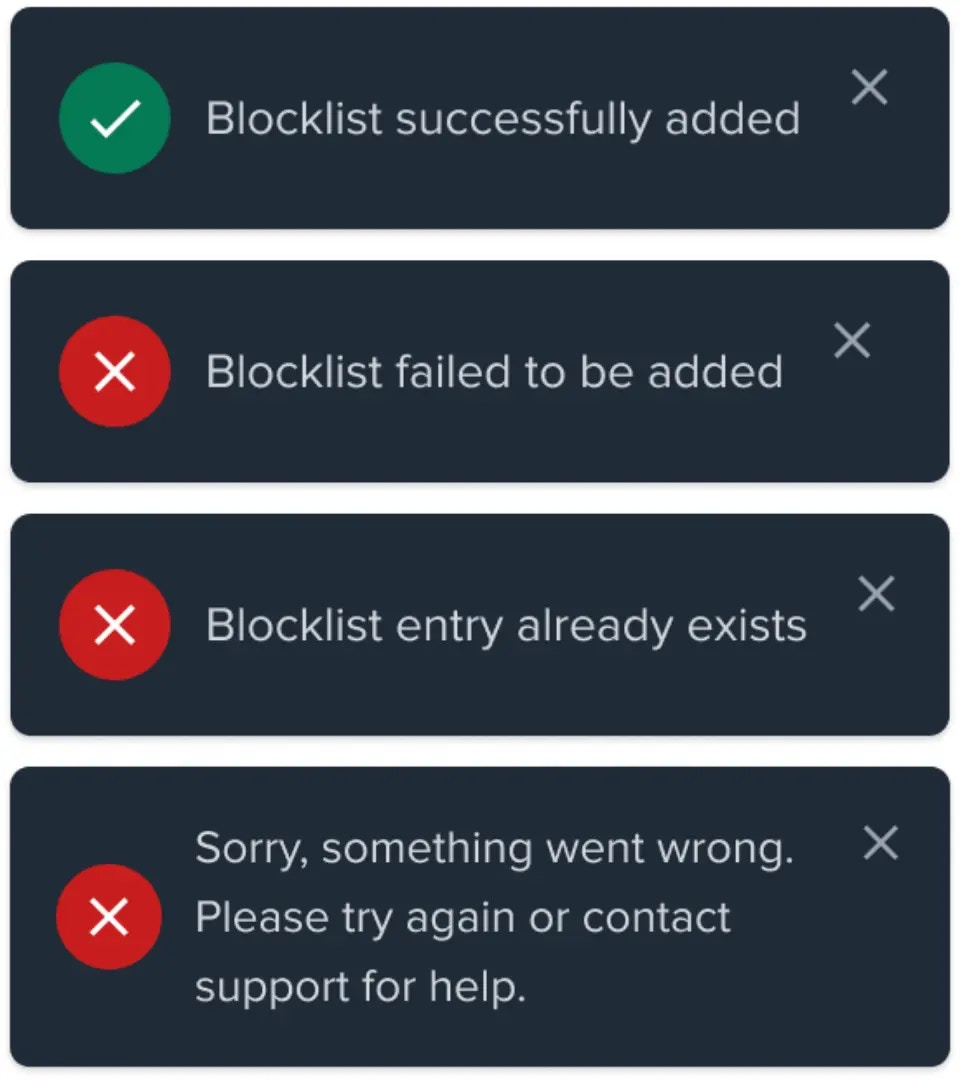
- Blocklist successfully added - no issues
- Blocklist failed to be added -
- Blocklist entry already exists - System found an existing entry that exactly matches the attributes of the entry being added
- Sorry, something went wrong. Please try again or contact support for help. – All other errors
View and Update Blocklist entry
Blocklist entry view - Attribute
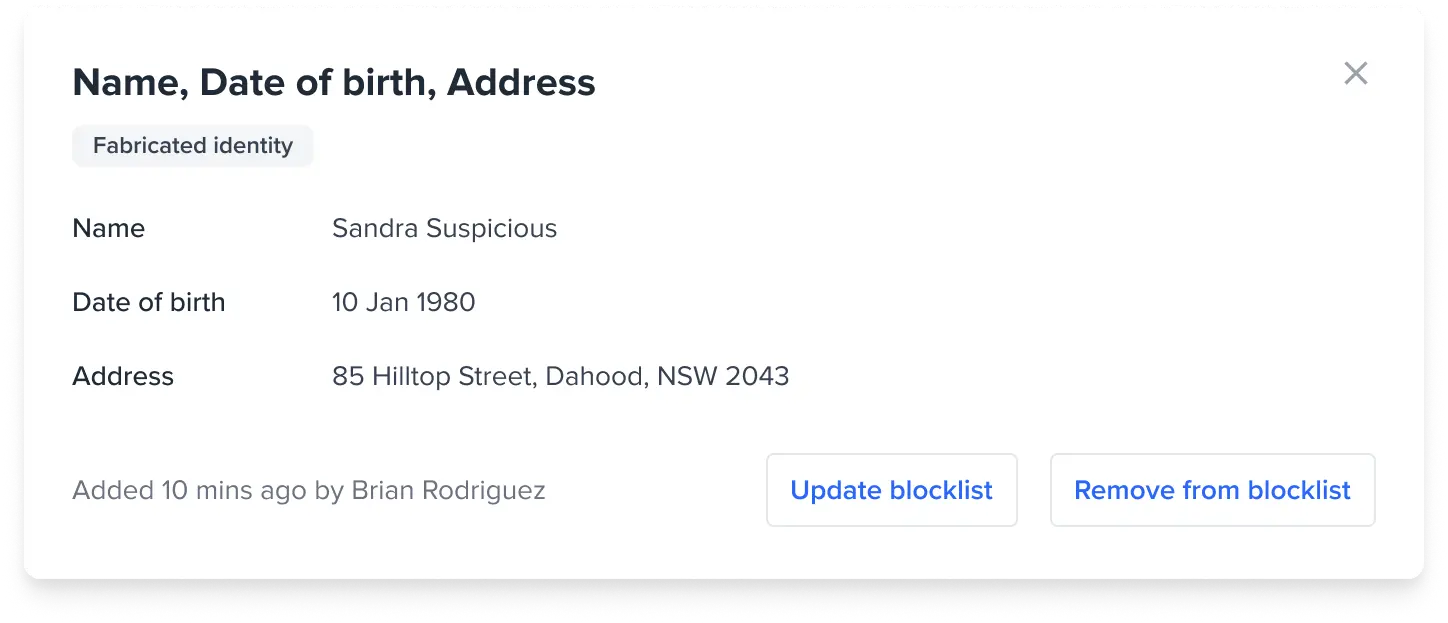
Blocklist entry view - Attribute (Update modal)
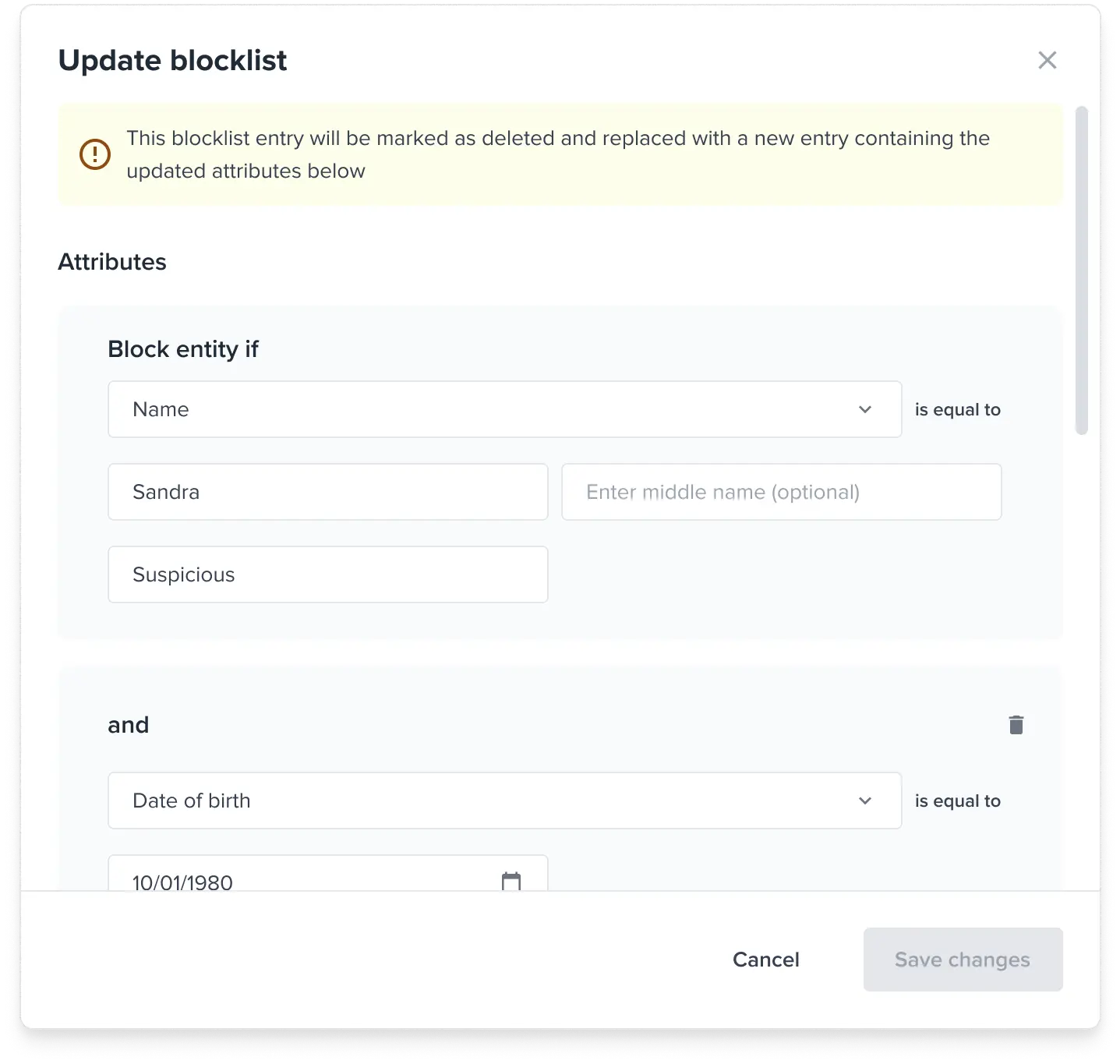
Only applicable for Attribute entries.
Blocklist entry view - Matched profile
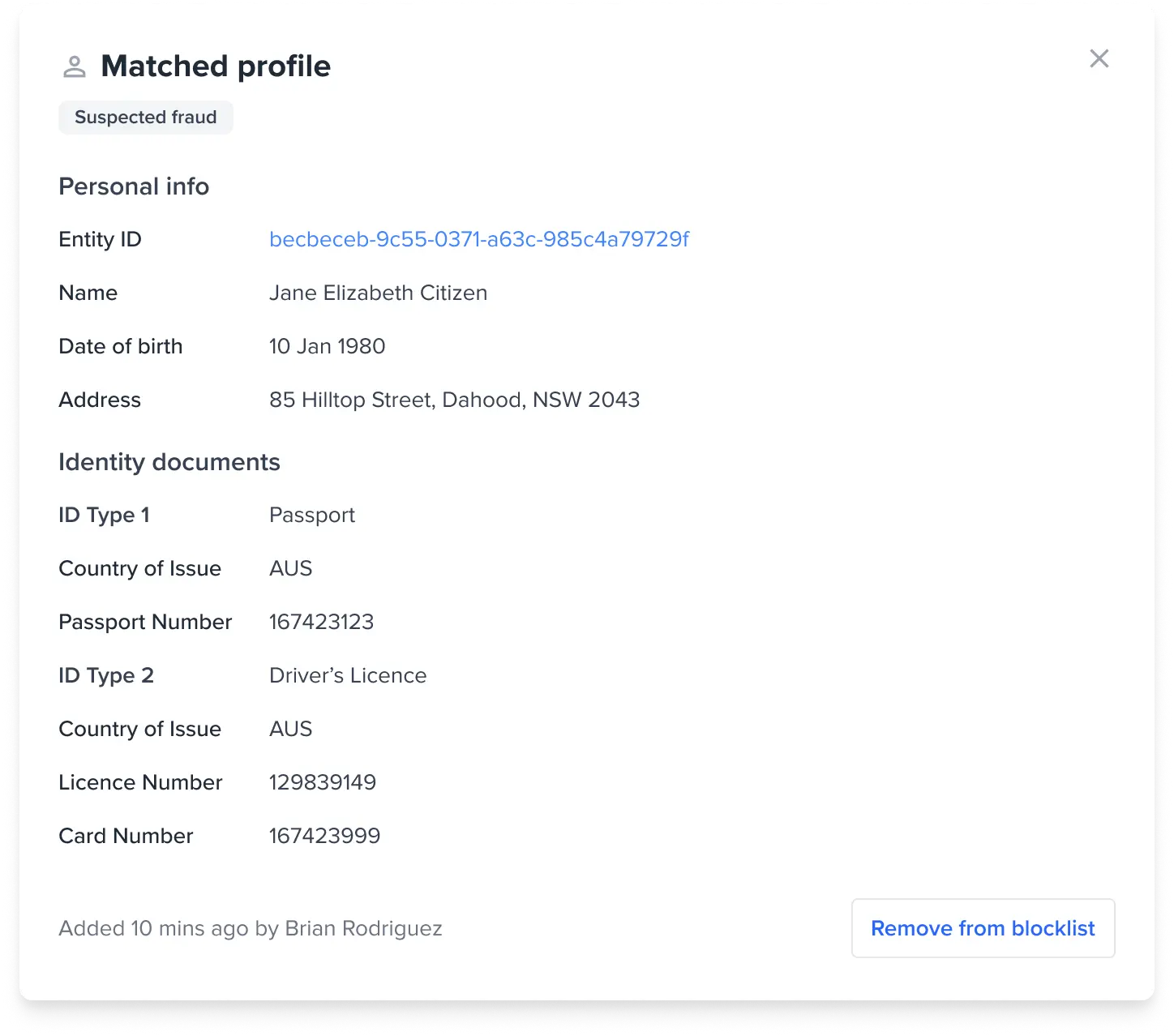
Blocklist entry view - Remove from blocklist
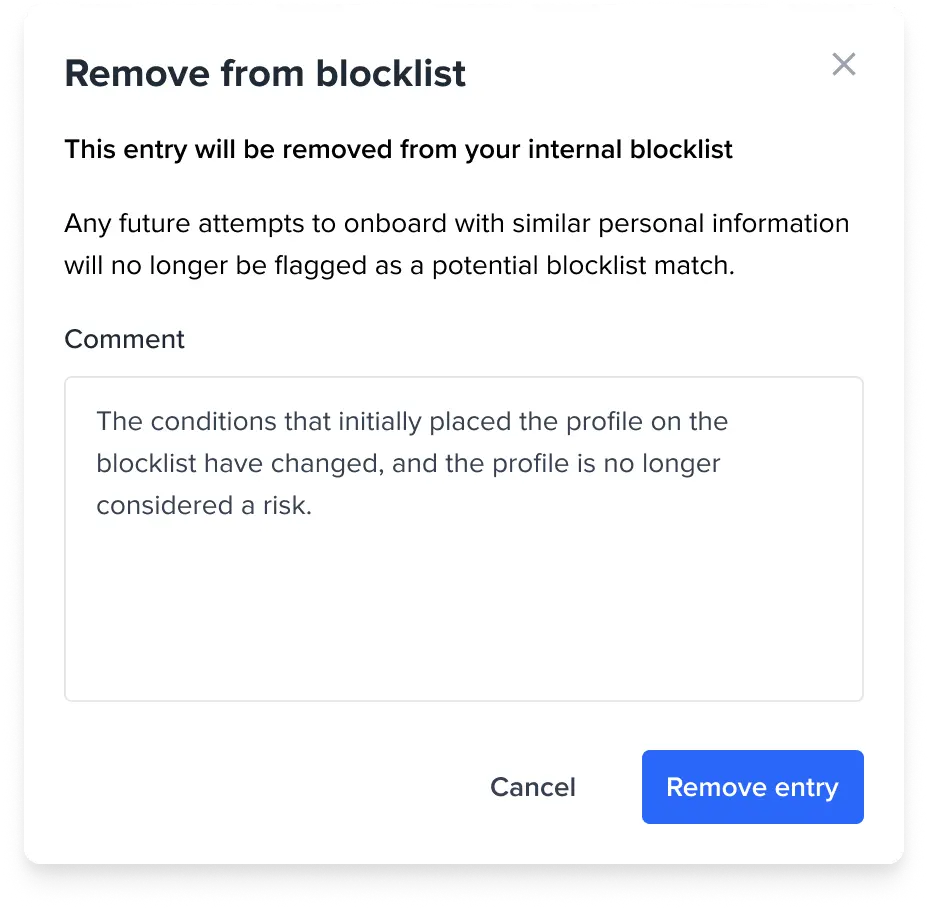
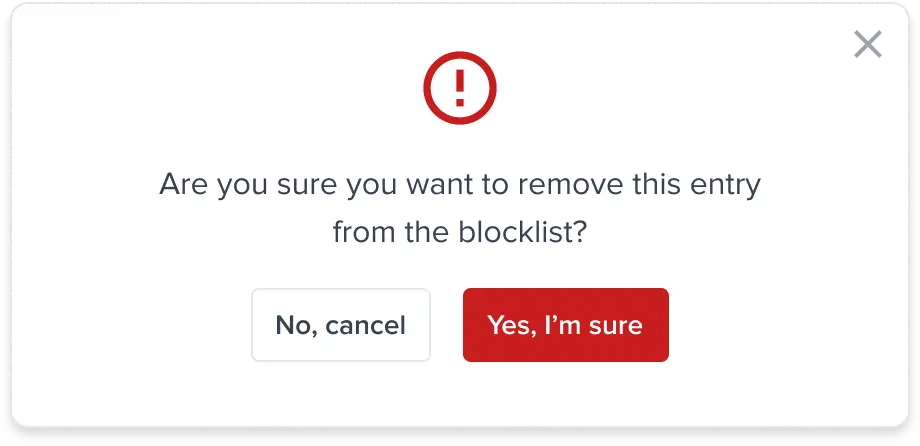
Blocklist > View entry > Remove from blocklist
As part of Portal standards, any manual review action will require a commentAdd to blocklist - loading state
Various toast messages
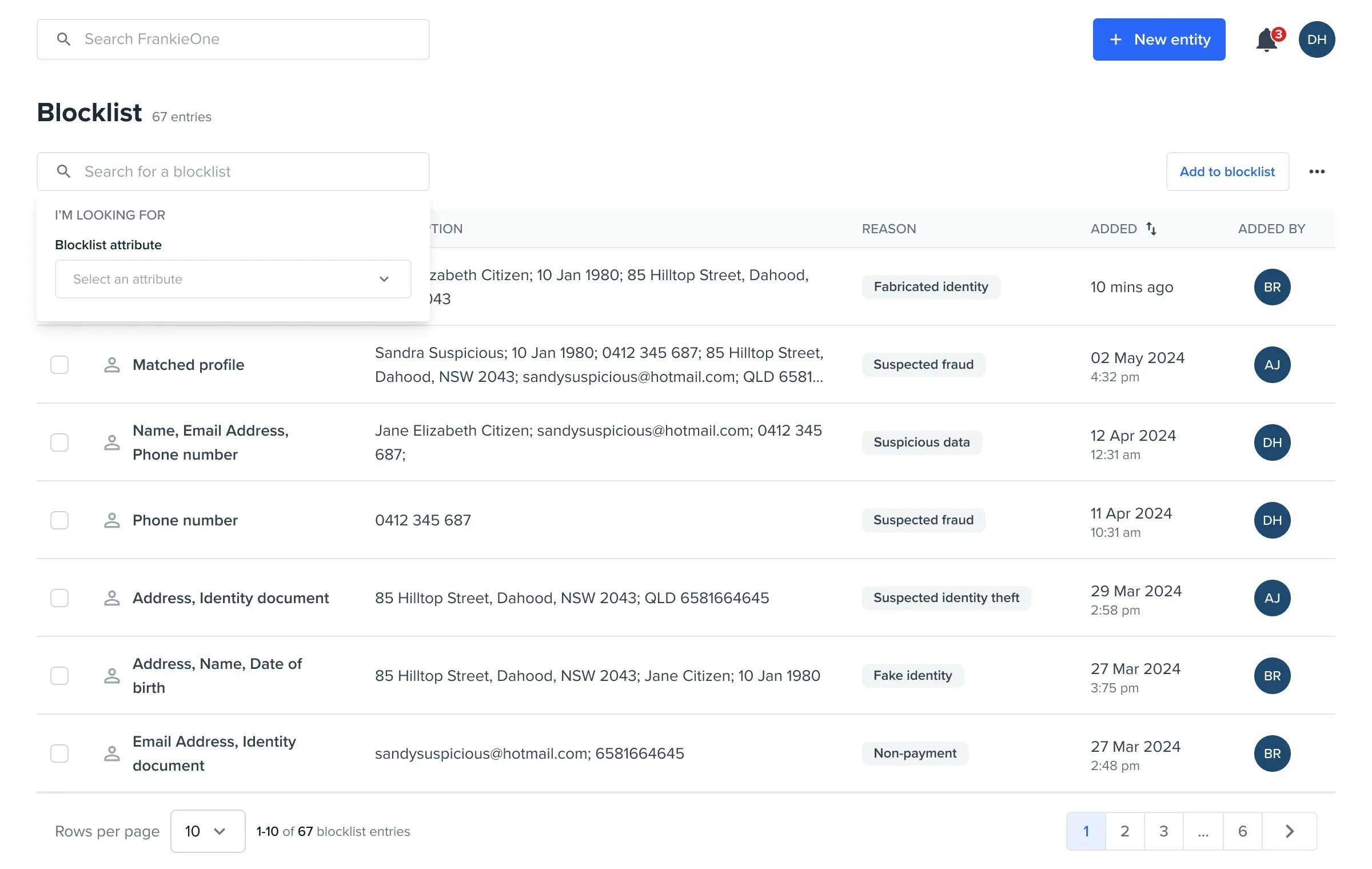
Search Blocklist Entries
Search Blocklist Entries
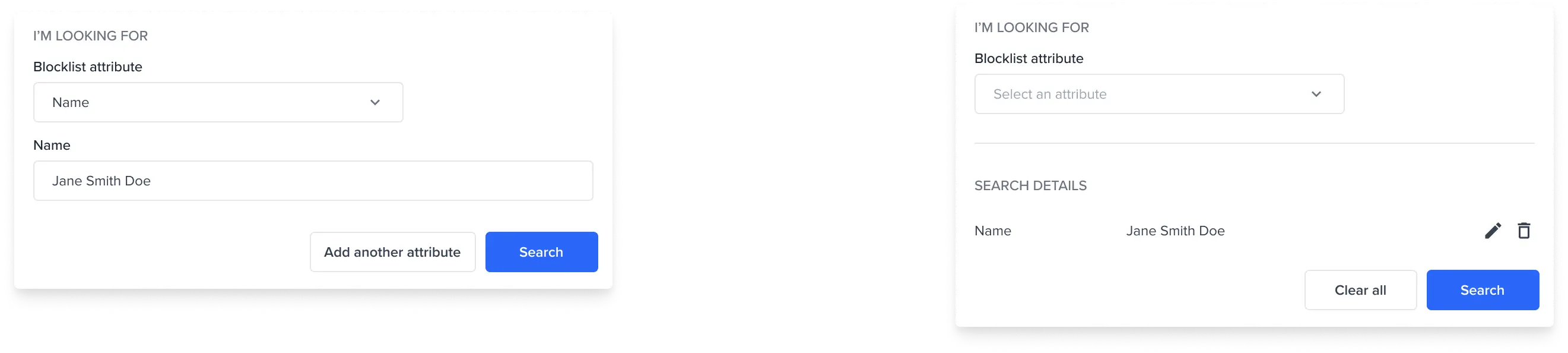
Search Blocklist Entries by Name
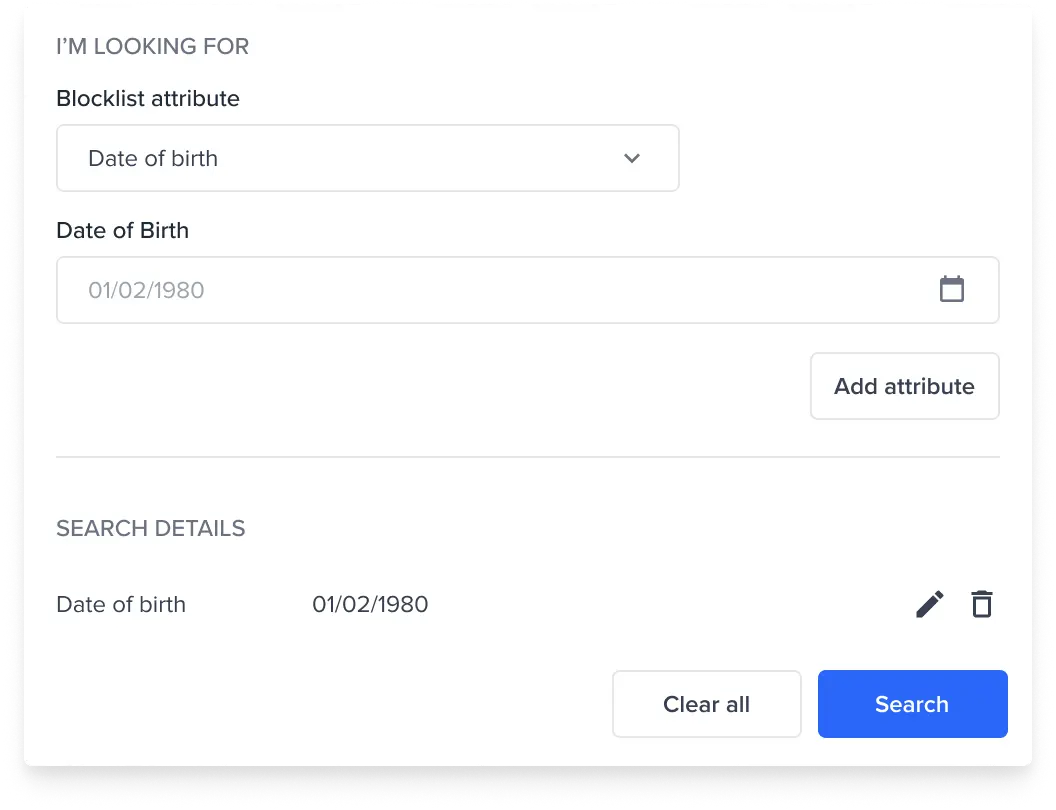
Search Blocklist Entries by DoB
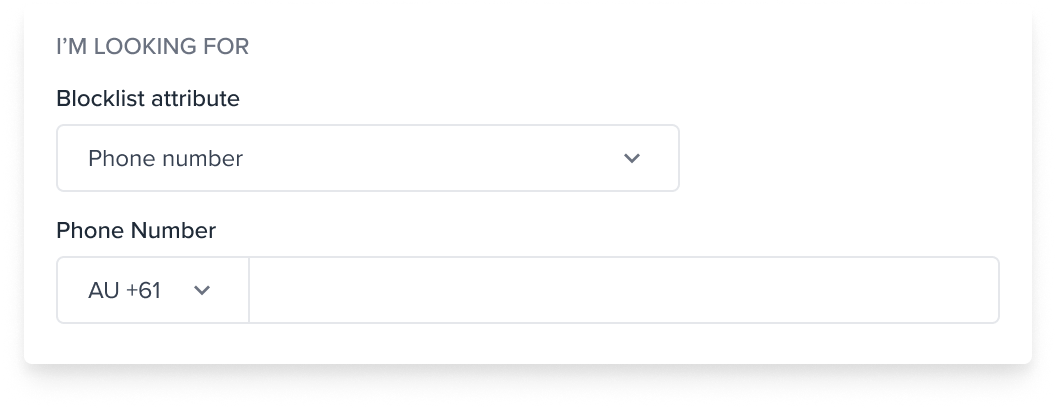
Search Blocklist Entries by Phone Number
Search Blocklist Entries by Email
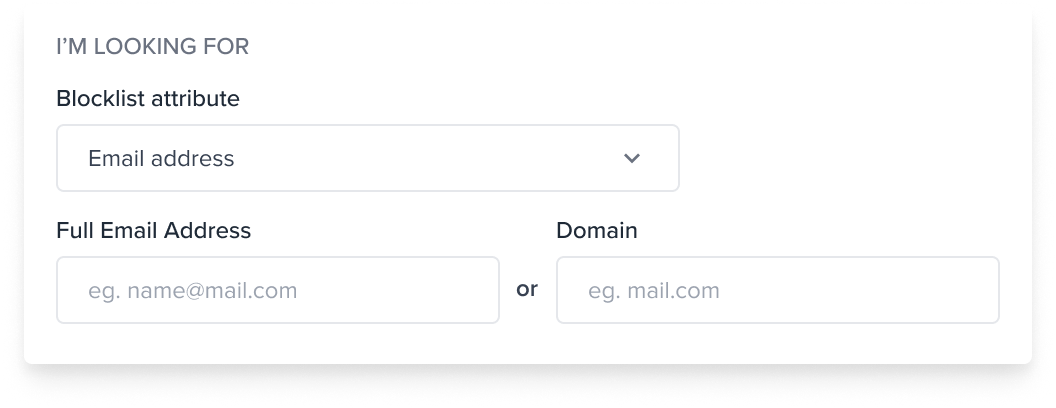
- Email address
- Email domain
Search Blocklist Entries by Address
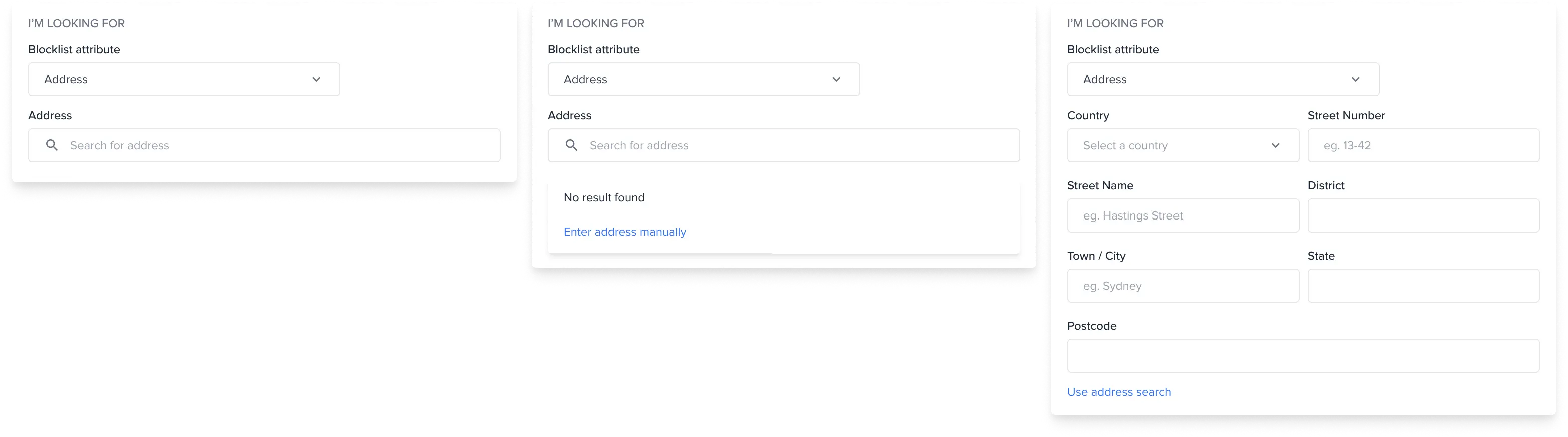
- Manual Address
- Address Search
Search Blocklist Entries by Identity Documents

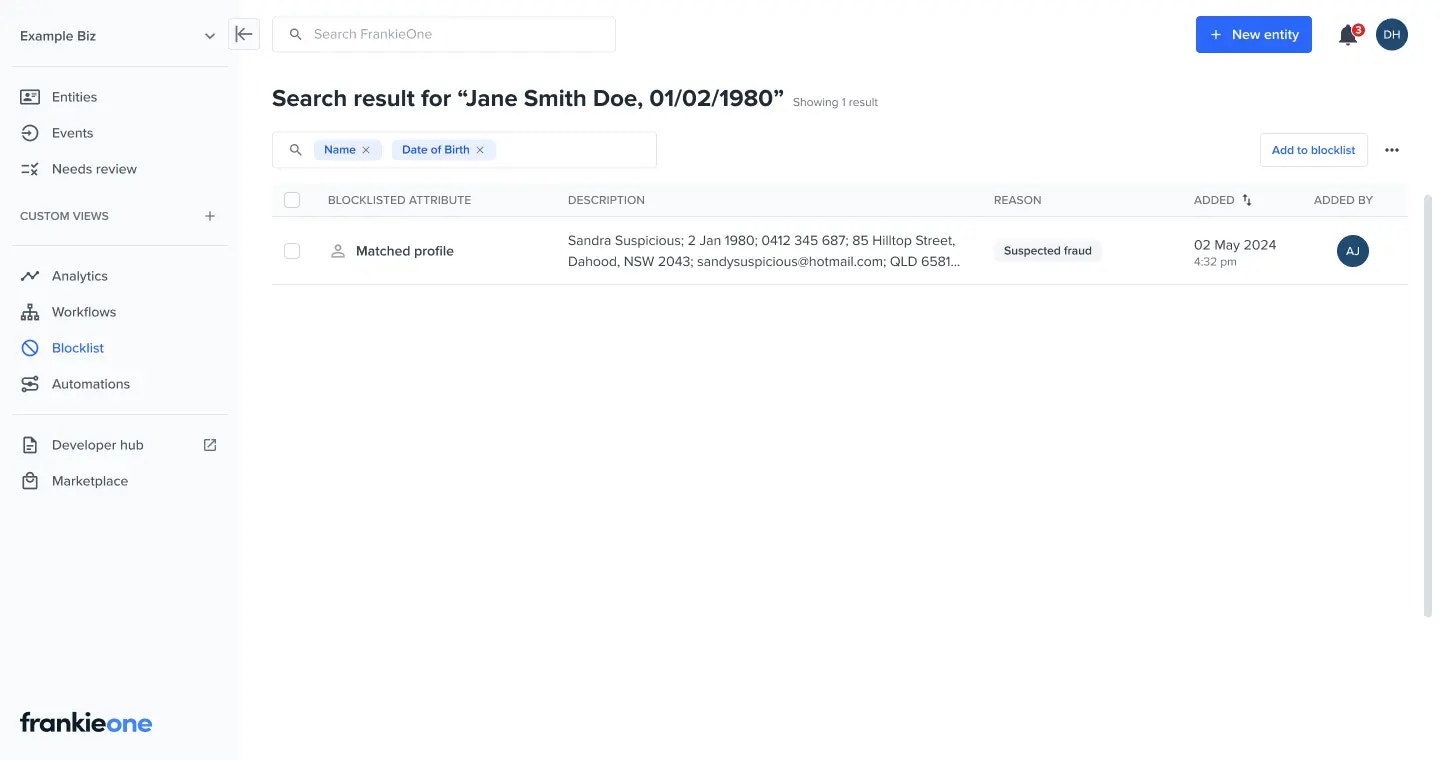
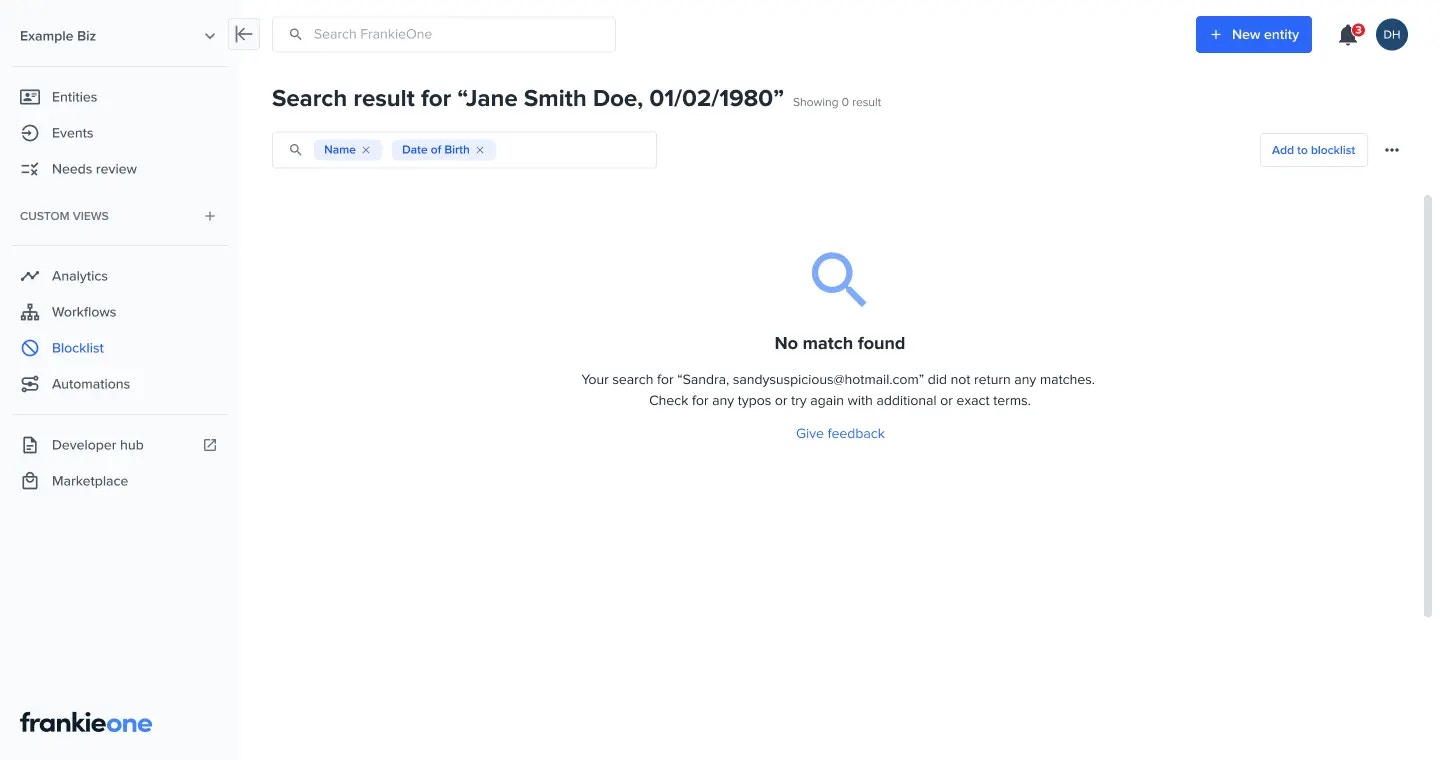
Multiple search criteria
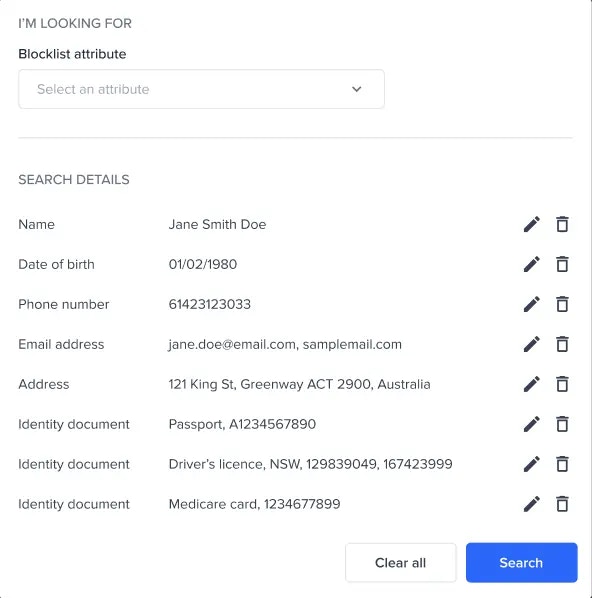
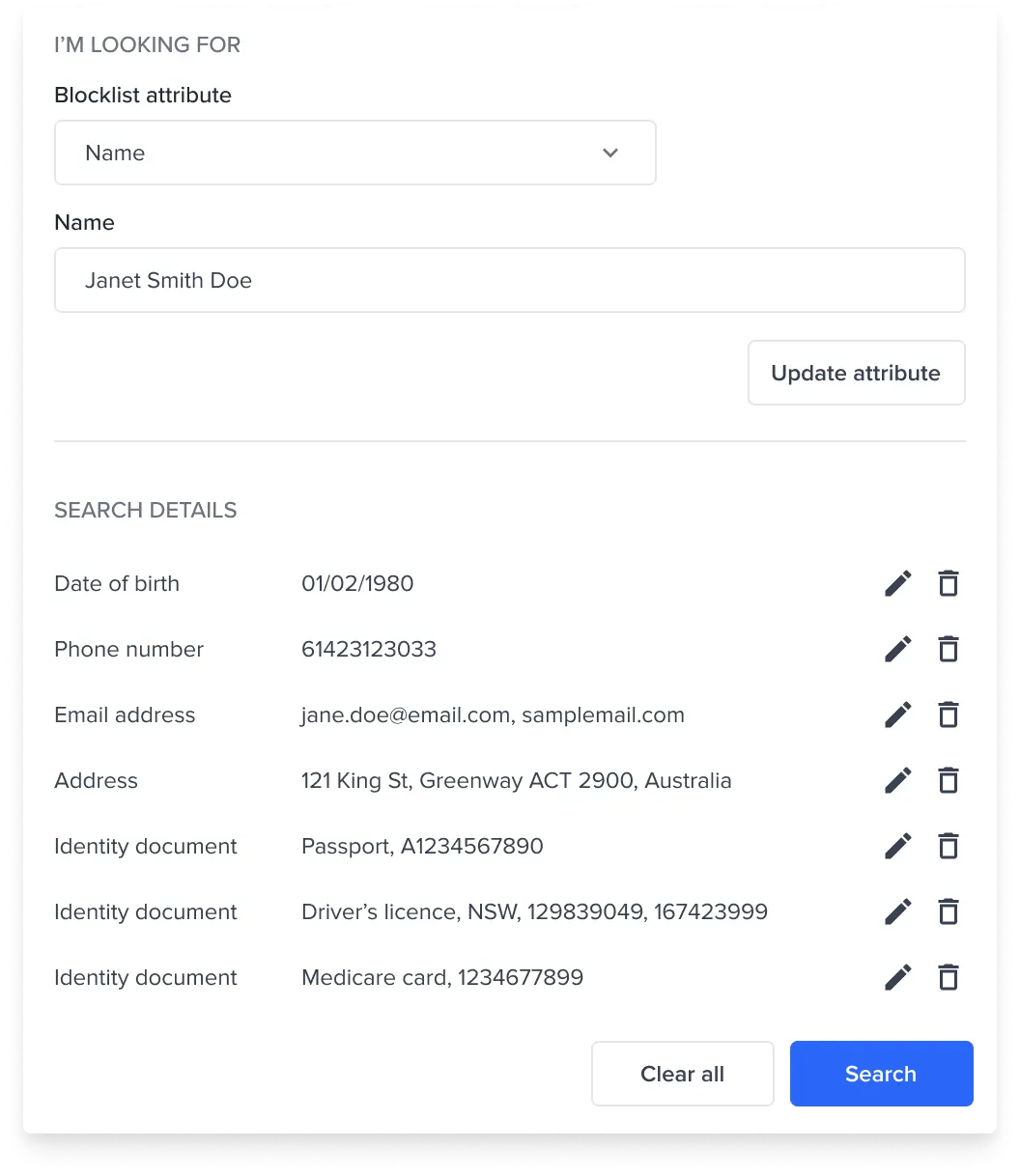
Update a search criteria
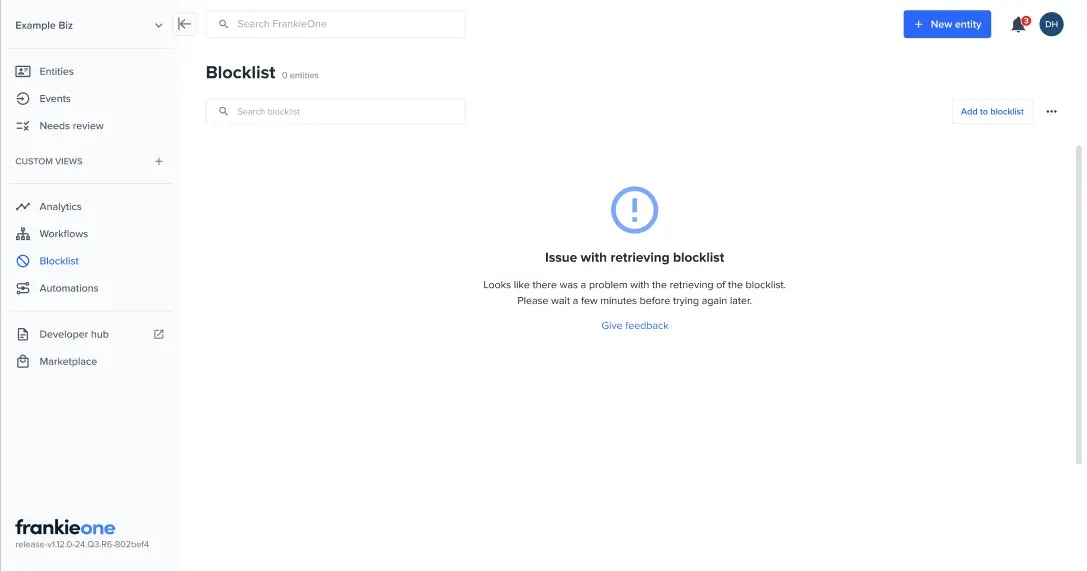
Unable to retrieve default blocklist entries
With search result
No search result
Search error