If Blocklist check is disabled or not configured for your workflow (or account), these views will not be shown.
Speak to your account manager for pricing and further information on running Blocklist checks.
Video Guide
Blocklisting existing entities
From the Entity view, you can access the actions and select Add to blocklist. As part of Portal standards, any manual review action will require a comment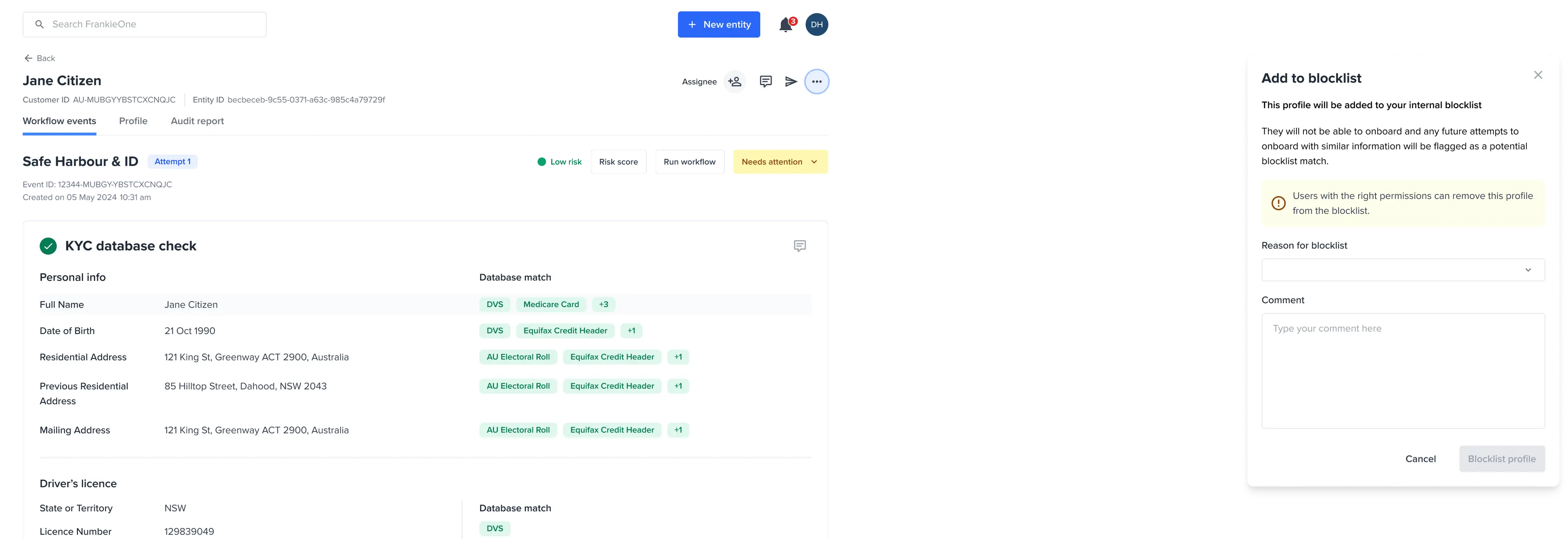
Removing blocklisted entities
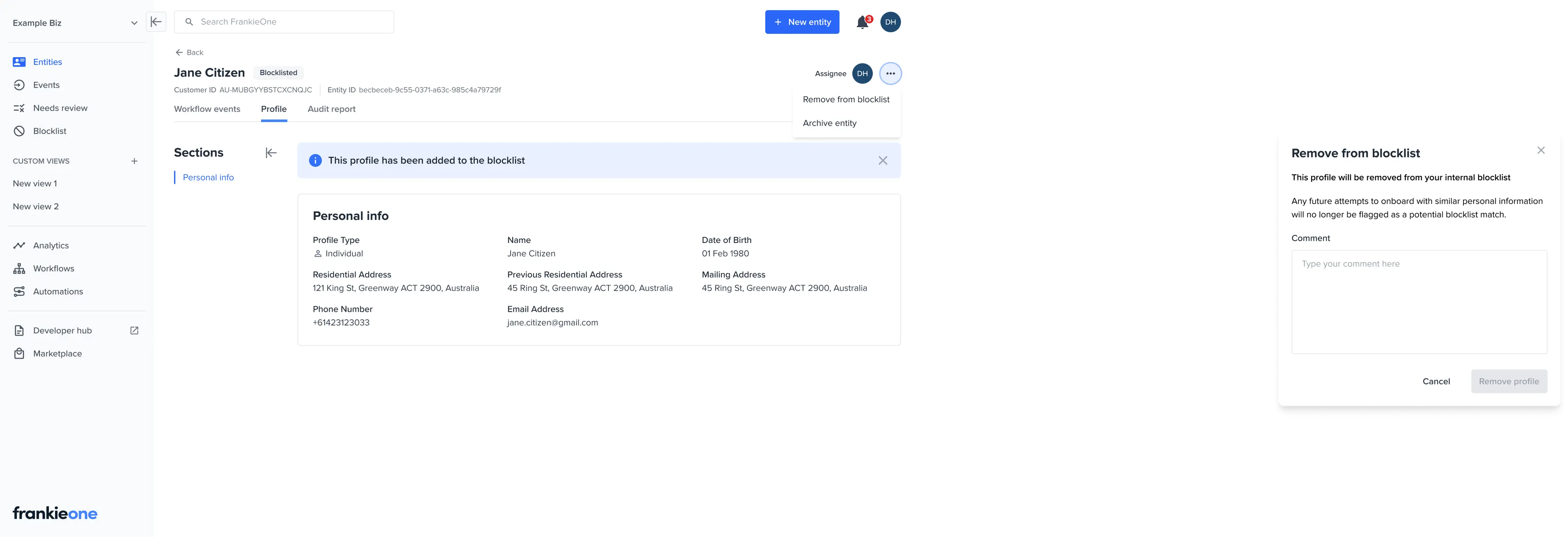
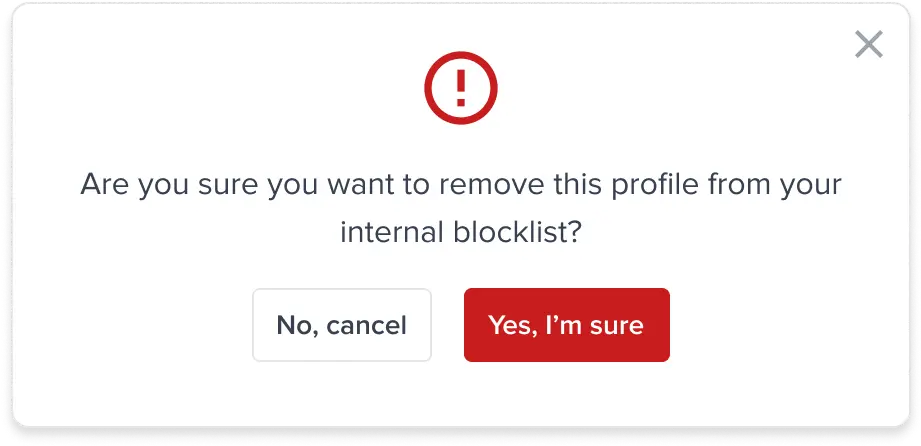
Users with appropriate permissions are able to remove an entire profile from your internal blocklist.- Open the profile of the person you would like to remove from your internal blocklist.
- From the Entity view, you can access the actions and select Remove from blocklist.
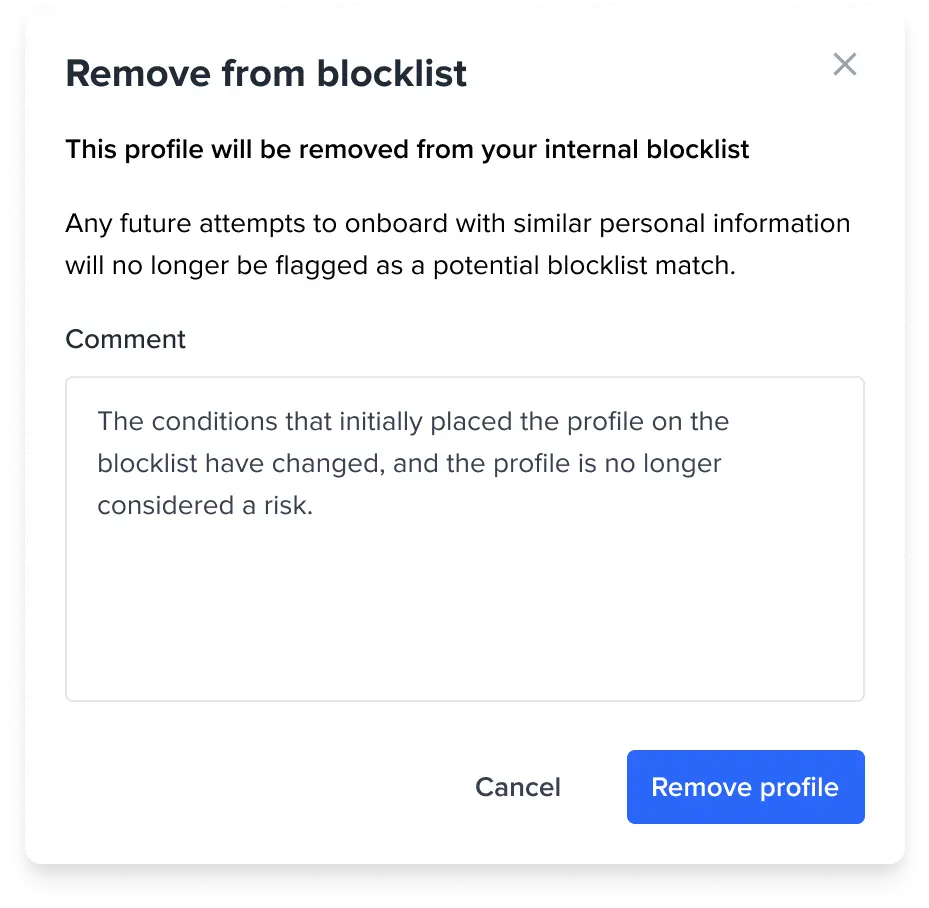
- As part of Portal standards, any manual review action will require a comment