Add an individual attribute to the blocklist
- Open the Blocklist page (if this menu item isn’t visible it may be because you don’t have permission to view this page).
- Click Add to Blocklist.
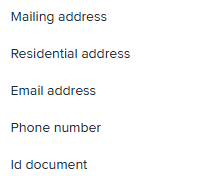
- Select the blocklist type from the dropdown. The form fields will populate based on the information needed for that blocklist type.
- Enter the information including a reason code and comment and click save.
Blocklist Search
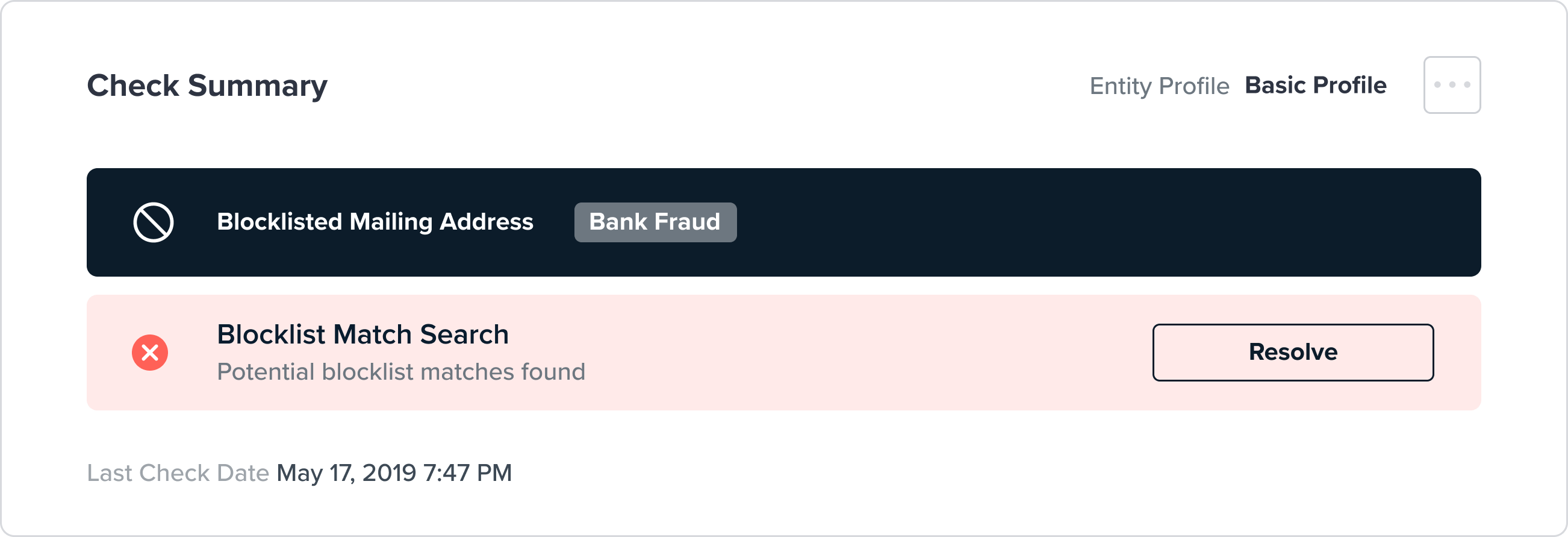
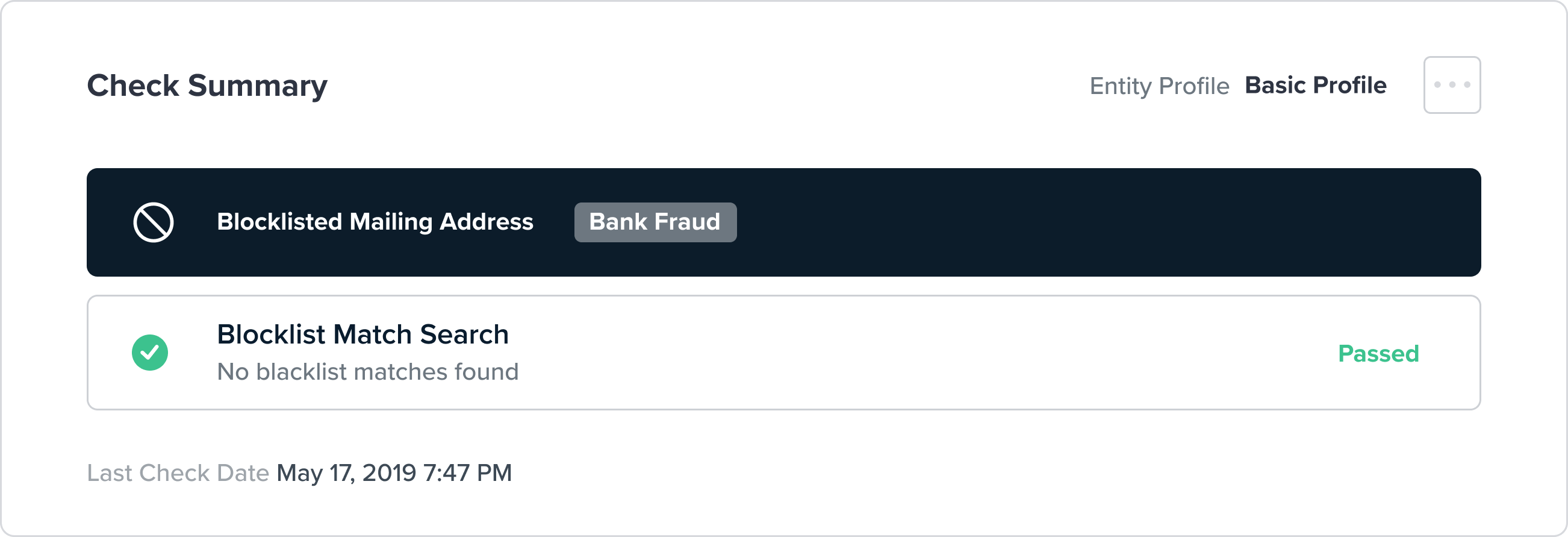
Once you have saved an attribute to the blocklist, FrankieOne runs a search to see if there are any matches found on existing profiles. If a match is found you will see the result in the “Blocklist Search” check in the check summary. Matches must be marked as true positive in order to confirm the blocklisting. Otherwise the existing profile that has been identified as a potential match will remain in the system and unaffected.