

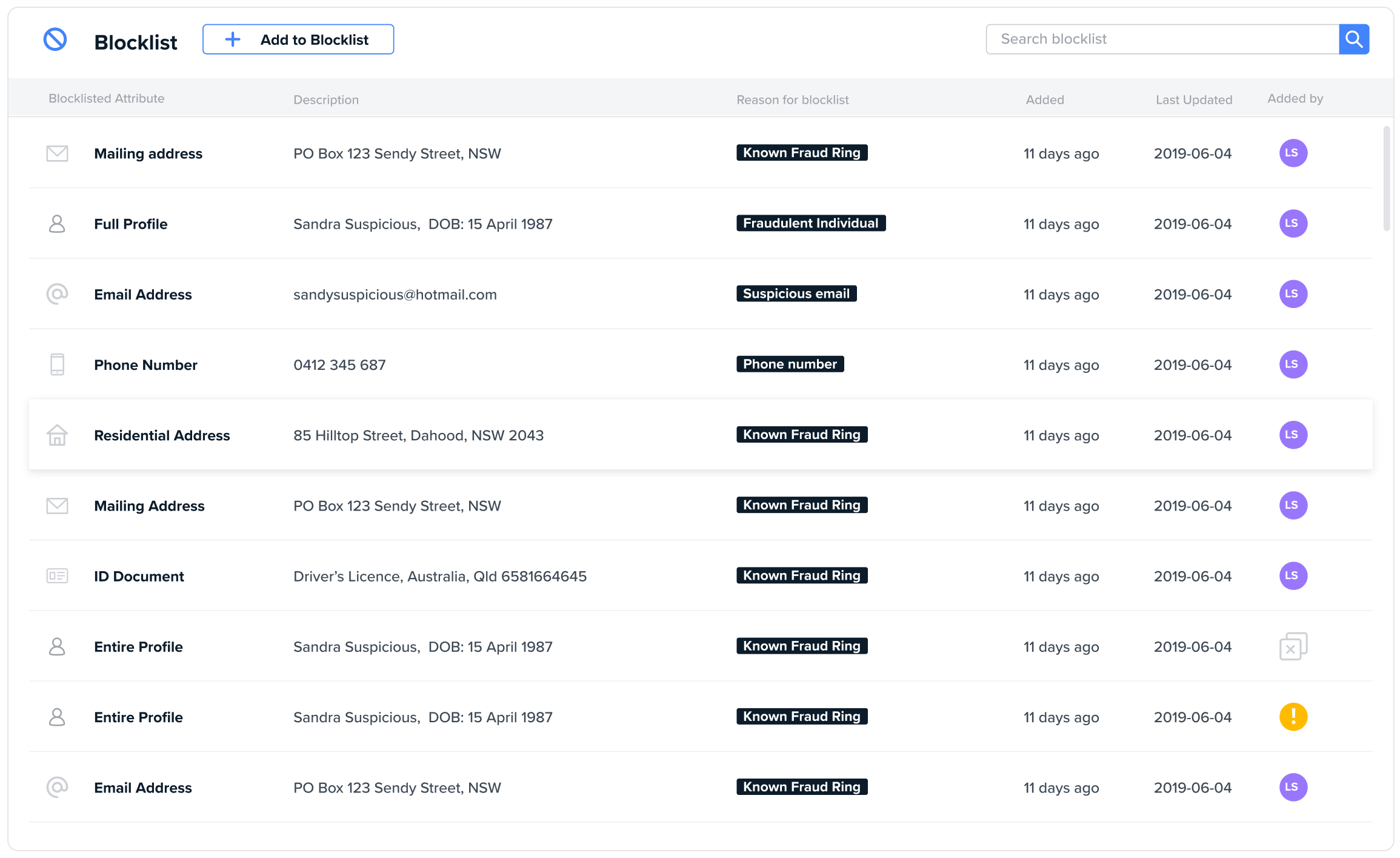
- View every profile or individual attribute that’s on your internal blocklist,
- Search the description,
- Filter by attribute type, reason code, date, and the user who added to the blocklist; and
- Add to the blocklist.

True Positive Blocklist Match
This is a full customer profile that has been entered into the system either manually or via API and has been matched against either an entire profile or individual blocklisted attribute. Someone has manually reviewed this profile and marked it as a true positive against an existing blocklisted profile or attribute. No user action is required.