User Management
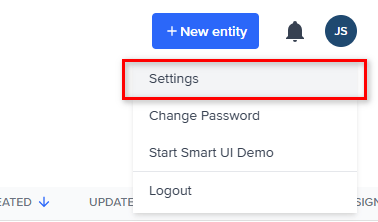
The User Management tab displays a list of all users currently registered in your FrankieOne portal as well as the roles that are assigned to them.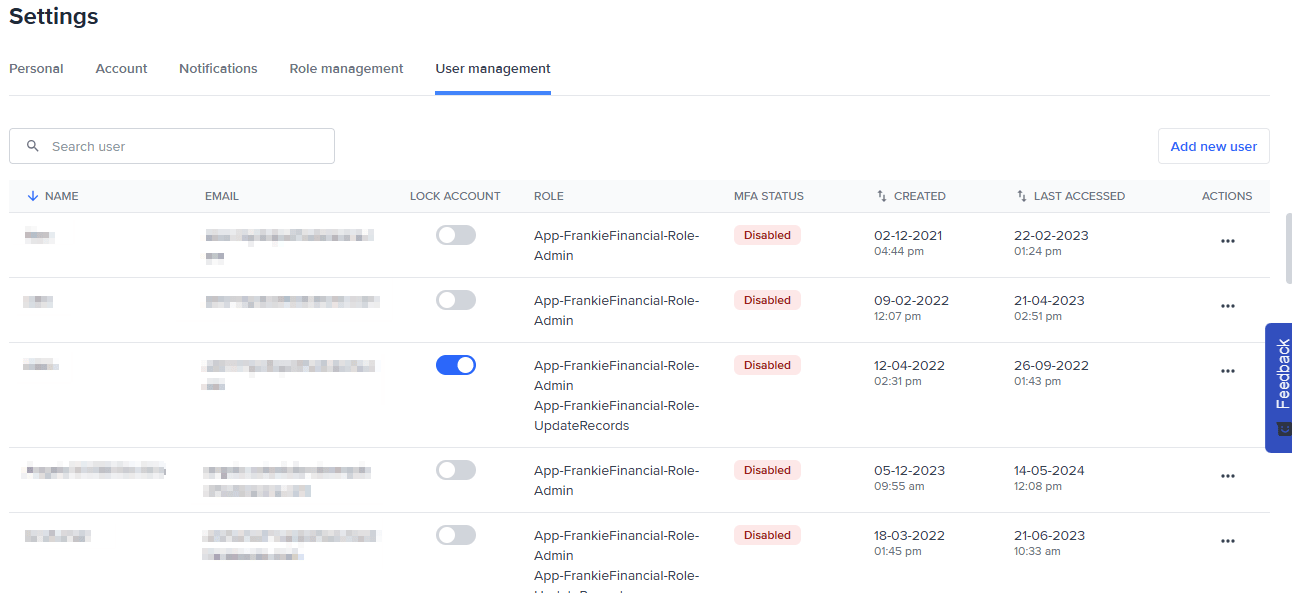
Add a New user
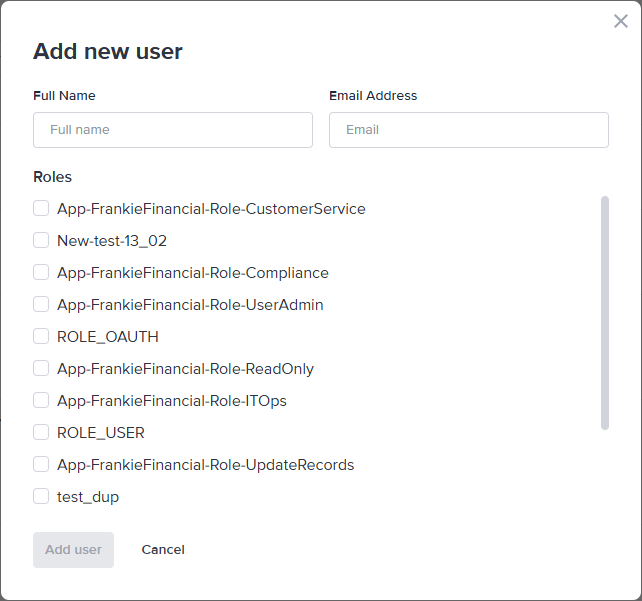
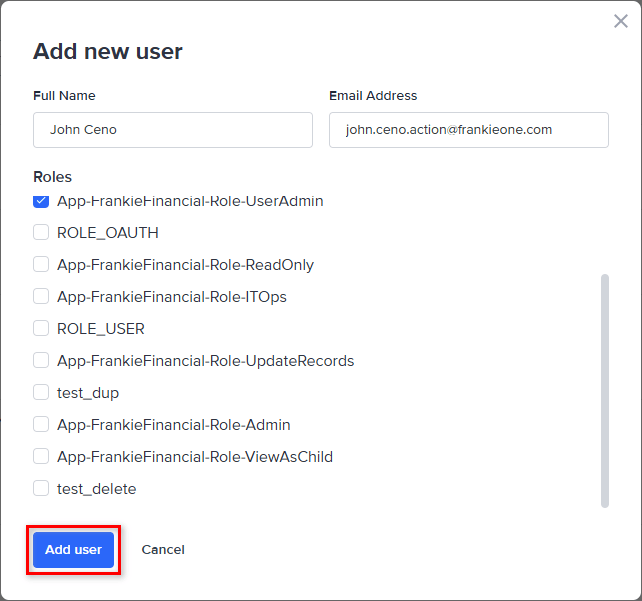
Click the Add new user button and enter the name and email address.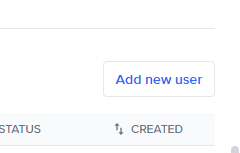
Lock a User
Locking a user prevents the user from having access to the FrankieOne Portal, however leaves their profile in the FrankieOne system for audit purposes.
Reset the Password
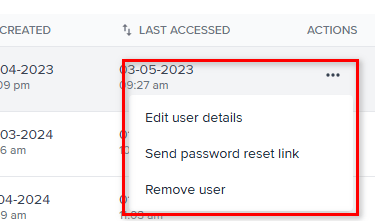
To send a reset password link to a user, click the lock icon associated with that user. This will email a link to the user with instructions on resetting their password.