

- Open the entity profile.
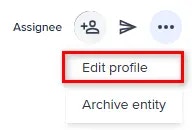
- Select Edit profile from the profile menu.
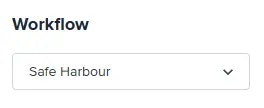
- In the Edit entity details page, select the preferred workflow from the Workflow dropdown menu.
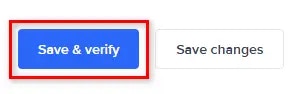
- Select Save & Verify to run the new workflow.
A workflow allows you to change the combination of checks that are performed on a entity.