Video Guide
Introduction
The Workflow Viewer is a powerful tool designed to help you and your team members understand verification workflows. It provides an intuitive interface for viewing the configured verification processes that has been setup for your account.Benefits
Complete Visibility
Instantly view and explore every verification step, condition, and action in your workflows.
Faster Training
Use clear visual diagrams to train new staff with confidence.
Compliance Made Simple
Quickly validate workflow configurations for audits and regulators.
Clear visual overview
Easily see the overall structure of your workflow for fast review and verification of key information.
User Interface overview
Main screen
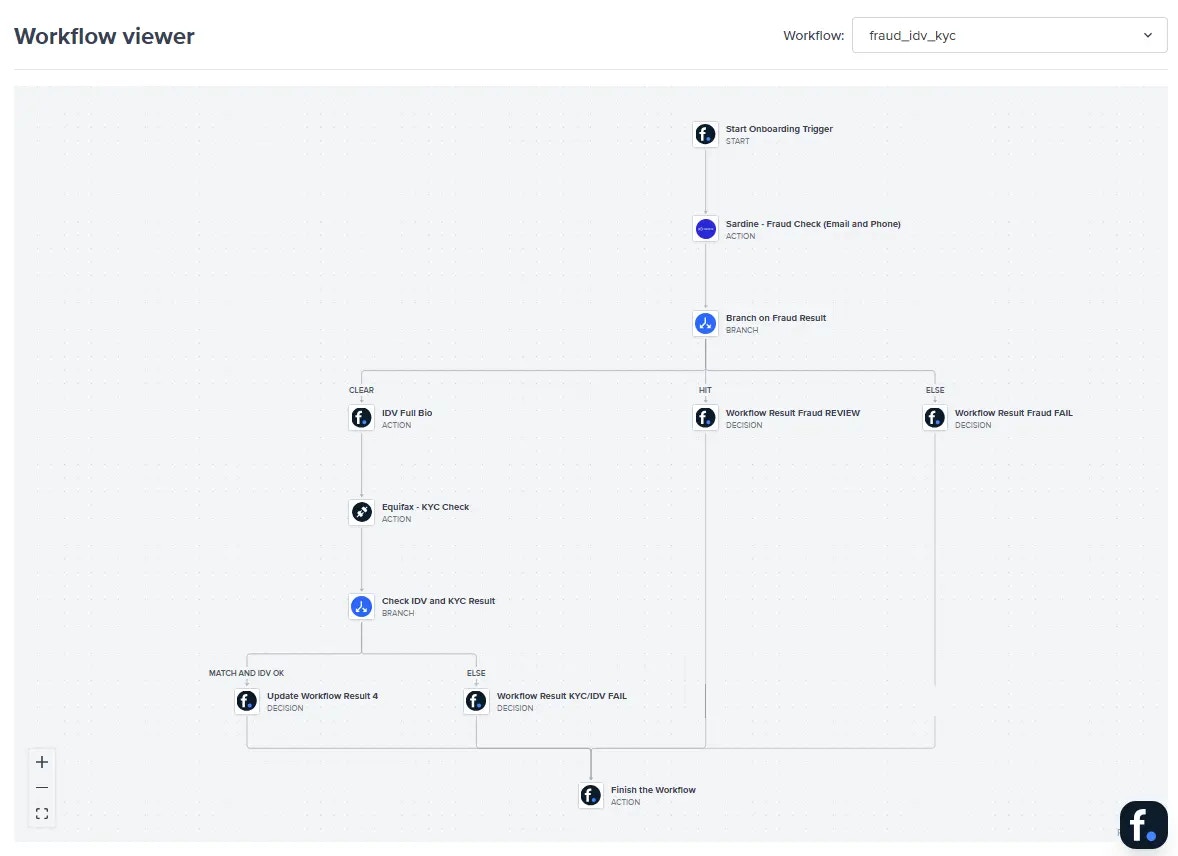
Workflow
This is a dropdown displaying all the workflows available in your account. Canvas The main workspace where the workflow’s details is visualized based on how it’s been configured for your account with all the different services and conditions. Canvas Navigation- Pan: Click and drag on empty areas of the canvas to move around
- Zoom: Use mouse wheel or zoom controls to adjust the view
- The canvas provides visual feedback through cursor changes to reflect different actions
Properties
When you select a workflow component on the canvas, this panel displays its properties and configuration options.Workflow Components
The Workflow Visualiser includes various components such as but not limited to:Verification Checks
- Gov ID: Identity document verification
- Biometrics: Facial recognition and liveness detection
- Supporting Documents: Upload and verification of additional documents
- PEP/Sanction/Adverse Media: Politically exposed persons and sanctions screening
- Name Validation: Verification of identity details
- Visa: Visa validation checks
- Blocklist: Check against blocklisted entities
- Duplicate: Check for duplicate entities
- IDV: Identity verification
- KYC Steps: Know Your Customer verification (includes Equifax and Experian)
- Risk Decision: Risk assessment and decisioning
Flow Control
- Integration Trigger: Starting point of the workflow
- Conditionals: Logic branches based on verification results
- Set Entity Recommendations: Configure recommendations based on verification outcomes
Common Issues
Connection Errors
Connection Errors
Issue: FrankieOne service is unavailable and is unable to retrieve your workflow configuration.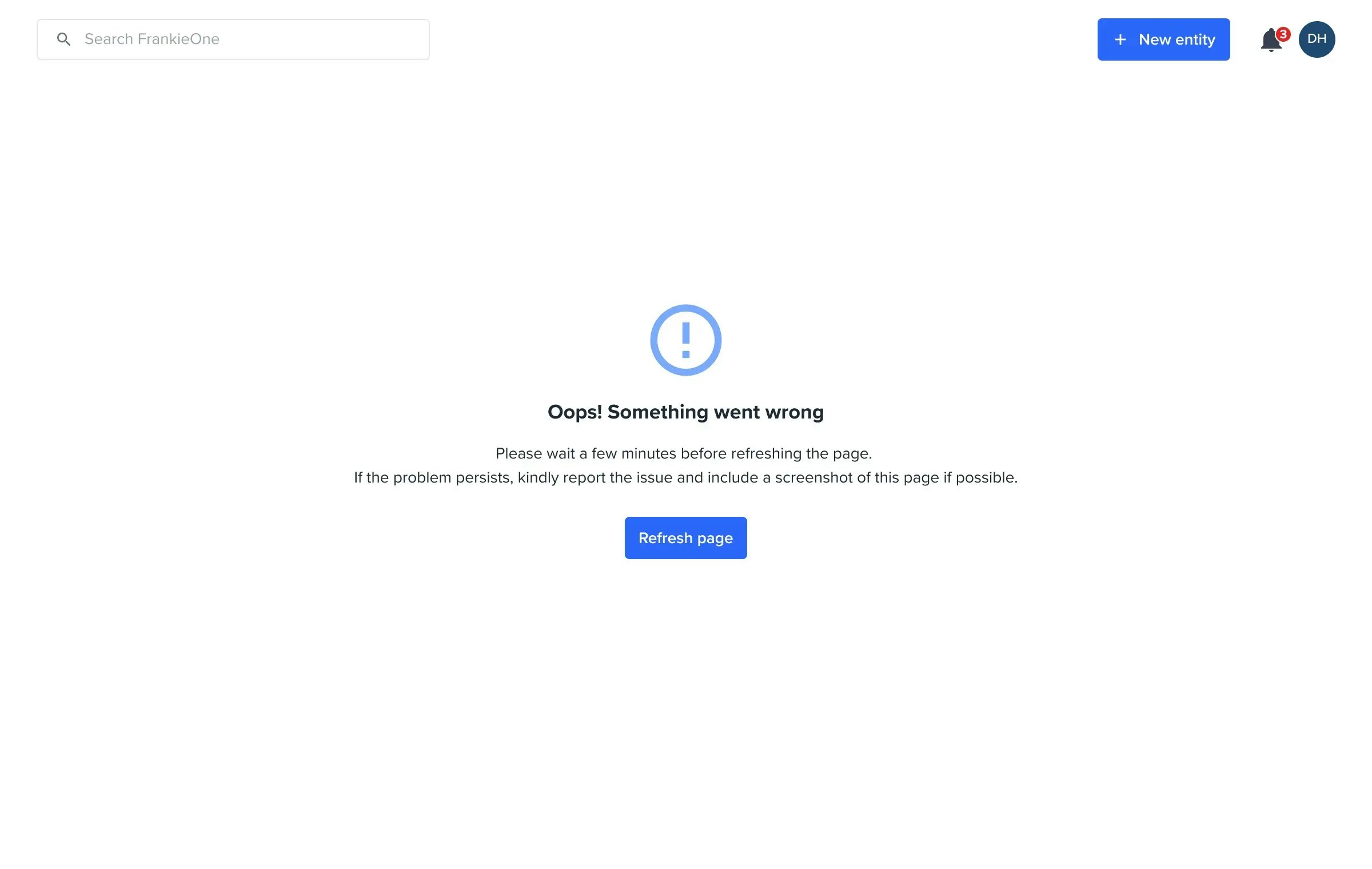
Issue: Workflow service is down and is unable to retrieve your workflow configuration.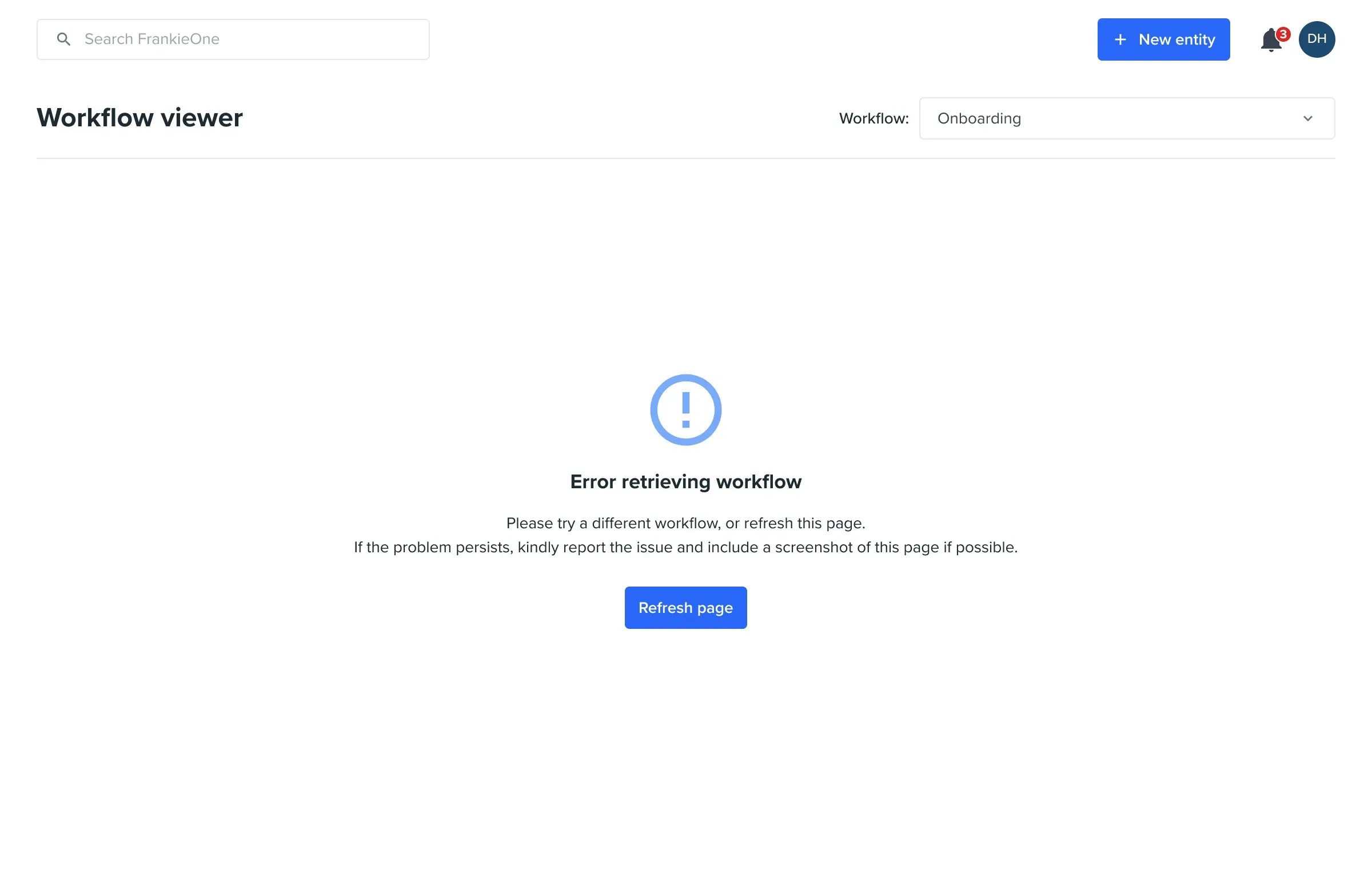
Issue: Workflow service is down and is unable to retrieve your workflow configuration.
Configuration Errors
Configuration Errors
Issue: Workflow has not been fully configured. Verify that all required properties are set for each component.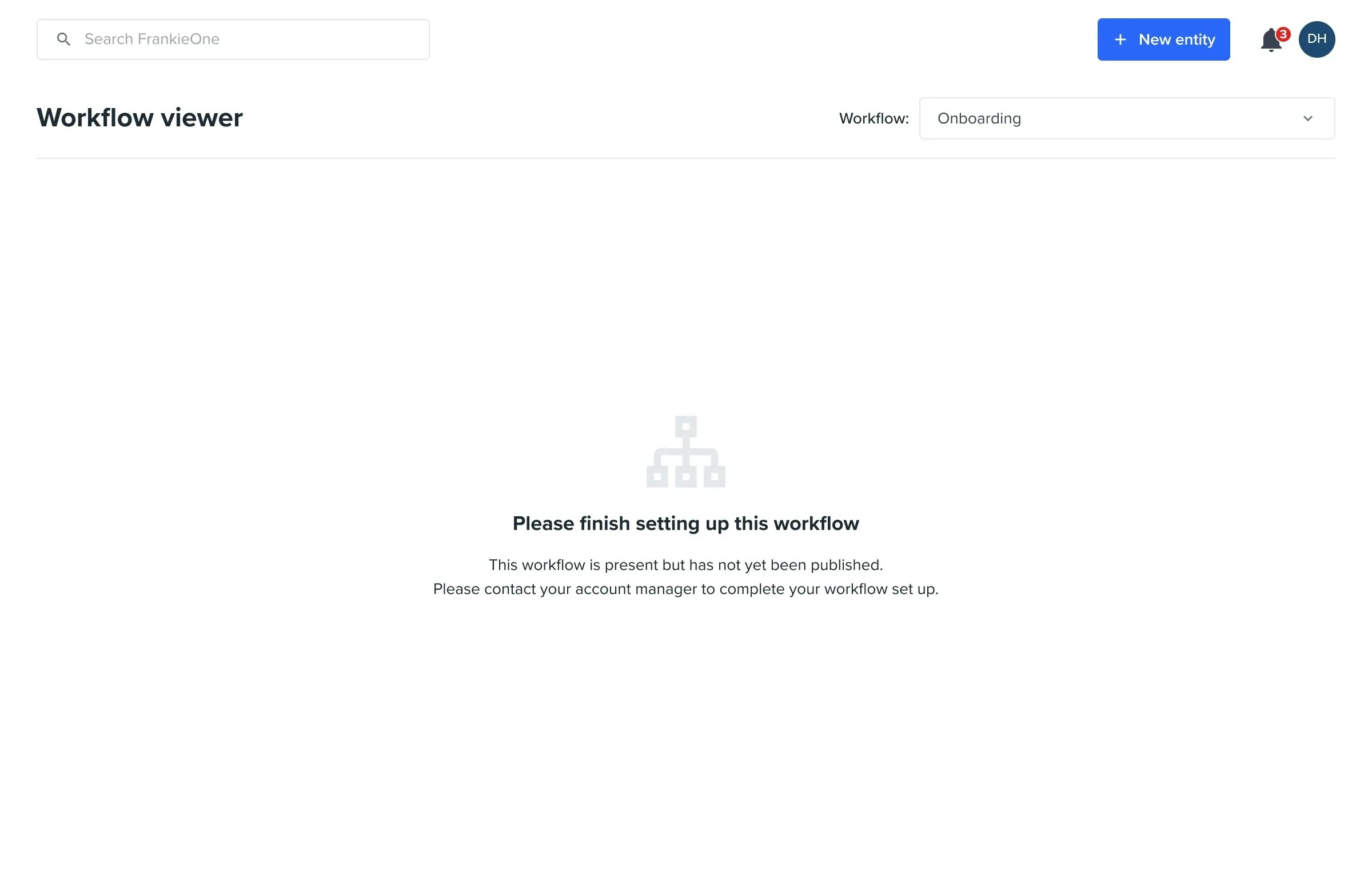
No workflows have been setup
No workflows have been setup