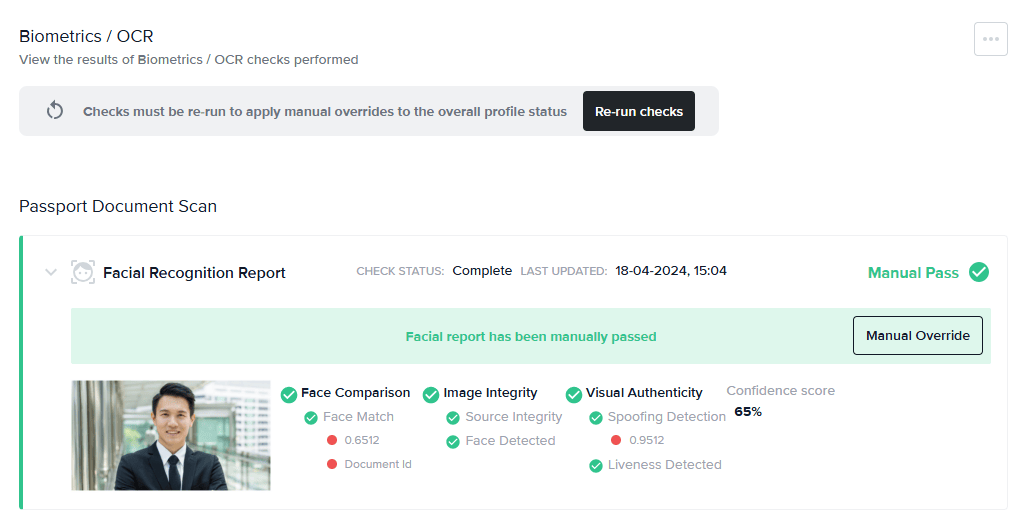
Manual Pass
If you have manually reviewed a profile and are satisfied with the details of the check, you may override the result with a Manual Pass status. If all of the other Biometrics/OCR reports and other checks as part of the associated recipe have also passed, this will move the entire profile into a Manually Passed state and allow the applicant to onboard.Manual Fail
If a report shows a clear status and you aren’t happy with the result, changing a result to Manual Fail will result in the entire profile being Manually Failed , and the applicant won’t be able to onboard.To manually override the result of a Biometrics/OCR report:
- Click Manual Override.
- Select Manual Pass or Manual Fail.
- Enter a comment.
- Re-run checks.